TagTrek for Students — Label School and Uni Gear the Smart Way
How students can use TagTrek QR tags on laptops, backpacks, calculators and keys, so anything left in a lecture hall, library or locker room finds its way back.
Student life is basically a long series of rooms you leave in a hurry. The lecture runs over, the library closes, your friends are already at the door, and somewhere behind you is a laptop charger, a graphing calculator, a water bottle or the keys to your flat. Campus lost-and-found boxes are full of things that someone would happily return, if only they knew whose they were.
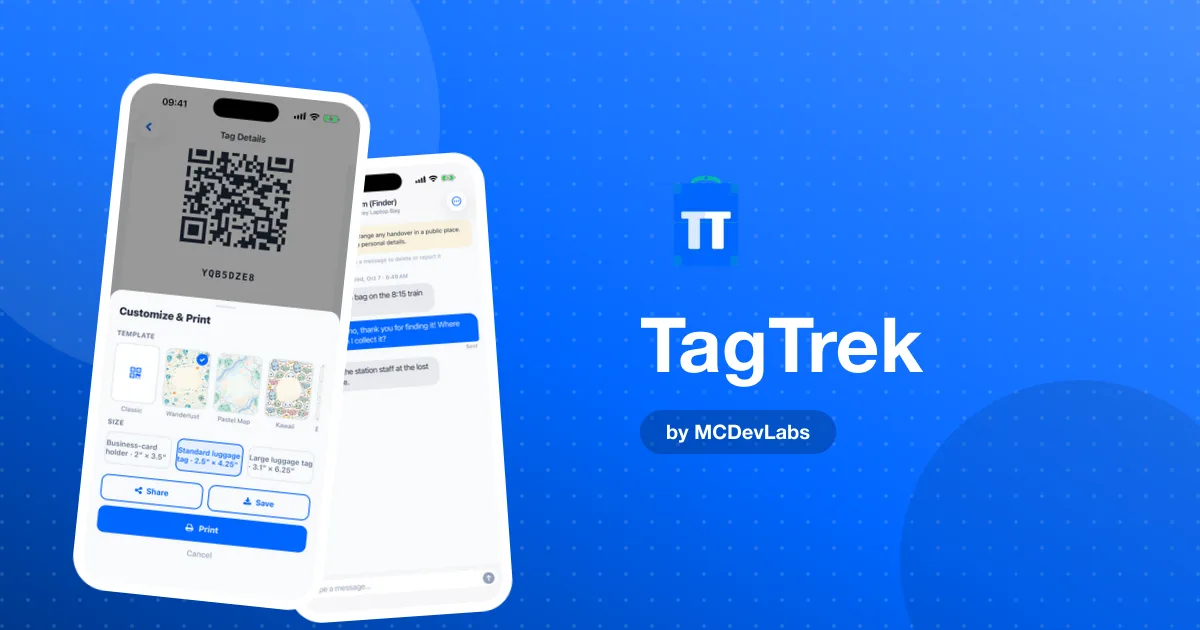
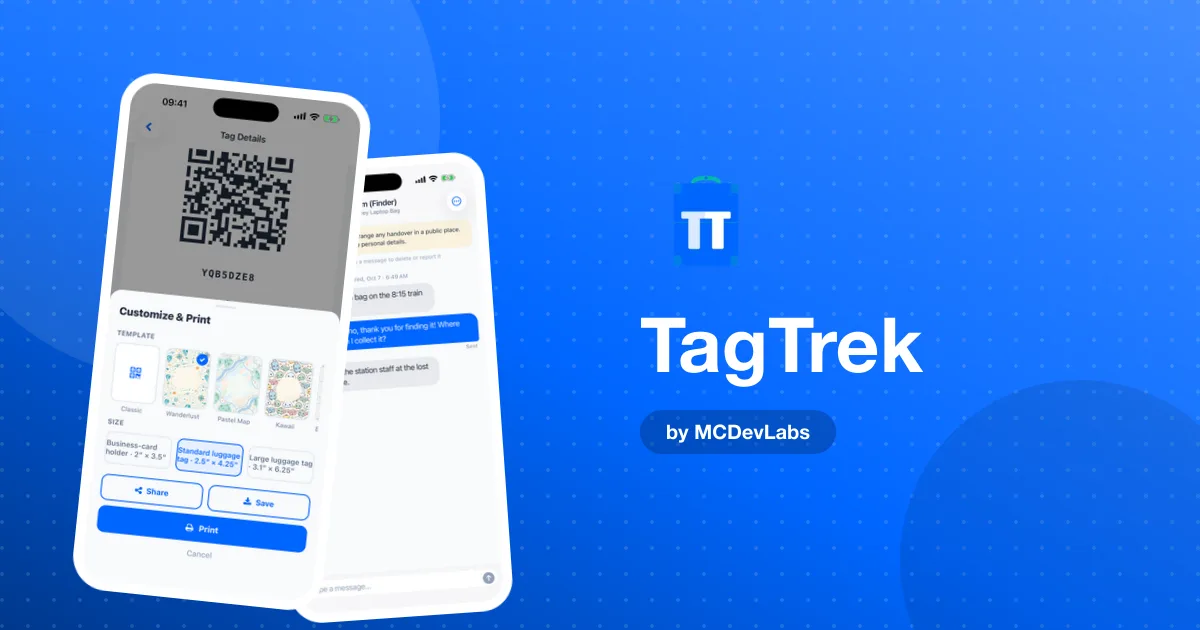
Writing your name on everything in marker doesn't help much. A name isn't a way to contact you, and putting your phone number on a sticker for the whole campus to read isn't great either. We made TagTrek to fix exactly that gap: a QR tag that lets anyone who finds your stuff reach you in seconds, without you giving your number or address to strangers.
Why students lose so much stuff
It isn't carelessness. It's volume and movement. In a single day you might move between a lecture hall, a seminar room, the library, a café, the gym and a friend's flat, often with a laptop, a tablet, notes, a hoodie, earbuds and a set of keys. Every room change is a chance to leave something behind.
And student gear is expensive to replace. A laptop holds your coursework. A calculator might be the specific model your exam allows. Your keys might mean a lockout fee. The product blog's guide on how school lost and found works shows how much ends up unclaimed simply because nobody can work out who it belongs to.
What a TagTrek tag does for your gear
- Anyone can scan it. A classmate, a cleaner or a librarian points their phone camera at the tag. No app, no account.
- You get an alert. The moment it's scanned, your phone tells you. You know someone has found your laptop before you've even noticed it's missing.
- They can message you anonymously. The finder can chat with you from the tag page, and you reply in the app to arrange a handover, like "I'm at the library front desk."
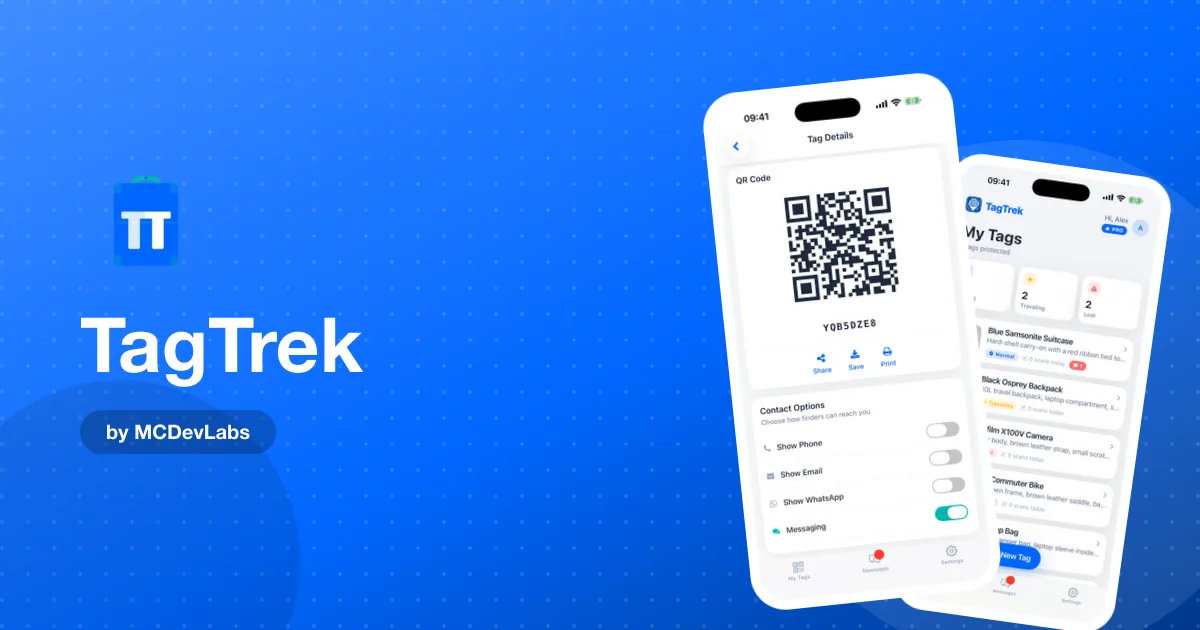
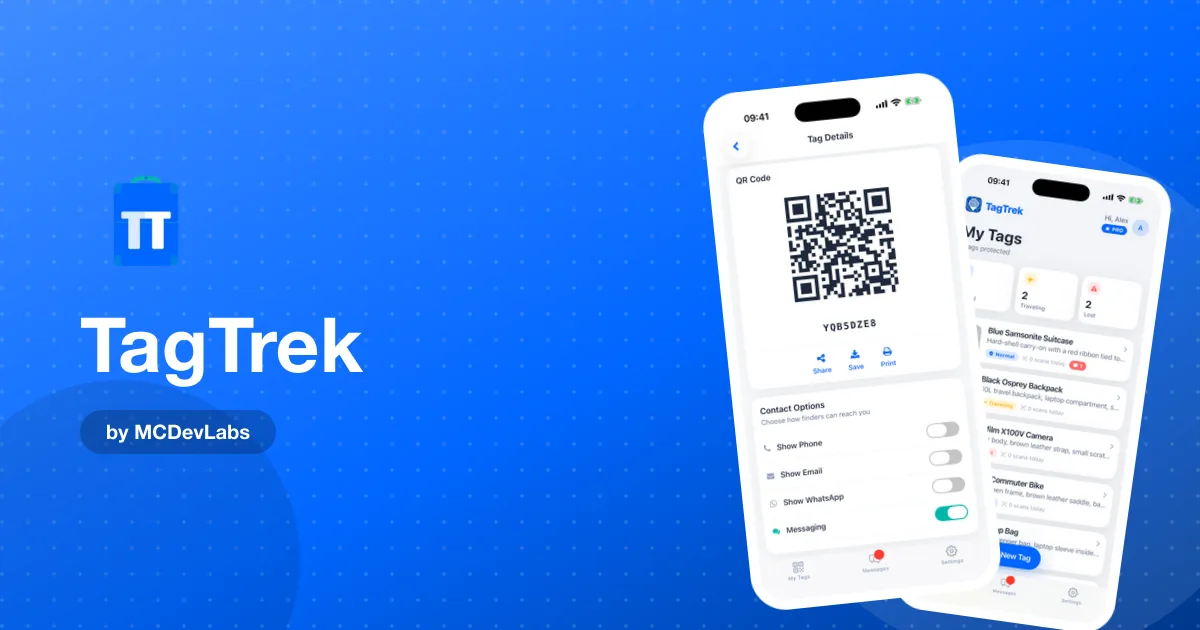
- You choose what shows. Turn phone, email, WhatsApp and chat on or off for each tag. Many students keep it to chat only.
- Your address stays hidden. You never have to print where you live on your backpack.
What to tag first
| Item | Why | Tip |
|---|---|---|
| Laptop | Most valuable, often left on library desks | Sticker on the lid or underside |
| Backpack | Holds everything else | Tag on the outside, a second one in an inner pocket |
| Keys | Lockouts are expensive and stressful | Compact tag in a small keyring holder |
| Calculator or tablet | Exam-critical, easy to leave in a hall | Small sticker on the back |
| Gym or sports bag | Changing rooms are lost-item hotspots | Tag on the handle |
| Headphones case | Small, constantly slipping out of pockets | Tiny sticker inside the lid |
Start with whatever you'd panic about most. For most students that's the laptop. For more ideas on keys and day-to-day items, see TagTrek for everyday carry.
The settings we'd use on campus
Normal mode, with chat on. Normal is perfect for term time. Show your first name, a photo of the item and a short message like "Thanks for finding this! Please message me and I'll come and get it." Chat lets a finder reach you without you sharing your number.
A clear description. "Grey laptop, stickers on the lid, charger in the sleeve" helps a finder know they've got the right thing, and helps a lost-and-found desk match it to you.
A Lost mode message ready to go. Write it now, while you're calm: "Coursework on this laptop. Reward if found, please get in touch!" If something goes missing, you just switch the tag to Lost and that message, plus every contact option you've enabled, is shown to the next person who scans it.
Traveling mode for going home. At the end of term, switch your suitcase and backpack to Traveling. It hides your home address and can show a temporary address instead, which is handy on the train or plane home. Our guide to TagTrek tag modes explains each mode in detail.
How to get started in 3 steps
- Download TagTrek and create a tag. Name it after the item ("MacBook, grey"), add a photo and description, and turn on the contact options you're comfortable with.
- Print and stick. Pick a size, print at 100% / "Actual size" on a sticker sheet or at your campus print shop, and stick it somewhere visible. Weatherproof stickers last longer on bags and bottles.
- Test it with a friend. Have a classmate scan it. You'll get the scan alert and can try a chat message, so you know it works before you need it.
Making a return easy for the finder
People are generally happy to return things, but they're busy and have their own lecture to get to. The easier you make it, the more likely they are to bother. A QR tag that opens a page with your item's photo and a "message me" button takes them ten seconds. A name in marker takes them a trip to an office. The product team's piece on loss prevention and how to get items returned explains why that small difference changes so many outcomes.
Shared flats and halls
In student housing, keys and bags get borrowed, moved and mixed up constantly. A TagTrek tag on your keys and your laundry bag means a flatmate or the halls reception can reach you instead of leaving things on a random shelf. And because finders only see what you've chosen to show, your room number and address don't end up printed on anything.
Free or Premium for students?
The free plan gives you one active tag with all three modes, scan alerts and finder chat. Put it on your laptop and you've protected your most important item. If you want your laptop, backpack, keys and calculator all covered at once, Premium gives you unlimited active tags, plus Private Mode and extra print designs like Postcards and Kawaii. TagTrek Free vs Premium has the full side-by-side.
Tag your gear before the next lecture
You'll leave something behind this term. Everyone does. The only question is whether the person who finds it can reach you. Five minutes now saves a very bad afternoon later.
Download TagTrek on the App Store or Google Play and put your first tag on your laptop today.
Frequently asked questions
- Can I use TagTrek to label my laptop for school or uni?
- Yes. Create a tag for your laptop, print it as a sticker and put it on the lid or underside. Anyone who finds it can scan the QR code and message you.
- Will people see my phone number or address?
- Only if you choose to show them. You can keep a tag to chat only, so a finder can message you without seeing your number, and your home address stays hidden unless you enable it.
- Does someone who finds my stuff need the TagTrek app?
- No. They just scan the tag with their phone camera. No app or account is needed.
- Is TagTrek free for students?
- The free plan includes one active tag with all three modes, scan alerts and finder chat. Premium adds unlimited tags, Private Mode and premium print designs.
Have an app idea?
We turn ideas into production apps on the App Store, Google Play, and Telegram. Let's build yours together.
Start a Project