Armwrestling App for Beginners — First 90 Days With ArmProgress
New to the sport? A beginner's guide to using an armwrestling app for your first 90 days — what to log, what to ignore, and how to read early progress.
Most people who get into armwrestling arrive the same way. They saw a clip, a supermatch, maybe a friend at a bar, and thought "I could do that". Then they pull someone who trains, and find out exactly how much there is to learn.
If that's you, welcome. This guide is about using ArmProgress in your first 90 days. We built the app for serious pullers, but the habits it encourages matter most at the start, when you're building the foundation everything else sits on.
First, learn the sport
An app can't teach you to armwrestle. Before you worry about tracking, spend some time on the basics. Our product team's beginner's guide to training for armwrestling covers what to train and why, and it's the best companion to this post.
If you're curious about where the sport came from and why it's growing, the product blog also has a fun look at Over the Top, the 1987 Stallone film that introduced a lot of people to armwrestling, and a profile of the Shardara armsport club in Kazakhstan, which shows how serious clubs build pullers from the ground up.
Days 1 to 30 — just log
In your first month, the only goal is building the logging habit. Don't worry about programs, analytics or badges yet.
What to log:
- Every gym session, with the arm that did the work.
- Every table session, even if it's just ten minutes of practice with a friend.
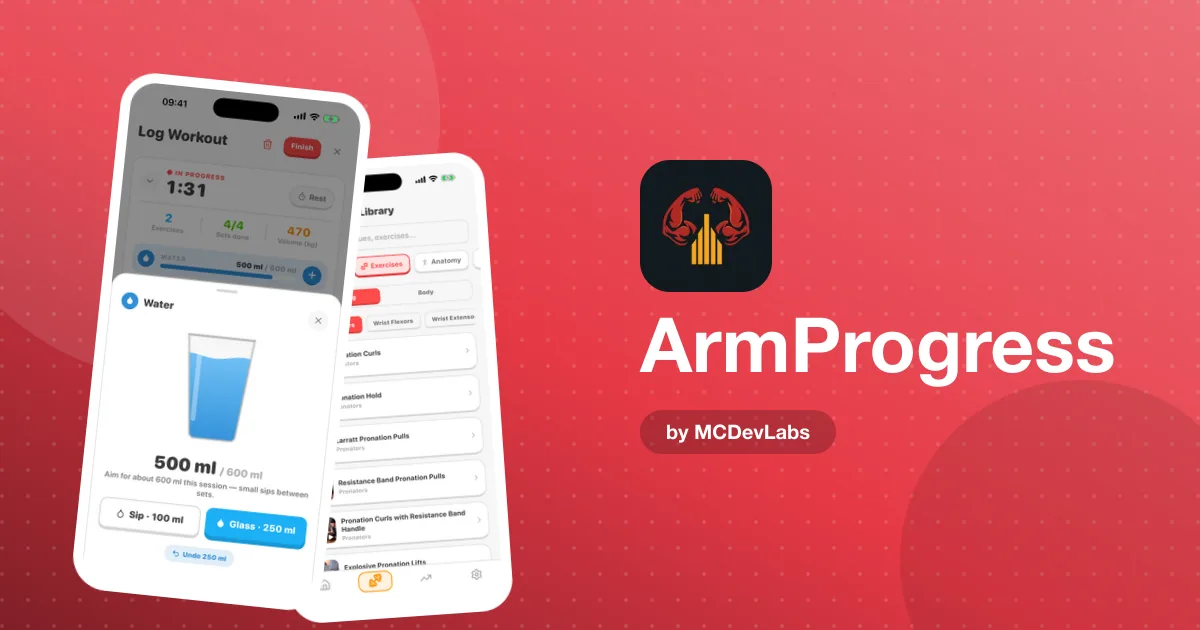
- Holds, using the time-hold timer. Any exercise can switch from sets and reps to a timed hold.
What to ignore for now:
- The analytics. A few weeks of data won't tell you much, and early beginner gains can be misleading.
- Elaborate goals. Pick one simple goal if you want, then leave it.
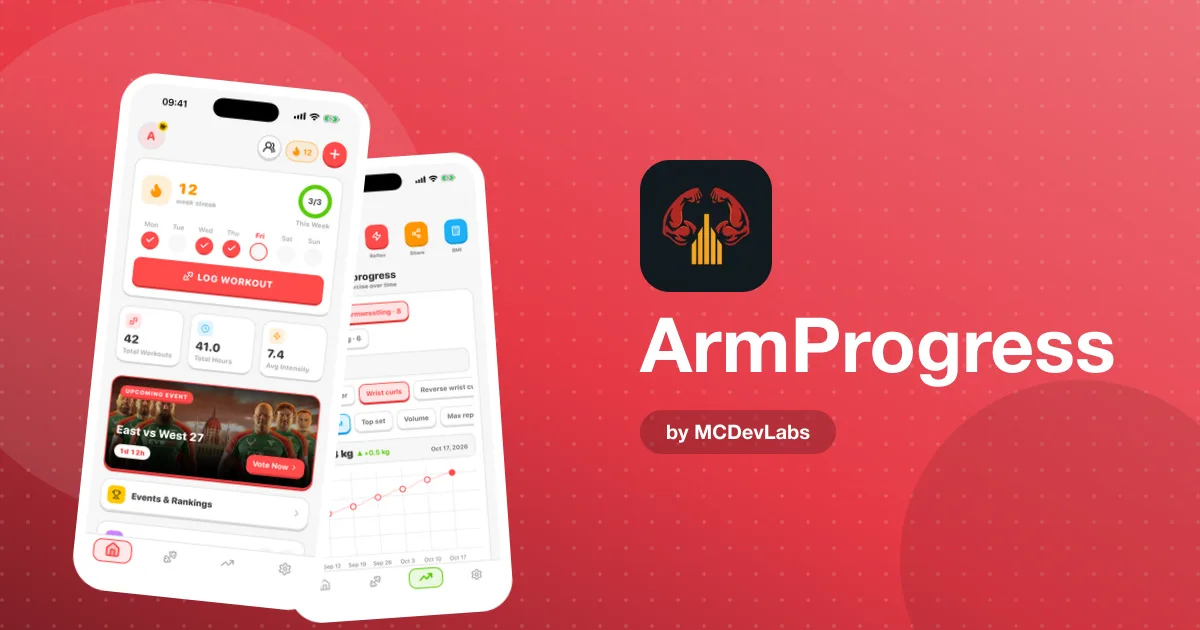
The one-tap logging on the home dashboard is designed for exactly this stage. If logging is fast, you'll keep doing it. If it isn't, you'll stop by week three.
Days 31 to 60 — look at the trend
Now you've got a month of data. Open the analytics and look at three numbers for frequency, duration and intensity: the latest value, the average and the change.
The question for this phase is simple: am I training consistently? At this stage, consistency matters more than anything else. Use the training calendar to check for gaps, and filter by arm to see whether you're training both sides.
Most beginners find their off arm is getting far less work. That's normal, and it's worth fixing early, while habits are still forming.
Don't over-read the early numbers
Beginner gains are real, but a lot of what you see in the first two months is your body learning the movements, not just getting stronger. Your technique gets cleaner, you learn how to set up a hold, and the numbers jump. That's great, but it means the early slope of the chart will flatten later — and that's not a sign you've stopped improving. Use this phase to confirm you're training regularly and hitting both arms. Save the detailed reading of trends for later, when there's a longer history behind them and the change number reflects strength rather than coordination.
Days 61 to 90 — add structure
By month three, you've got a habit and a baseline. This is a good moment to add structure.
ArmProgress has pre-built, periodised programs, each with its length, days per week and difficulty level. As a beginner, look for something that matches your schedule and difficulty level rather than the most advanced block in the list.
| Phase | Focus | Features to use |
|---|---|---|
| Days 1–30 | Build the logging habit | Workout log, hold timer, table session logging |
| Days 31–60 | Check consistency | Analytics, training calendar, arm filter |
| Days 61–90 | Add structure | Training programs, muscle heatmap, goals |
| After 90 days | Progress on purpose | Full analytics, matches, recovery logs |
This is also when the muscle heatmap gets useful. With three months of data, the body map shows which muscles you've actually trained across the month, and which you've been ignoring. Beginners tend to over-train whatever feels good and skip the rest.
Habits worth building from day one
Log recovery, not just training
Elbows and wrists take longer to recover than muscles. Beginners often feel great for a few weeks, push hard, and then get hurt. ArmProgress lets you log sleep, nutrition and injuries alongside training. Start doing it early. Our guide to armwrestling recovery tracking goes deeper.
Treat your off arm as a second athlete
The app tracks each arm separately for a reason. Your weaker arm is part of your foundation, and the gap only gets harder to close later.
Use the ranks as a nudge, not a goal
ArmProgress has ranks from rookie through Competitor, Warrior and beyond, plus 20 achievement badges. They're there to make slow progress visible. Enjoy them, but don't train for them.
Beginner mistakes the data will catch
The nice thing about logging from day one is that the app quietly catches the classic beginner mistakes before they cost you months.
- Only training the arm you pull with. The arm filter shows it straight away.
- Doing the same three exercises every session. The muscle heatmap will light up the same areas every week and leave the rest blank.
- Pulling at the table too often. Lots of match and table logs close together, with injury entries starting to appear, is a pattern worth noticing early.
- Training hard on short sleep. Sleep logs next to your training make the link visible.
- Expecting linear progress. Early gains can come fast and then slow down. The 12-month analytics range helps you see that a slower month is part of a rising line, not the end of progress.
If you do hit a real stall after the first few months, that's normal too. It usually means one specific quality is under-trained, over-trained or untracked, and the data you've been logging is exactly what you'll use to find it.
Following the sport
The home dashboard shows upcoming events and rankings, and the app follows East vs West, the sport's biggest supermatch series, with match cards and a prediction game. As a beginner, watching high-level matches is one of the fastest ways to learn what good technique looks like.
Why the app suits beginners
ArmProgress is for people who take armwrestling seriously, but "serious" doesn't mean "experienced". Some of the most serious pullers are the ones three months in, training four times a week and trying to figure out what works. That's why the core loop stays simple — log, review, adjust — and the depth reveals itself as you need it. The full product story is in the ArmProgress case study.
Ready to start your first 90 days? ArmProgress is free on Google Play and the App Store.
Frequently asked questions
- Is ArmProgress good for beginners?
- Yes. The core loop is simple, so you can start by logging sessions and holds, then add analytics and programs as you build a baseline.
- What should a beginner log first?
- Log every gym and table session with the arm that did the work, and use the hold timer for static work. Leave analytics and programs for later in your first three months.
- When should a beginner start a training program?
- Once you have a consistent logging habit and a baseline, usually after the first two months, pick a pre-built program that matches your schedule and difficulty level.
- Does ArmProgress cost anything?
- ArmProgress is free to download on iOS and Android.
Have an app idea?
We turn ideas into production apps on the App Store, Google Play, and Telegram. Let's build yours together.
Start a Project