Cut Down on Gaming With Replacify: A Practical Setup Guide
How to cut down gaming with Replacify: choose Excessive Gaming, swap play time for a path that levels you up in real life, and use SOS for one-more-match urges.
"One more match." You have said it at 10pm, at midnight and at 2am. Games are designed to be satisfying: clear goals, steady progress, a reward every few minutes. That is why they are fun, and it is also why cutting back is so hard. When you put the controller down, the evening feels empty, and empty evenings do not last long.
You do not have to quit gaming to get your time back. Most people simply want it back in proportion, with gaming as one hobby among several rather than the default for every spare hour. The trick is not to remove gaming and hope for the best. It is to fill that time with something that gives a similar sense of progress.
That is exactly what we made Replacify for. Here is how to set it up to cut down on gaming.
Replacify is a self-help habit app, not a medical or therapy service. If gaming is seriously affecting your sleep, work, studies or relationships, consider talking to a doctor or counsellor as well.
Why gaming is hard to cut back
Gaming habits usually come down to a few things:
- Progress you can see. XP bars, ranks and unlocks make every session feel productive.
- Low friction. The console or PC is right there, and the next match is one button away.
- Social pull. Friends are online, and the squad is waiting.
- Escape. After a hard day, gaming is the easiest way to switch off.
Any replacement has to compete with that. "Just read a book instead" rarely works, because a book on its own does not give you the same feedback loop. A structured path with phases, steps, badges and harder challenges as you go does.
Step 1: Choose Excessive Gaming as your struggle
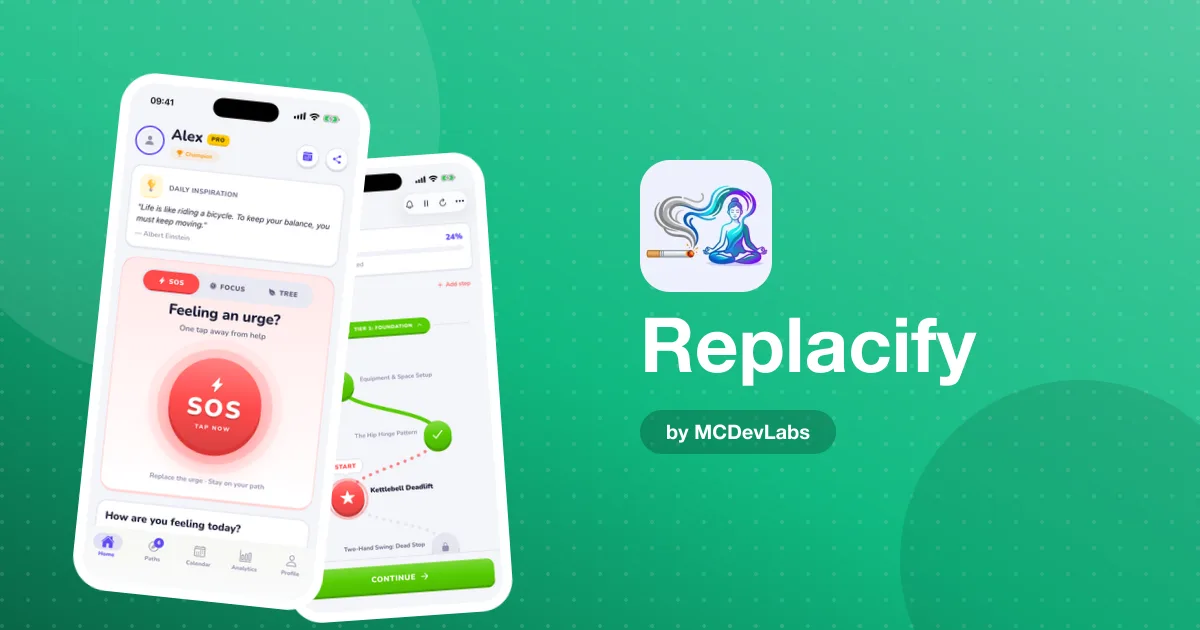
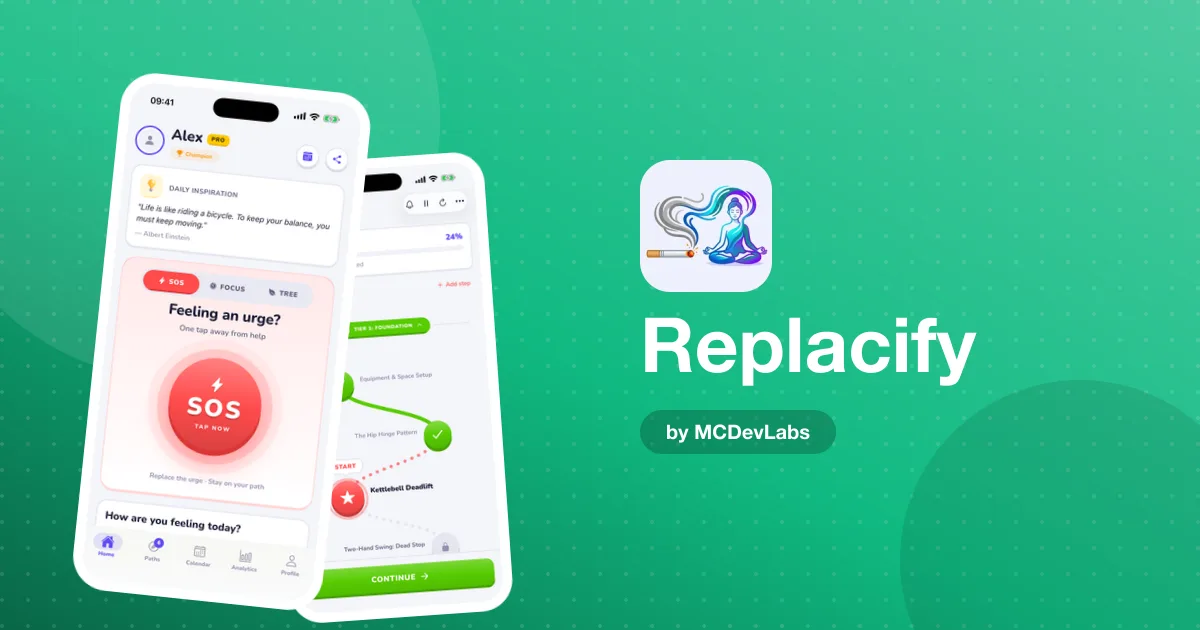
When you set up Replacify, choose Excessive Gaming as the habit you want to change. This shapes the replacement paths Replacify suggests and the activities SOS offers you when an urge hits.
Step 2: Pick a path that levels you up in real life
This is the heart of it. Pick a replacement path with real progression, something where you can feel yourself getting better. Paths cover Fitness, Wellness, Reading, Cooking, Learning, Creative and Outdoors, and each one breaks into phases with ordered steps, time estimates and tips. A tier system makes the challenges harder as you improve, and checkpoint badges mark each phase.
| What you love about gaming | Path to try | What it gives you |
|---|---|---|
| Grinding and getting stronger | Fitness, like kettlebell or running | Visible progress you can feel |
| Strategy and problem-solving | Learning, like coding or a new language | A skill tree in real life |
| Creativity and building worlds | Creative, like drawing or guitar | Something you made yourself |
| Exploring | Outdoors | New places, and a reason to leave the room |
Pick the path that matches the itch gaming scratches for you. If you game for the grind, a Fitness path will feel more natural than a Reading one.
Step 3: Use SOS for the "one more match" moment
The urge to game usually hits at predictable times: straight after work or school, after dinner, or when you are bored and the console is right there. When you feel it, tap SOS. Replacify suggests a quick replacement activity matched to your path and struggle, and starts a timer to get you through the urge.
You are not trying to win a battle of willpower. You are trying to get through the next ten minutes doing something else, because the pull usually fades once the moment has passed. Afterwards, rate how you feel, so over time you can see which replacements really work.
SOS is unlimited on the free plan, so use it every time.
Step 4: Use the focus timer for your replacement sessions
The focus timer is a natural fit for gamers. It is a Pomodoro-style timer with presets, linked to your active path, and it marks your path steps as complete. Set it for a session of your replacement activity, such as twenty-five minutes of guitar practice or a coding lesson, and let it run. It gives your evening a structure that is not "queue for a match". Our focus timer guide covers it in more detail.
Step 5: Track it like a high score
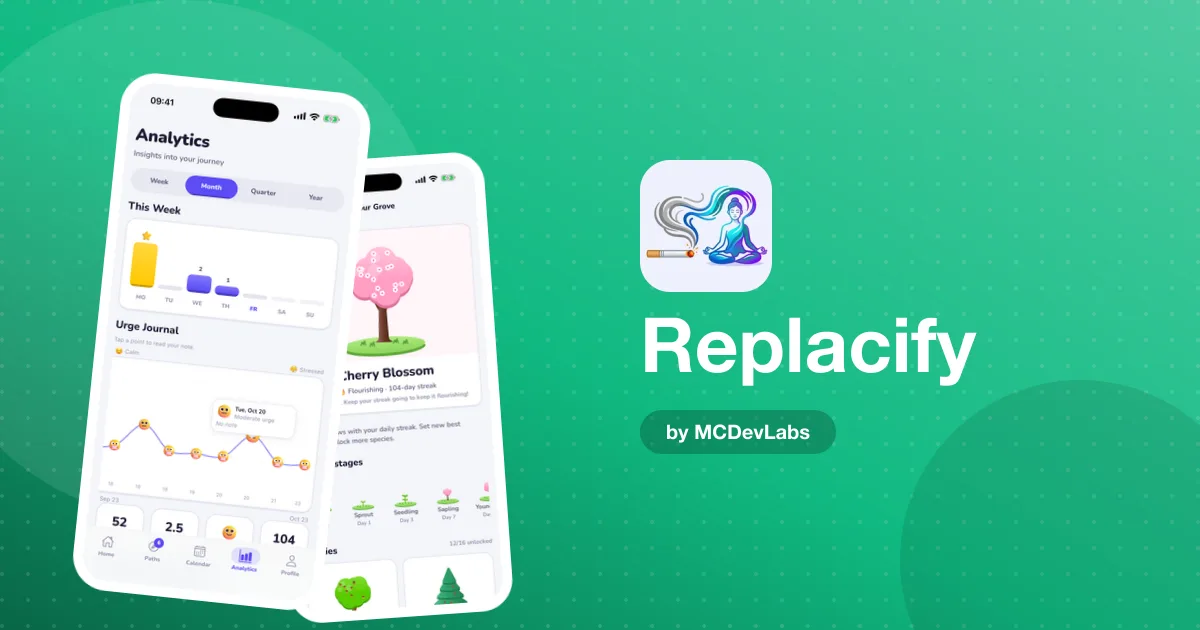
Each day, do the quick check-in and rate your urge level from one to five. Your streak and longest streak are tracked, and milestone badges such as Century Club for 100 days mark the big moments. Your rank evolves as you go, and every streak day grows a tree in your Grove, from seed to full bloom. New best streaks unlock new species to collect.
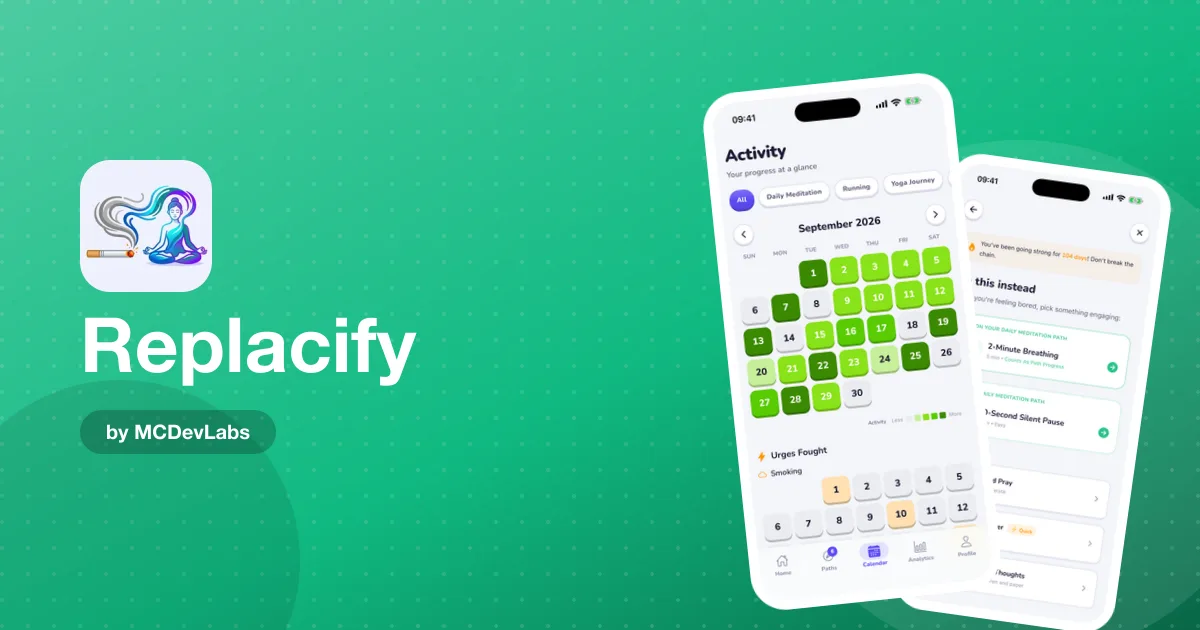
If you like stats, Pro adds the progress calendar and analytics: a heatmap of your path activity, a separate tracker for urges fought, and weekly and monthly charts. It is the closest thing to a stats screen for your real life.
Cutting down vs quitting gaming
You decide what success looks like. Some people want to stop entirely, while others want to keep gaming at weekends or with friends and drop the solo late-night sessions. Replacify works either way, because it targets the automatic, default sessions, not gaming as a hobby.
If you slip and lose a whole evening to a game, nothing punishing happens. Your longest streak stays on record and your path is still there tomorrow. The product team's guide on how habit streaks work explains why your longest run matters more than a perfect record.
Tips that make it stick
- Add friction. Unplug the console, log out, or keep the controller in another room on weeknights.
- Set a stop time before you start. Decide in advance when tonight's session ends.
- Tell your squad. Let your gaming friends know you are cutting back, so the invites do not catch you off guard.
- Replace the screen time, not just the game. If gaming turns into scrolling, you have only swapped one screen for another. The product team's guide on how to quit doomscrolling helps with that.
For a broader look at signs and support, see the product team's guide on how to stop gaming addiction.
How to get started in 3 steps
- Download Replacify and choose Excessive Gaming. That sets up your suggestions and SOS activities.
- Pick one path that levels you up. Choose the path that matches what you love about gaming, and do the first step today.
- Tap SOS at your usual gaming time. Follow the activity, let the timer run, rate how it went, and check in tomorrow.
Wondering whether you need Pro? Our Replacify Free vs Pro guide explains what each plan includes.
Get your evenings back
Gaming is a great hobby. It just should not be the only one. Give yourself a path with real progression, a one-tap rescue for the "one more match" moment, and a streak worth protecting, and that time starts going somewhere you can be proud of.
Download Replacify on the App Store or get it on Google Play. It is free to start, and your first path is ready as soon as you choose Excessive Gaming.
Frequently asked questions
- Can Replacify help me cut down on gaming?
- Yes, on the habit side. Choose Excessive Gaming as your struggle, pick a replacement path with real progression, tap SOS when the urge to play hits, and track your urges and streaks each day.
- Do I have to quit gaming completely?
- No. You decide what success looks like. Many people use Replacify to drop the automatic late-night sessions and keep gaming as an occasional hobby.
- What should I replace gaming with?
- Something with visible progress. Fitness paths such as kettlebell or running, learning paths such as coding or a language, and creative paths such as drawing or guitar all give you a sense of levelling up.
- Is Replacify free?
- Yes. The free plan includes one active path, unlimited SOS, daily check-ins and streak tracking. Pro adds unlimited paths, custom paths, the progress calendar and analytics, and per-path reminders.
Have an app idea?
We turn ideas into production apps on the App Store, Google Play, and Telegram. Let's build yours together.
Start a Project