Replacify Free vs Pro: What You Get and Who Should Upgrade
Replacify Free vs Pro, side by side: what the free plan includes, what Pro adds, how the trial and plans work, and how to tell whether you need to upgrade.
You have found a habit app that sounds right, and then the question comes up that every subscription app raises: do I actually need to pay for this, or will the free version do? With a lot of apps the honest answer is "the free version is a trailer." We did not want that for Replacify.
Replacify helps you break a bad habit by replacing it with a better one. You get a structured replacement path, plus an SOS button for the moments an urge hits. This guide sets out exactly what the free plan includes, what Pro adds, and a simple way to work out which one fits you, so you can download with no surprises.
The short answer
The free plan covers everything you need in the moment. Pro covers everything that helps over the long run.
If you are working on one habit and mostly need help getting through cravings, Free is a complete plan. If you want to run several replacement paths at once, design your own, or see your progress laid out on a calendar with analytics, Pro is worth it.
One rule we hold to: SOS is never behind a paywall. Someone in the middle of a craving should never see an upgrade screen.
Replacify Free vs Pro, side by side
| Feature | Free | Pro |
|---|---|---|
| Active replacement paths | 1 | Unlimited |
| SOS urge toolkit | Unlimited | Unlimited |
| Daily check-ins (5-level urge rating) | Yes | Yes |
| Streak tracking | Yes | Yes |
| Custom path creation | No | Yes |
| Progress calendar and analytics | No | Yes |
| Per-path reminders | No | Yes |
| Price | Free, forever | Monthly, annual or lifetime |
Everything in the Free column comes with Pro too. Pro is the free plan with extra capacity and deeper insight added. It is not a different app.
What you get on the free plan
One full replacement path
Free is not limited to a "lite" path. You get full access to one path from the curated library: Fitness, Wellness, Reading, Cooking, Learning, Creative or Outdoors. Each path is split into phases and ordered steps, with time estimates and tips, so you always know what comes next. A tier system makes the steps harder as you improve, so the new habit keeps growing.
If you are new to the replacement idea, the product team's guide on how to break a bad habit through replacement instead of willpower explains why one well-chosen path can carry a lot.
Unlimited SOS
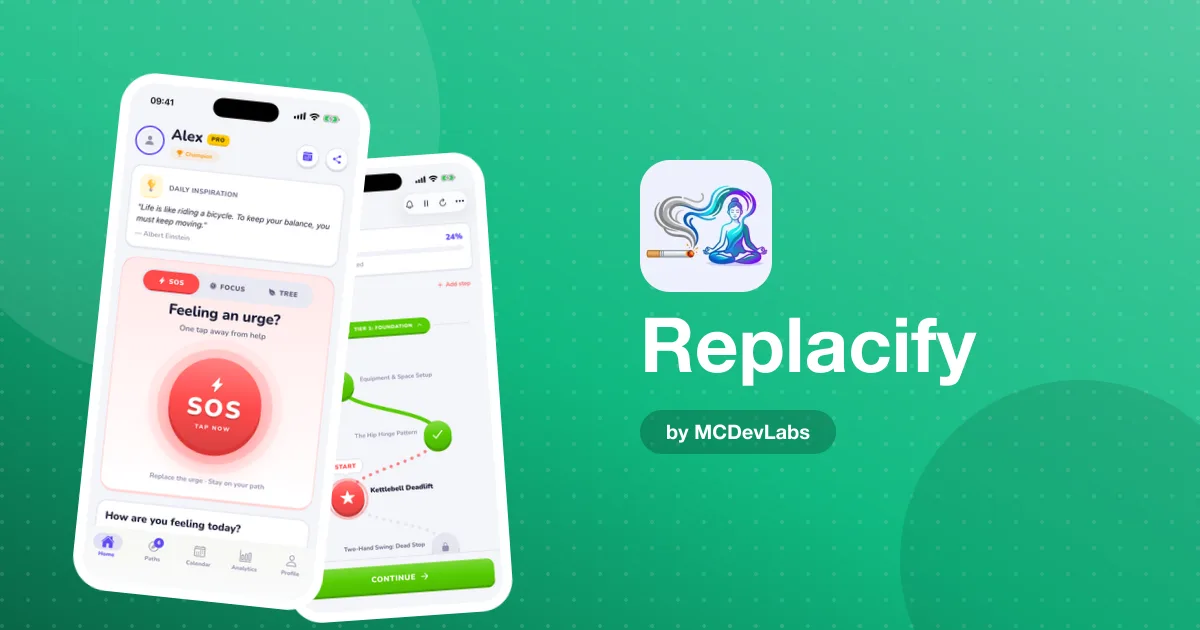
When an urge hits, tap SOS. Replacify suggests a quick replacement activity matched to your path and your struggle, then starts a timer to get you through the urge. Afterwards you rate how you feel. There is no daily limit, which matters most in the first week of quitting, when urges can come many times a day.
Daily check-ins and streaks
Each day you rate your urge level on a five-point scale. Over time this shows whether the pull is easing, which a plain day counter cannot tell you. Your current streak and your longest streak are both tracked, and a slip never wipes out your best run.
What Pro adds
Unlimited active paths
Most bad habits fill more than one moment of the day. Scrolling might take over your mornings and your evenings, and a sugar habit might show up at 3pm and again after dinner. With Pro you can run several paths at once, for example a Fitness path for the afternoon slump and a Creative path for the evening, so each trigger gets its own replacement.
Custom paths
The curated paths cover a lot, but your life is specific. Pro lets you build your own path around the things you actually want to do instead, in your own phases and steps.
Progress calendar and analytics
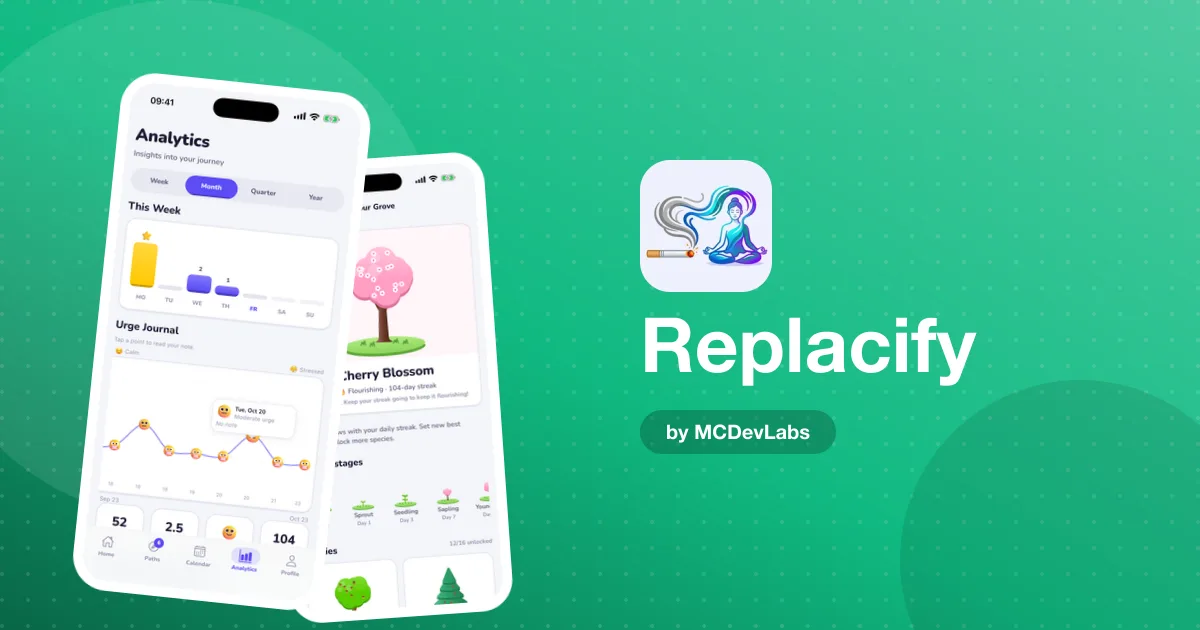
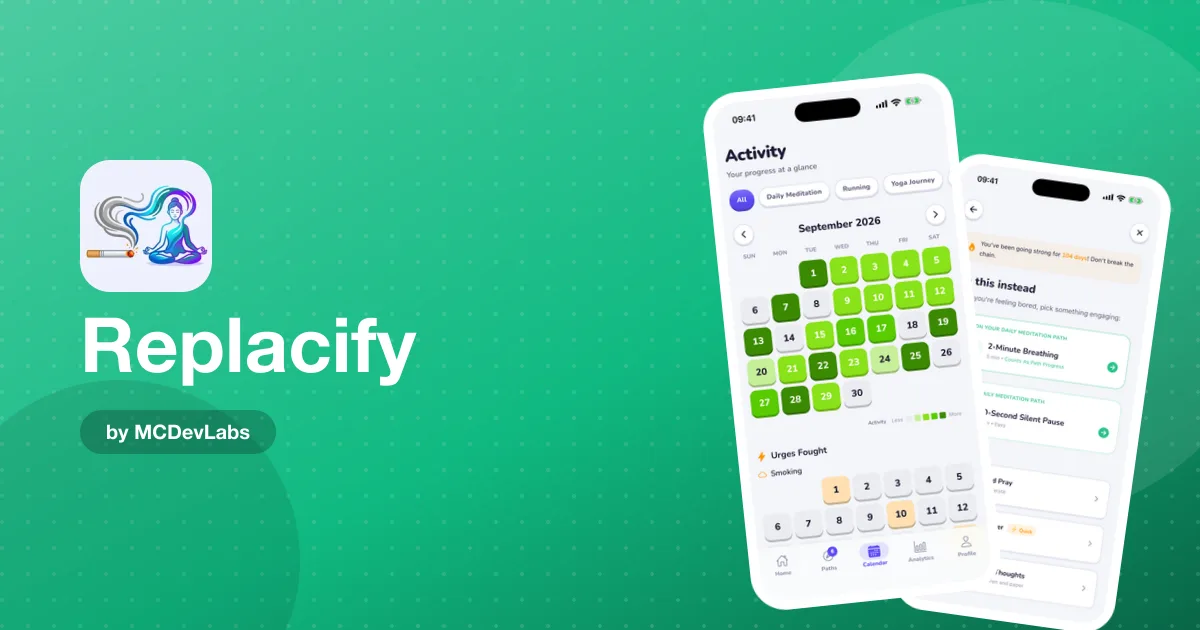
This is the long-term view. The heatmap calendar colours in your activity for each path, with separate trackers for urges fought and doom-scrolling days. Weekly and monthly charts show how your activity is trending. After a few weeks, patterns start to show: the day of the week that is always hard, or the path you neglect when you are stressed.
Per-path reminders
Set a reminder for each path, so your Fitness path pings you in the morning and your Reading path pings you before bed. It is a small thing, but it helps the new habit turn up at the right time.
How the Pro plans work
Pro comes in three forms, all with the same features:
- Monthly, with a 7-day free trial.
- Annual, also with a 7-day free trial. The Replacify site lists it as the most popular option, at around $1.67 a month when billed yearly at the time of writing.
- Lifetime, a one-time purchase you own for good.
Prices can vary by country and store, so check the exact figure in the app before you subscribe. The trial is the easiest way to find out whether the Pro extras matter to you.
Who should stay on Free
Free is a great fit if:
- You are working on one specific habit and one path covers your main trigger.
- What you need most is help in the moment: SOS, a timer and a reason not to give in.
- You want to test the replacement approach before you commit to anything.
Plenty of people will never need more than this. That is fine. We would rather you stay on Free and break the habit than pay for features you never open.
Who should upgrade to Pro
Pro starts to pay for itself when:
- Your habit shows up at several points in the day, and one path leaves gaps.
- You are tackling more than one habit, for example scrolling and late-night snacking.
- You like seeing the data: heatmaps, trends and the urges you have fought, laid out on a calendar.
- The curated paths are close but not quite you, and you want to build your own.
- You keep forgetting to do your path steps and per-path reminders would fix that.
A quick test: use Free for a week or two. If you keep wishing you could add a second path, or wondering how this week compares with last week, start the 7-day trial.
How to get started in 3 steps
- Download Replacify and choose your struggle. Pick the habit you want to change: social media, alcohol, smoking, junk food, gaming or something else.
- Pick one path and use SOS freely. Start on the free plan. Work through your path's first steps and tap SOS every time an urge hits.
- Decide after a week. If one path and SOS are enough, carry on for free. If you want more paths, custom paths, the calendar or reminders, try Pro with the 7-day free trial.
Our walkthrough of how Replacify works goes screen by screen, and our honest Replacify app review covers what the app does and does not try to do.
Start free today
Most people should start on the free plan. It costs nothing, SOS is unlimited, and one good path is enough to find out whether replacing a habit works for you. If you outgrow it, Pro is a tap away.
Download Replacify on the App Store or get it on Google Play, choose your struggle, and start your first path today.
Frequently asked questions
- Is Replacify really free?
- Yes. The free plan is free forever and includes one active replacement path, unlimited SOS support, daily check-ins and streak tracking.
- What does Replacify Pro add?
- Pro adds unlimited active paths, custom path creation, the progress calendar and analytics, and per-path reminders. Everything in the free plan is included as well.
- Is the SOS button limited on the free plan?
- No. SOS is unlimited on the free plan, so you can use it for every urge without upgrading.
- Is there a free trial of Replacify Pro?
- Yes. The monthly and annual Pro plans both come with a 7-day free trial. There is also a one-time lifetime option.
- Should I start on Free or Pro?
- Start on Free. If you find you want more than one path, your own custom paths, the calendar and analytics, or reminders for each path, try Pro with the free trial.
Have an app idea?
We turn ideas into production apps on the App Store, Google Play, and Telegram. Let's build yours together.
Start a Project