How Replacify Works — The Replacement Flow, Step by Step
How Replacify works, from choosing your struggle to SOS urges, daily check-ins and the progress heatmap, explained by the studio that built the app.
People often ask us how Replacify works before they install it, usually because they have tried habit apps before and want to know what is different. The honest answer is that the flow is simple on purpose. There are five steps, and each one exists because a specific failure kept showing up when people tried to quit something with a blank checklist.
This post walks through that flow in order, explains what happens on each screen, and covers the design reasoning behind it. If you just want the overview, the Replacify homepage has the short version.
The five steps at a glance
| Step | What you do | Why it is there |
|---|---|---|
| 1. Choose your struggle | Pick the habit you want to change | Everything downstream is matched to this |
| 2. Pick a replacement path | Choose a path from 7 categories | Fills the gap the old habit leaves |
| 3. Follow the roadmap | Work through phases and steps | Removes the "what now?" decision |
| 4. Use SOS when urges hit | One tap, guided activity, timer | Covers the moment willpower fails |
| 5. Track and celebrate | Check-ins, streaks, badges, calendar | Makes progress visible |
Step 1 — Choose your struggle
The first thing Replacify asks is what you want to change. The options cover the habits people most often bring to us — social media, alcohol, smoking, junk food, gaming — plus room for whatever else is holding you back.
This feels like a small onboarding question, but it is the most important input in the app. The struggle you choose decides which paths are suggested and which activities the SOS button offers later. Someone quitting late-night scrolling needs different replacements from someone cutting back on drinking, even if both are tired at 10pm.
Step 2 — Pick your replacement path
Next you choose a path. Replacify ships with 15+ curated paths across seven categories: Fitness, Wellness, Reading, Cooking, Learning, Creative, and Outdoors. The suggestions are matched to your struggle, but you can browse everything, and Pro users can create their own.
Why paths instead of a list of "good habits"? Because the research the app is built on — and the product team's own writing on why replacement works better than plain elimination — points the same way. A habit meets a need: stimulation, relief, connection, a break. Remove it without a substitute and the need is still there, and so is the cue. The path gives the need somewhere else to go.
Step 3 — Follow the roadmap
Each path is broken into phases, and each phase into ordered steps. Every step has a clear description, a time estimate, and tips. A tier system raises the difficulty as you move through the path, so the replacement keeps pace with you.
We designed it this way because the biggest point of failure in habit change is not motivation. It is the small decision of what to do next. "Exercise more" is a wish. "Phase 1, step 3: a 15-minute walk after dinner" is an instruction. The roadmap turns the first into the second.
You progress at your own pace. There is no deadline on a phase, which matters because real habit change takes longer than most people expect. If you are wondering how long, the product blog's piece on how long it really takes to build a habit is worth reading before you set yourself a 21-day target.
Step 4 — Use SOS when urges hit
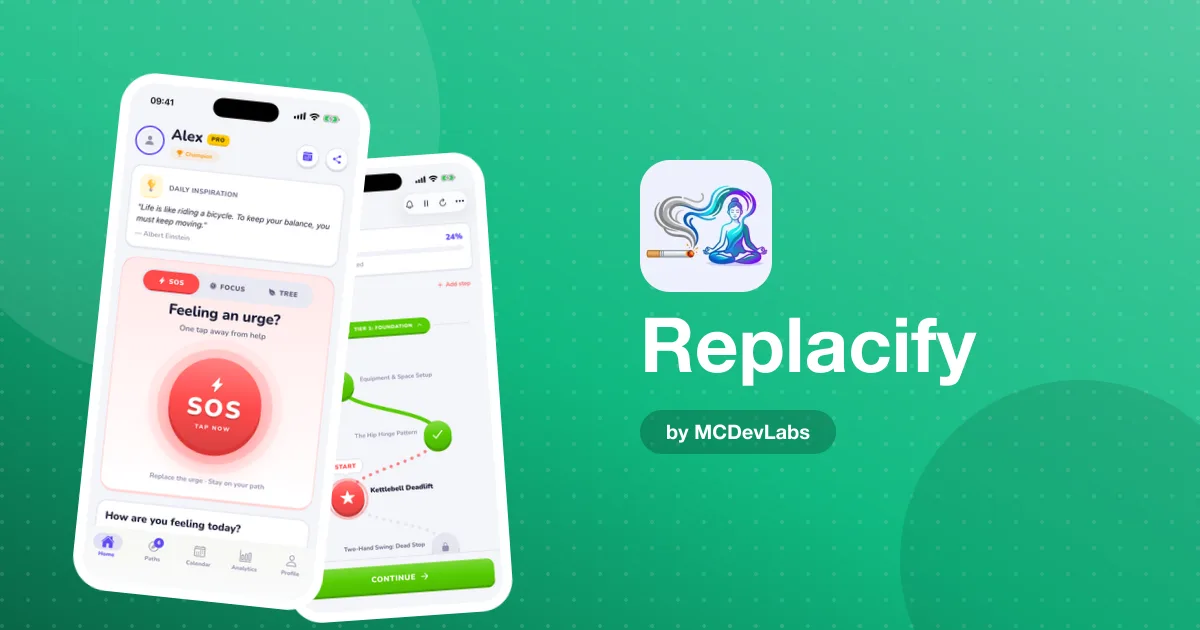
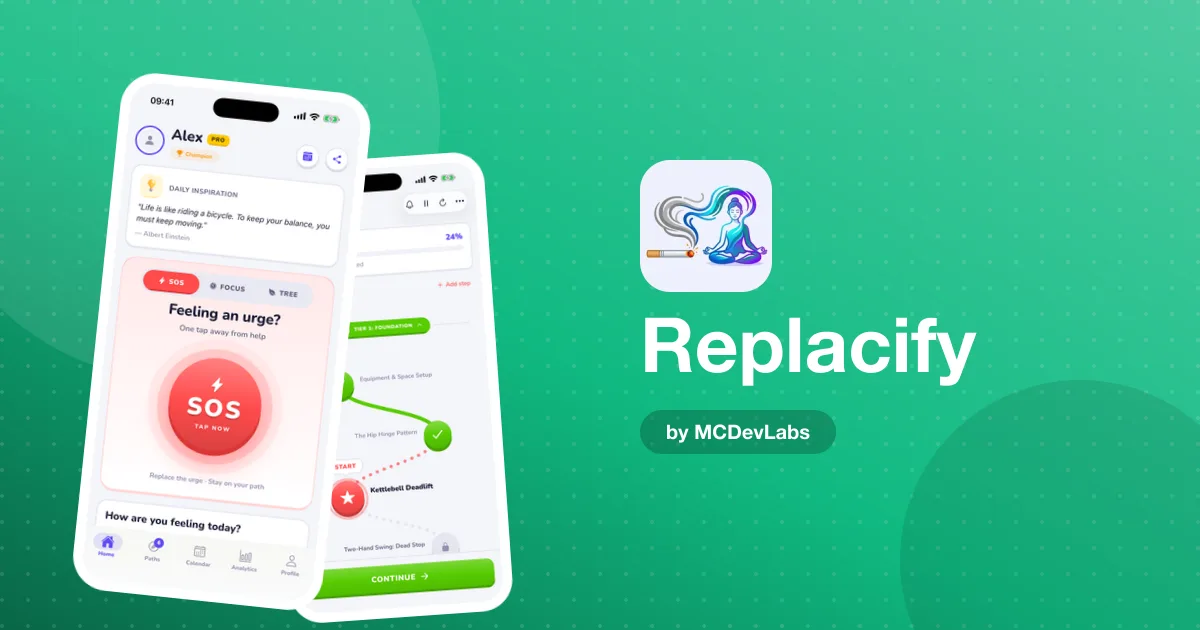
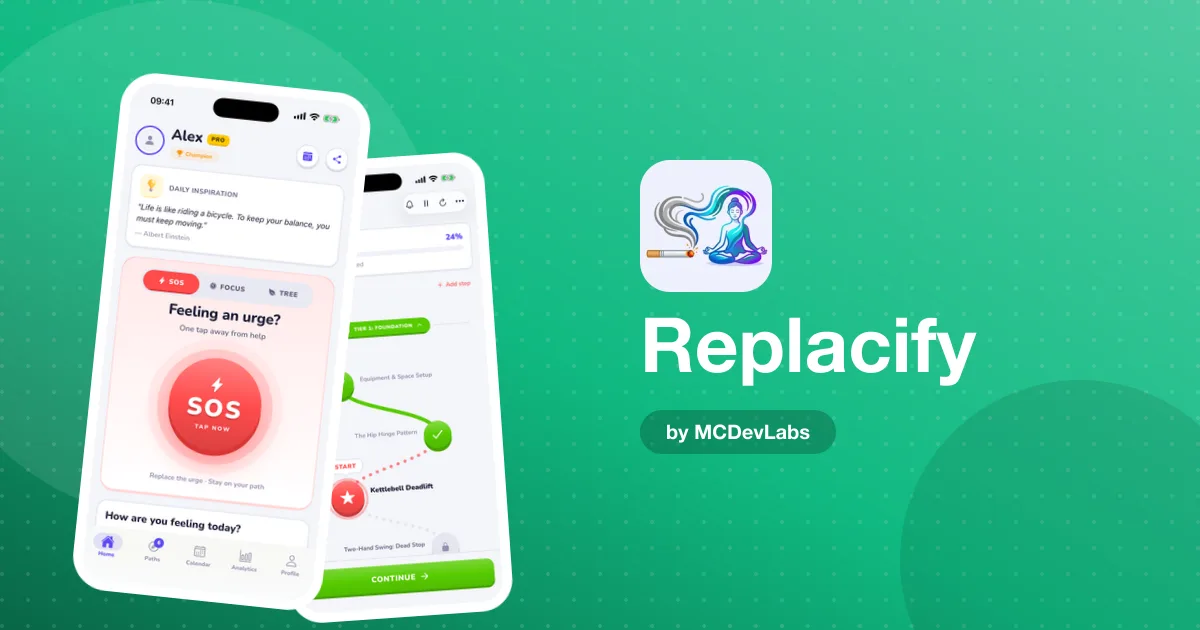
This is the step that makes Replacify different from a tracker. The SOS button sits on the home screen, one tap away. When you feel an urge coming, you tap it, and the app suggests a quick replacement activity matched to your path and your struggle.
A timer starts to help you stay with the activity through the peak of the craving. Cravings tend to rise and fall, and the goal of SOS is to get you to the other side of that peak doing something else. Afterwards you rate how you feel. That rating is stored with the session, so over time the analytics can show which activities actually worked for you.
SOS is unlimited on the free tier. We were firm on that from the start: nobody should hit a paywall in the middle of a craving. We cover the design of this feature in more depth in our SOS button deep-dive.
Step 5 — Track and celebrate
The last step is the feedback loop. It has four parts.
Daily check-ins
Once a day you rate your urge level on a five-point scale. It takes seconds, and it builds the dataset behind everything else. A yes/no streak only tells you whether you slipped. A five-level rating shows you that Tuesdays are hard, or that urges have been trending down for two weeks.
Streaks and longest streak
Replacify tracks your current streak and your longest one. We show the longest streak deliberately: if you slip, your best run does not vanish, and you have a concrete number to beat. The product team explains how streaks work and why they motivate if you want the psychology.
Badges and ranks
Milestone badges — like Century Club for 100 days without breaking the chain — and a rank system that evolves as you grow give you something to celebrate along the way.
Calendar and analytics (Pro)
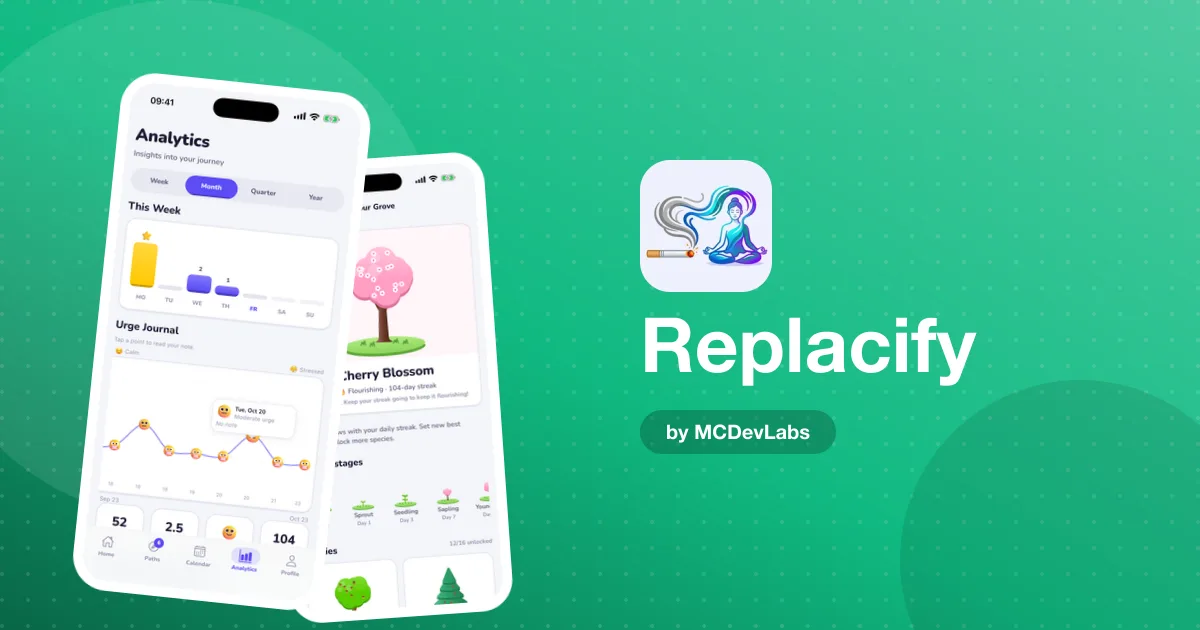
Pro adds a colour-coded heatmap calendar for each path, plus separate trackers for urges fought and doom-scrolling days. Weekly and monthly charts and a mood-tagged urge journal with notes make patterns visible at a glance.
The focus timer, the extra piece
Alongside the five steps there is a Pomodoro-style focus timer with presets. It links to your active paths, auto-marks steps complete when a session ends, and tracks focus streaks. It is especially useful when the habit you are replacing is screen time: a focused 25 minutes on a path step is both the replacement and the proof.
A sample first week
To make the flow concrete, here is roughly how the first week tends to go once you have set up a path.
- Day 1. You choose your struggle and a path, read the first phase, and complete the first step. You do your first check-in and probably tap SOS once or twice.
- Days 2 to 4. The routine settles: a morning check-in, a path step at a set time, SOS when an urge appears. The novelty helps.
- Days 5 to 7. Motivation dips, which is normal. This is where the structure matters most: you do not need to feel motivated to follow the next step, only to open the app.
By the end of the week you have seven check-ins, a handful of SOS sessions with ratings, and a small run on your streak. That is enough data for patterns to start appearing.
Putting it together
The five steps form a loop: your struggle decides your path, the path gives you daily structure, SOS covers the hard moments, and tracking shows you it is working — which makes you more likely to keep going. None of the individual pieces is revolutionary. The value is that they are designed to work together around one habit you want gone.
If you want to see the flow for yourself, Replacify is free on the App Store and on Google Play. Pick a struggle, pick a path, and see how the first week feels.
Frequently asked questions
- How does Replacify choose a replacement path for me?
- It suggests paths matched to the struggle you pick during onboarding, across Fitness, Wellness, Reading, Cooking, Learning, Creative and Outdoors. You can browse all paths and choose any of them.
- What does the SOS button actually do?
- It suggests a quick replacement activity matched to your path and struggle, starts a timer to help you ride out the urge, and asks you to rate how you feel afterwards so patterns show up over time.
- Do I need to be online to use Replacify?
- No. Replacify has offline support, so you can check in and use SOS without a connection.
- Can I make my own replacement path?
- Yes, custom path creation is part of Replacify Pro, along with unlimited active paths, the progress calendar and analytics.
Have an app idea?
We turn ideas into production apps on the App Store, Google Play, and Telegram. Let's build yours together.
Start a Project