Replace Social Media Scrolling With Replacify — A Practical Guide
A practical guide to using Replacify to replace social media scrolling, with paths, SOS, the focus timer and the doom-scrolling tracker set up step by step.
Social media is one of the struggles you can pick in Replacify, and it may be the hardest to shake, because it is the habit with the most cues. Your phone is always within reach, every app is designed to pull you back, and the urge to check rarely feels like a decision.
This is a practical, app-specific guide: how to set up Replacify to replace social media scrolling, which features to lean on, and what a realistic first month looks like. For the general strategy without the app, the product team's guide on how to quit doomscrolling and what to put in its place is the place to start.
Why scrolling is hard to just stop
Scrolling meets several needs at once. It fills boredom, it gives a small reward on every swipe, it offers a break from something harder, and it feels social. Deleting the app removes the behaviour but leaves every one of those needs in place. That is why most people who quit cold turkey reinstall within days.
There is also a lot of noise around "dopamine fasting" as the answer. The product team took that apart in why the dopamine detox is a myth and what actually helps. The short version: you do not reset your brain by deprivation. You change the habit by giving the cue a different response, repeatedly.
That is exactly the job Replacify is built for.
Step 1 — Choose social media as your struggle
During onboarding, pick social media as the habit you want to change. This matters more than it looks. Your struggle decides which paths are suggested and which activities the SOS button offers, so choosing it precisely means the replacements are matched to scrolling specifically, not to habits in general.
Step 2 — Pick a path that meets the same need
Ask yourself what scrolling does for you, then pick a path from the category that meets that need. Here is how we would match them.
| What scrolling gives you | Category to try | Why it works |
|---|---|---|
| Something to do when bored | Learning or Reading | Absorbing, but with a finish line |
| A break from stress | Wellness | Calms instead of overstimulates |
| A quick hit of novelty | Creative or Cooking | Making something gives its own reward |
| Restlessness at a desk | Fitness or Outdoors | Moves the body instead of the thumb |
| Feeling connected | Creative or Learning, shared with a friend | Real connection, not passive feeds |
Free users get one active path, which is enough to start. If you want to run a second path — say, Reading for evenings and Fitness for lunch breaks — that is a Pro feature, along with creating a custom path built around your own routine.
Step 3 — Put SOS where your thumb already goes
The single most useful thing you can do is make SOS easier to reach than the app you are trying to avoid. Practically, that means putting Replacify where your most-used social app currently sits on your home screen, and moving the social app off the first page.
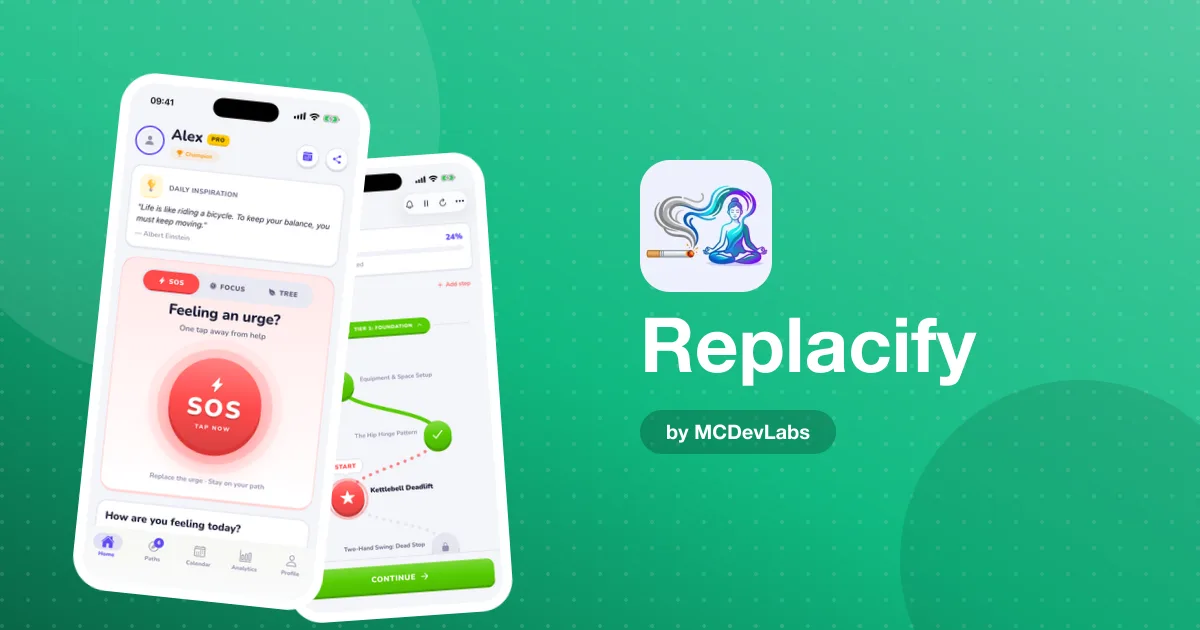
When you feel the urge to check, tap SOS instead. Replacify suggests a quick activity matched to your path and to social media as your struggle, and starts a timer. The urge to scroll is usually short and sharp; the timer gets you past its peak doing something else. Afterwards, rate how you feel. Over a few weeks those ratings show which replacements really work for you.
Step 4 — Use the focus timer as a scroll blocker for your attention
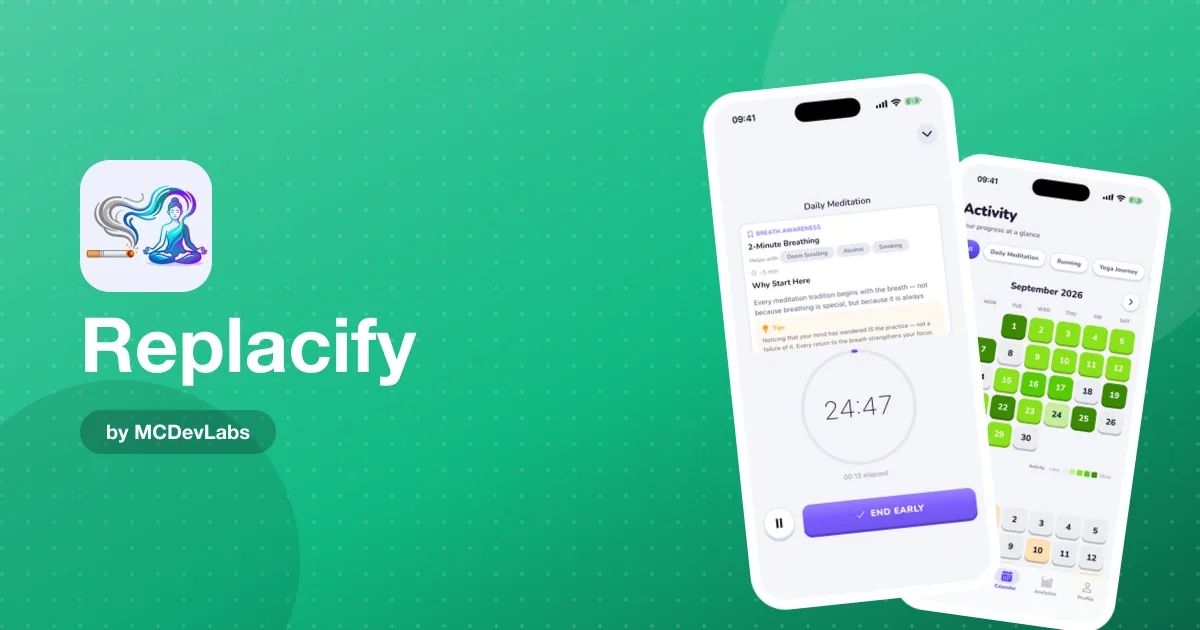
Replacify's focus timer is a Pomodoro-style timer with presets, linked to your active paths. When a session ends, it can auto-mark the related path step complete, and it tracks focus streaks.
For scrolling, it is useful in two ways. First, it turns the replacement into a defined block of time — 25 minutes of reading is a clear commitment, whereas "read instead of scroll" is vague. Second, a running timer gives you a reason not to pick up your phone. If the session is going, you leave it alone.
If you want ideas for what to fill a focus block with, the product team keeps a long list of things to do instead of scrolling, sorted by situation.
Step 5 — Check in daily and watch the doom-scrolling tracker
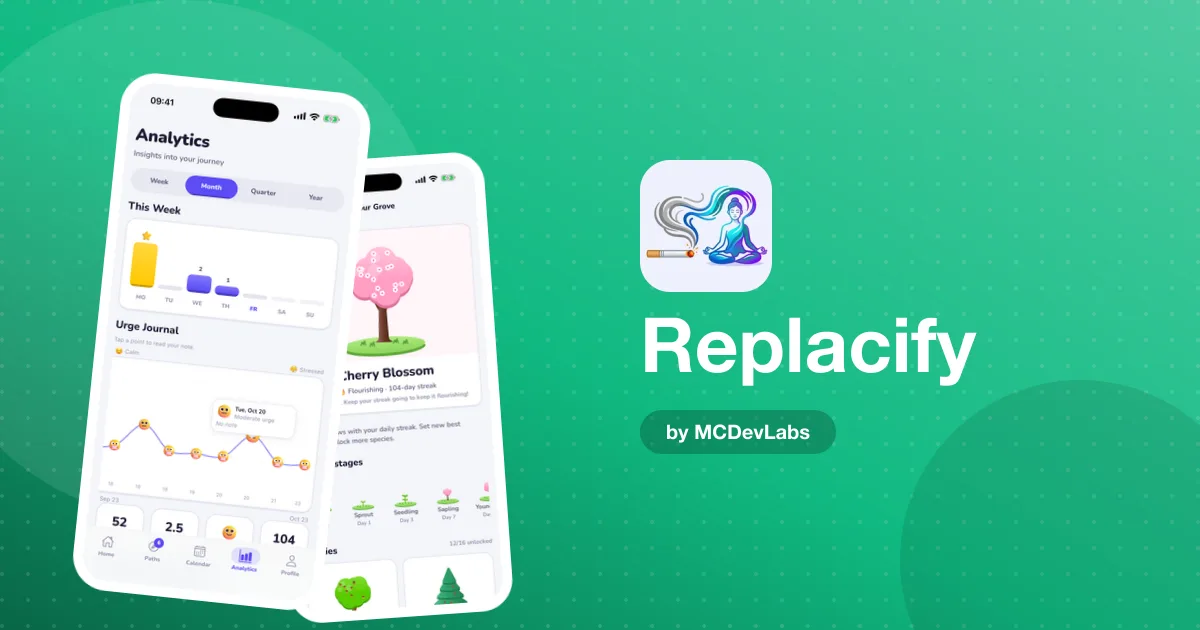
Every day, do the quick check-in: a five-level urge rating. It takes seconds and it is the most underrated feature in the app. A plain streak only tells you whether you slipped. The urge rating tells you whether the pull is getting weaker, which is the real sign of progress.
With Pro, the heatmap calendar includes a separate tracker for doom-scrolling days alongside your path activity and urges fought. Seeing those days laid out on a calendar is often the moment people notice their pattern — Sunday evenings, the day after a late night, the hour before a deadline. Once you can see the pattern, you can plan for it.
What the first month looks like
Here is what we would expect, based on how habit change usually goes rather than any promise about results.
- Week 1. Lots of SOS taps. The urge appears constantly because the cue — your phone — is always there. Success is using SOS more than you scroll, not zero scrolling.
- Week 2. Check-in ratings start to vary. Some days are clearly easier. This is a good time to look at which SOS activities you rated highest and lean on them.
- Weeks 3–4. The path steps start to become something you look forward to. The replacement begins to carry its own reward, which is when the old habit loses its grip.
If you slip, do not reset everything. Replacify keeps your longest streak, so your best run is still there. Get back to the next path step and carry on.
A few setup tips we would add
- Turn off non-essential notifications from social apps. Every notification is a cue.
- Charge your phone outside the bedroom if late-night scrolling is the issue, and pick an evening path you can do in bed instead — a Reading path works well.
- Pair Replacify with a screen-time limit in your phone's settings for extra friction. The limit makes scrolling harder; Replacify gives you something to do instead.
Common setbacks and how to handle them
Most attempts to scroll less hit the same few obstacles. Knowing them in advance makes them easier to handle.
- The weekend rebound. Structure keeps weekdays in check, and then a free Saturday morning turns into two hours of feeds. Plan a path step for weekend mornings specifically.
- The work excuse. If you need social apps for work, separate the uses. Check them at set times on a computer, and keep the phone for SOS and your path.
- The replacement that feels like homework. If a path step feels like a chore, switch categories. A replacement only works if it has its own reward.
- The all-or-nothing reset. One long scroll does not undo weeks of progress. Your longest streak is still there; pick up the next step.
Why replacement, not just stopping
Replacify is designed around replacement because the research and our own experience pointed the same way: removing a habit without a substitute rarely sticks. For the full feature list, see the case study.
Ready to try it? Replacify is free on the App Store and Google Play. Choose social media as your struggle, pick one path, and give it a month.
Frequently asked questions
- Can Replacify block social media apps?
- No. Replacify does not block apps. It helps you replace scrolling with a structured alternative and gives you an SOS tool for the moment the urge hits. You can pair it with your phone's own screen-time limits.
- Which Replacify path is best for quitting social media?
- Pick the category that meets the need scrolling meets for you. Reading or Learning for boredom, Wellness for stress, Fitness or Outdoors for restlessness, Creative or Cooking for novelty.
- Does Replacify track doom-scrolling?
- Yes. With Pro, the heatmap calendar includes a separate tracker for doom-scrolling days alongside path activity and urges fought.
- Is the free version enough to quit scrolling?
- It can be. Free includes one active path, unlimited SOS, daily check-ins and streak tracking. Pro adds more paths, custom paths, analytics and the calendar.
Have an app idea?
We turn ideas into production apps on the App Store, Google Play, and Telegram. Let's build yours together.
Start a Project