TagTrek App Review — An Honest Look From the Team That Built It
A maker's TagTrek app review covering what the smart QR tag app does well, where it has limits, who should use it and how it compares to trackers.
Most app reviews are written by people who used the product for a weekend. This one is written by the people who designed the screens, argued about the button copy and fixed the bugs. That makes us biased, so we will try to make up for it by being specific, including about the things TagTrek does not do.
TagTrek is a smart QR tag app for luggage, keys and everyday items. You create a tag in the app, print the QR code, stick it on something, and if that thing is ever lost, whoever finds it scans the code with their phone camera and can reach you. The finder does not need the app or an account.
The short version
| Area | Our verdict |
|---|---|
| Setup | Fast. Create a tag, pick a template and size, print. |
| Finder experience | The strongest part. Phone camera, web page, contact options. No install. |
| Privacy | Deliberate. No GPS, city-level context only, you choose what each mode shows. |
| Messaging | Anonymous chat between finder and owner, one inbox for every item. |
| Alerts | Push notification the moment a tag is scanned. |
| Live location | Not offered. This is a choice, not a missing feature. |
| Hardware | None. You print the tags yourself on labels, stickers or tag inserts. |
What TagTrek gets right
The finder never has to install anything
This was the design constraint we refused to compromise on. A stranger who finds your suitcase at a train station will give you maybe thirty seconds of goodwill. If the first thing they see is "download our app", most of them will hand the bag to staff or walk away.
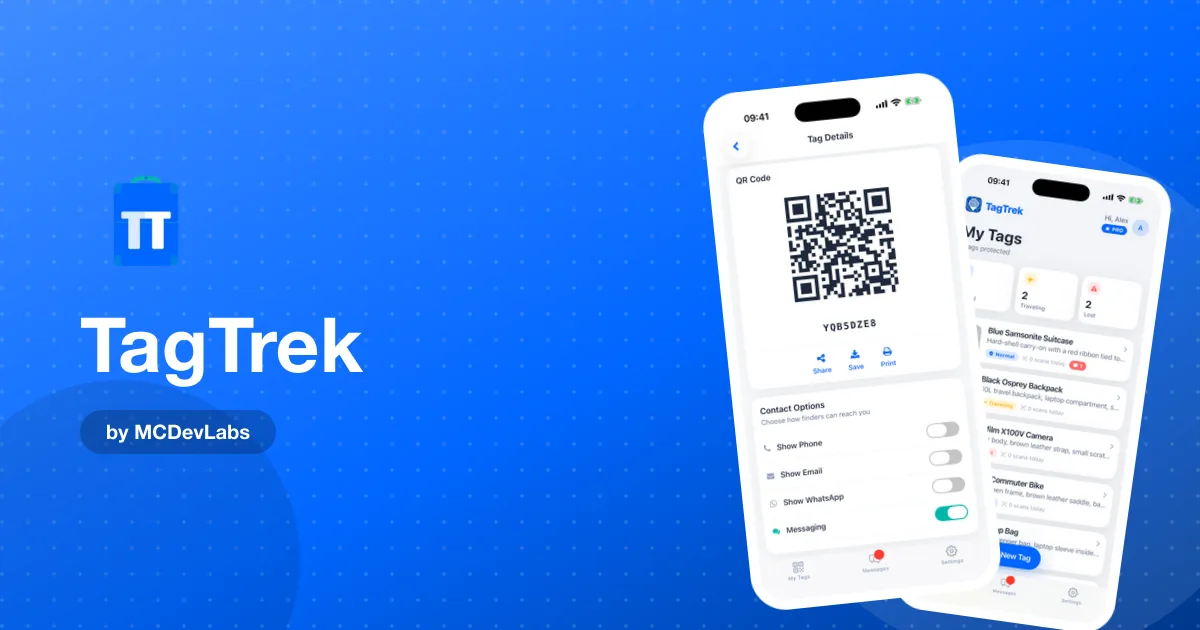
So a TagTrek scan opens a normal web page. It shows the item name, an optional photo, your custom message, and whichever contact options you enabled: call, WhatsApp, email, or an anonymous in-app chat. From there it is one tap to reach you.
Three modes instead of one static label
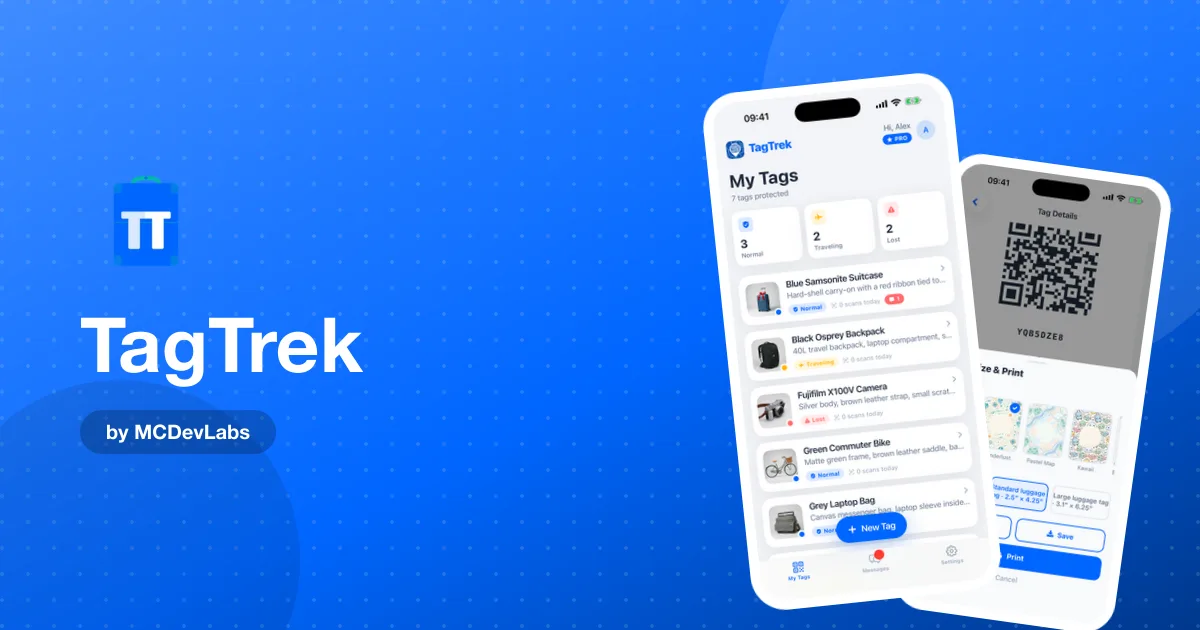
A paper tag says the same thing forever. A TagTrek tag has three modes, Normal, Traveling and Lost, and you switch between them in the app. The QR code never changes, but what a finder sees does. We wrote a full breakdown of how the Normal, Traveling and Lost modes work, but the summary is simple. Normal is for everyday use, Traveling hides the sensitive details while you are away, and Lost turns on every contact option you have.
That one idea solves the classic problem with luggage labels. Our own guide on what to put on a luggage tag explains why printing a home address on a bag announces an empty house. With modes, you can show a hotel as a temporary address while you travel and keep your home address private.
Messaging that protects both sides
Finders can start a chat without giving a name, a phone number or an email. You reply from the app. Every conversation is linked to the item it is about and sits in a single inbox with unread badges. If a chat goes wrong, you can end it, block the person or report a message, and reported messages are hidden immediately.
Print-ready designs
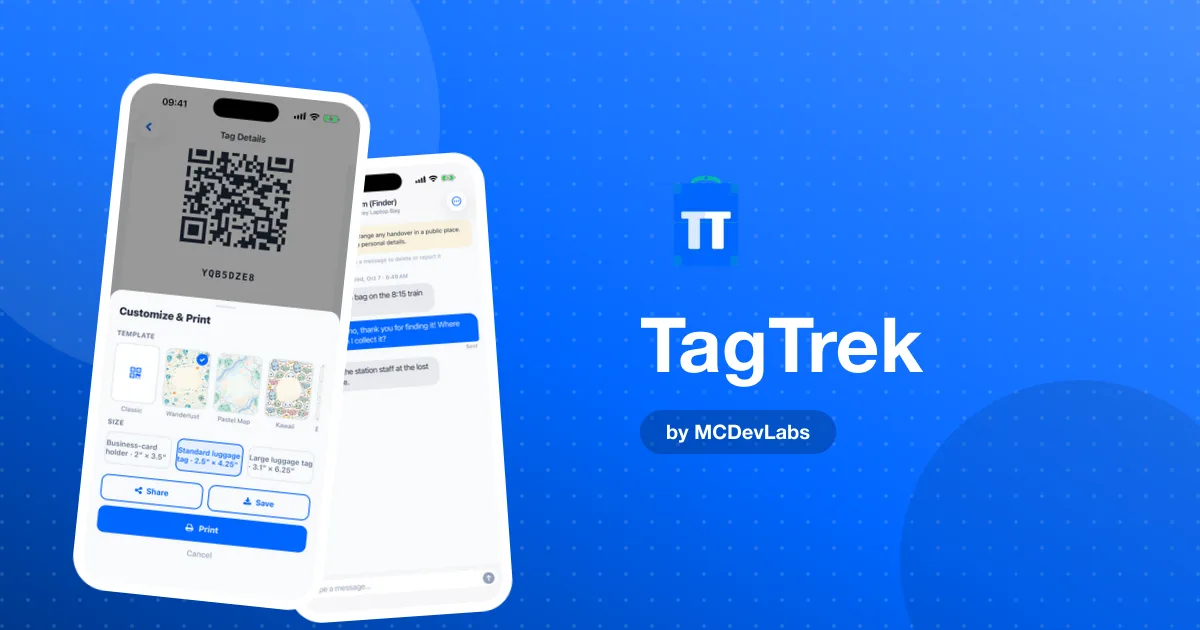
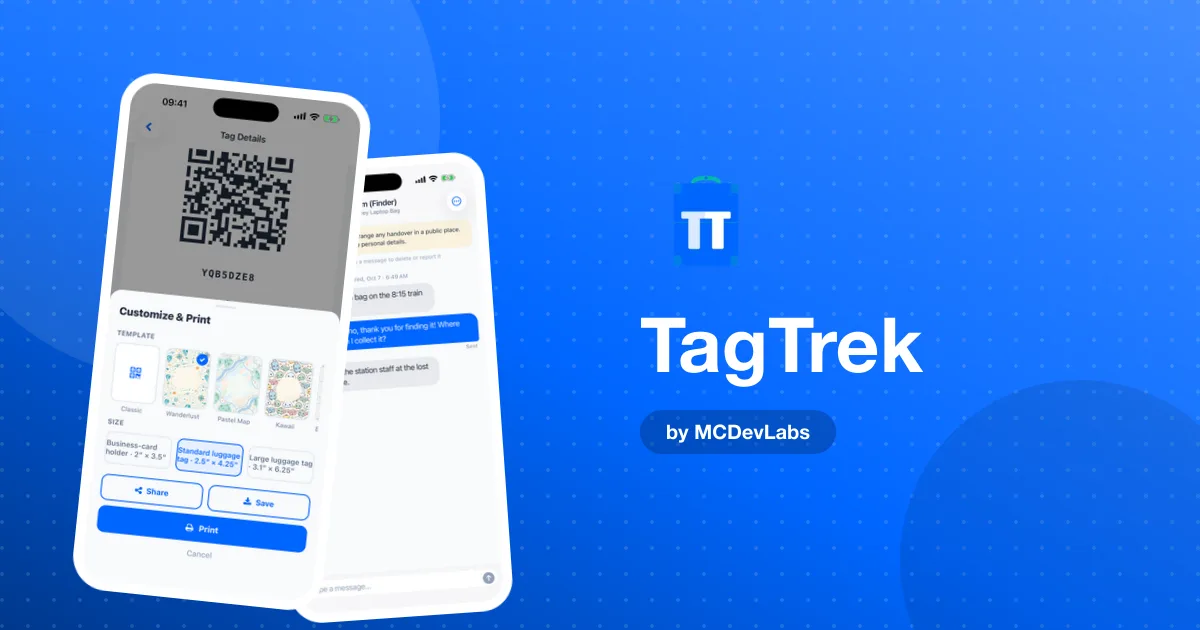
The app generates tags in several templates (Classic, Wanderlust, Pastel Map, Kawaii and more) and three sizes, from a business-card holder at 2 by 3.5 inches up to a large luggage tag at 3.1 by 6.25 inches. You can share, save or print straight from the phone. You do not buy proprietary hardware from us.
What TagTrek does not do
No live tracking
TagTrek does not use GPS and does not track your location. You can set a city for context, manually, and that is it. If you want to see your bag move across a map in real time, you need a Bluetooth tracker. We compared the two approaches in QR tags vs AirTags, and the honest answer is that they solve different problems. A tracker tells you where something is. A QR tag gives the person holding it a way to return it. Many travellers use both.
It depends on a human
A QR tag only works when someone scans it. If an item ends up in a dark corner of a baggage hall, no tag of any kind will message you by itself unless it has a battery and a network. We think the trade-off is worth it, because most lost things are found by people, and people are what TagTrek is designed around.
Your printing quality matters
Because you print the tags yourself, a faded inkjet sticker on a scuffed suitcase will eventually stop scanning. Use a laminated insert, a tag holder or a durable label, and print at actual size. The app reminds you to print at 100% with no scaling, because a scaled print won't fit the holder you chose.
How the privacy model holds up
People reasonably ask whether a QR code on a bag is a privacy risk. The product site covers the consumer angle in are QR luggage tags safe. Here is how TagTrek handles it in practice:
- No GPS, ever. Location is a city you type in, and only if you want to.
- You pick the fields. Each mode shows only what you enabled.
- Private Mode (a Premium option) hides all tag data from finders until you switch to Lost.
- Anonymous chat lets a finder reach you without seeing your phone number or email.
- Block and report are there if a conversation goes wrong, and reported messages are hidden immediately.
Who should use TagTrek
TagTrek fits best if you:
- travel with checked bags and want a better label than a paper card
- lose keys, laptops, cameras or headphones more often than you'd like
- have kids whose gear goes missing at school, camp or on trips
- care about privacy and don't want a tracking device on everything you own
It is a weaker fit if your only goal is to watch an item's position on a map. Use a tracker for that, and consider a QR tag as the return path.
What it costs to try
There is a free plan that includes one active tag with all three modes, scan alerts and finder chat. Extra tags, Private Mode and the premium print designs are part of Premium. That means you can put one tag on your most important bag and see how it feels before deciding anything.
Our verdict
We built TagTrek because the existing options either assumed the finder would install something, or put your personal details on a label for anyone to read. TagTrek's core loop, scan, see what the owner chose to share, reach them, is fast and respectful of both people involved. It does not replace a tracker and doesn't pretend to.
If you want the story behind the product, the TagTrek case study covers the design, and how we build apps explains the process we use across all our products.
You can get TagTrek on the App Store or Google Play and set up your first tag in a few minutes.
Frequently asked questions
- Is TagTrek free?
- There is a free plan with one active tag, all three modes, scan alerts and finder chat. Extra tags, Private Mode and premium print designs are part of Premium.
- Does the person who finds my item need the TagTrek app?
- No. They scan the QR code with their phone camera and a web page opens. They see the details you chose to share and can contact you right away.
- Does TagTrek track my location?
- No. TagTrek does not use GPS. You can optionally type a city for context, and that is the only location information involved.
- Do I have to buy tags from TagTrek?
- No. The app generates print-ready designs in several sizes that you print on labels, stickers or luggage tag inserts yourself.
Have an app idea?
We turn ideas into production apps on the App Store, Google Play, and Telegram. Let's build yours together.
Start a Project