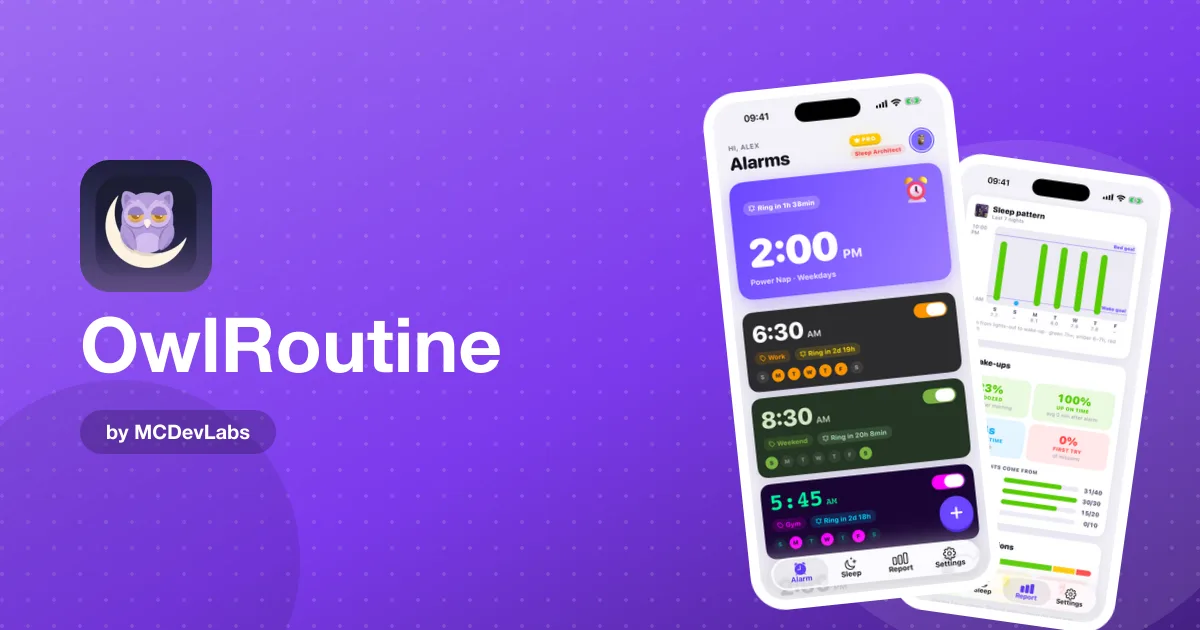
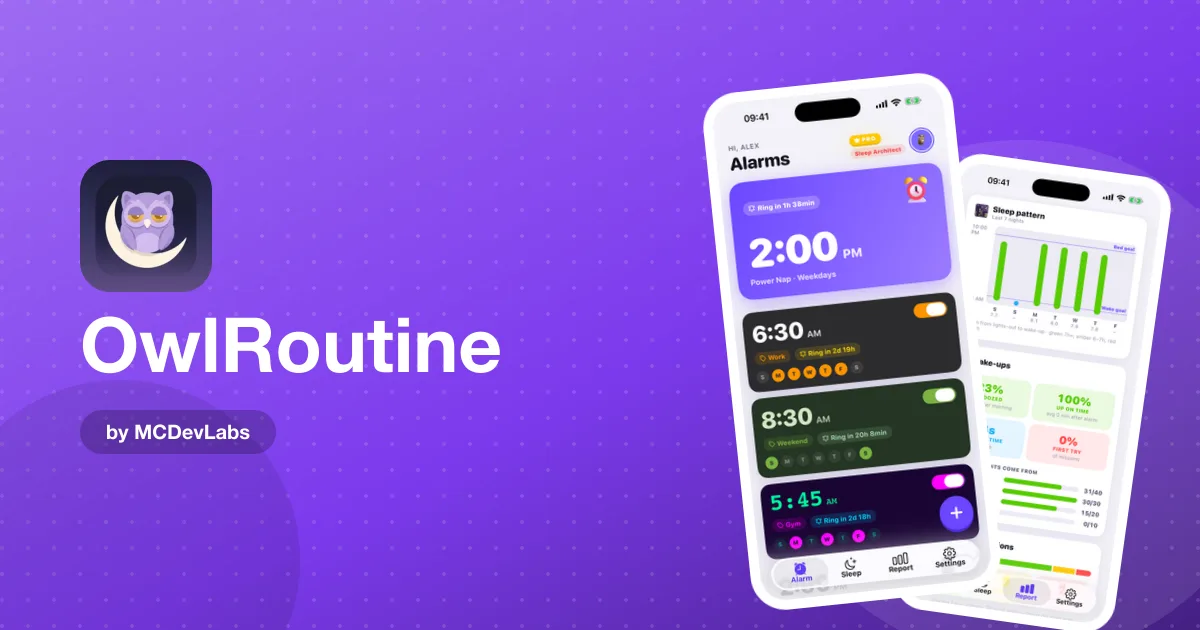
Alarm App for Early-Shift Workers — Get Up at 4 a.m. Reliably
An alarm app for early-shift workers. How OwlRoutine's mission alarms, wind-down checklist and sleep report help you get up at 4 or 5 a.m. without sleeping in.
If you start work at 5 or 6 a.m., your alarm isn't a suggestion. Bakers, nurses, warehouse teams, delivery drivers, baristas opening the café, airport staff: when you oversleep, someone else is left waiting, and it can cost you more than a bad mood.
And yet a 4:15 alarm is exactly the one you're most likely to sleep through. It's dark, you're tired, and a single tap makes it go away. This post shows how to set up OwlRoutine as an alarm app for early-shift workers, so getting up on time stops depending on how you feel at 4 a.m.
Why early shifts are so hard to wake up for
It's not just about the hour. A few things stack up against early starters:
- The dark. There's no daylight to help your body clock, especially in winter.
- The short night. Getting to bed early enough is hard when the rest of the world, and maybe your household, is still awake.
- Shifting days off. Sleeping in on your days off makes the next early start feel brutal.
- Autopilot dismissing. You can switch off a normal alarm without really waking up, then wake at 5:10 in a panic.
The product blog has a practical guide to waking up at 5 a.m. and another on waking up early without being tired. Both come back to the same two things: an alarm you can't sleep through, and enough sleep the night before. OwlRoutine is designed around exactly those two.
The alarm: you have to be awake to stop it
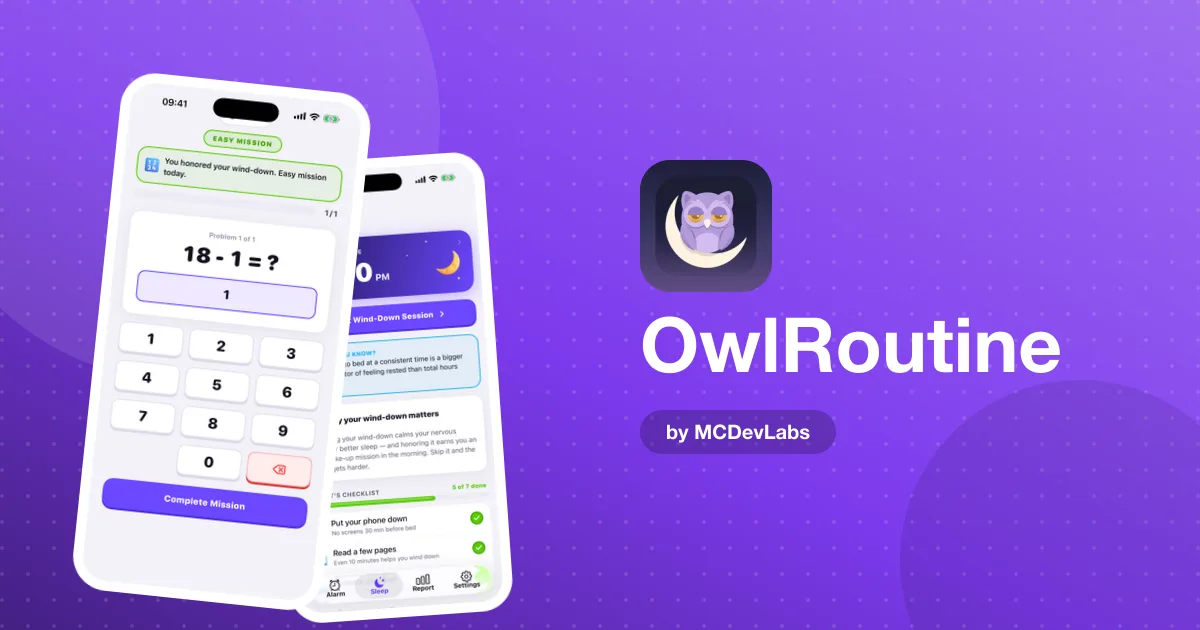
With OwlRoutine, when your alarm rings, you get a full-screen wake-up view with the time, your label and two big buttons. There are no tiny controls to fumble in the dark. Tapping Dismiss opens a mission, and the alarm keeps going until you complete it.
| Mission | How it works | Why early starters like it |
|---|---|---|
| Photo | Walk to a spot you chose and take a photo that matches your reference | Gets you out of bed and moving |
| Math | Solve a quick problem | Wakes your brain up enough to stay up |
For a 4 a.m. start, the photo mission is the safer choice. Take your reference photo somewhere you'll need to be anyway: the kettle, the bathroom mirror, the shelf where you keep your work boots. Once you're standing there with the lights on, the risk of drifting back to sleep drops a lot.
Use the label too. "Opening shift, 5:30" is far more convincing on the wake-up screen than a bare time.
The night: protect your bedtime
The hardest part of early shifts is often the evening. To get seven hours before a 4:30 alarm, you need to be asleep by about 9:30, while it may still be light out and the TV is still on in the next room.
OwlRoutine's nightly wind-down helps you start winding down on time instead of noticing it's 11 p.m. Set tonight's bedtime, then a short checklist of calming steps:
- Lay out your uniform and pack your bag. One less thing to think about at 4 a.m.
- Phone face down. Scrolling is the easiest way to lose an hour.
- Lights lower. Your brain needs a signal that the day is over, even if it isn't dark outside.
- Something quiet. A few pages of a book, a stretch, or a few minutes of calm.
The checklist is on the free plan. Pro adds guided wind-down sessions that walk you through each step with a timer, which helps when the household around you is still busy.
Days off: stay close to your shift time
The biggest trap for early starters is the weekend lie-in. Sleeping until 10 on your day off moves your body clock later, and the next 4:30 alarm feels like jet lag. The product blog's piece on why sleep consistency matters explains why keeping your wake-up time steady matters more than catching up.
You don't need to wake at 4:30 on days off. Try to keep it within one or two hours. If you work a fixed pattern, one repeating alarm on the free plan can cover your shift days. If your rota changes, or you want a separate, gentler alarm for days off, Pro gives you unlimited alarms.
How to get started in 3 steps
- Download OwlRoutine and set your shift alarm. Pick the time and the days you work, attach a photo mission, add a clear label like "Early shift" and choose a sound loud enough to cut through.
- Take your reference photo tonight. Choose a spot at least a room away from your bed, somewhere that's part of your pre-shift routine.
- Set your bedtime and checklist. Count back seven to eight hours from your alarm, and start the wind-down 30 minutes before that.
A sample setup for a 6 a.m. shift
| Time | What happens | In OwlRoutine |
|---|---|---|
| 20:30 | Wind-down starts | Bedtime and checklist |
| 20:45 | Bag packed, phone face down | Checklist items ticked |
| 21:15 | Lights out | |
| 04:45 | Alarm rings | Full-screen alarm, label "Early shift 6:00" |
| 04:47 | Photo of the kettle | Photo mission complete |
| 05:30 | Leave for work | |
| Day off 06:30 | Gentler wake-up | Second alarm with a math mission (Pro) |
Shift the times to fit your own start. The shape is what matters: an early, steady bedtime, a mission you can't skip, and days off that stay close to your workday.
Watch your pattern, not just tomorrow
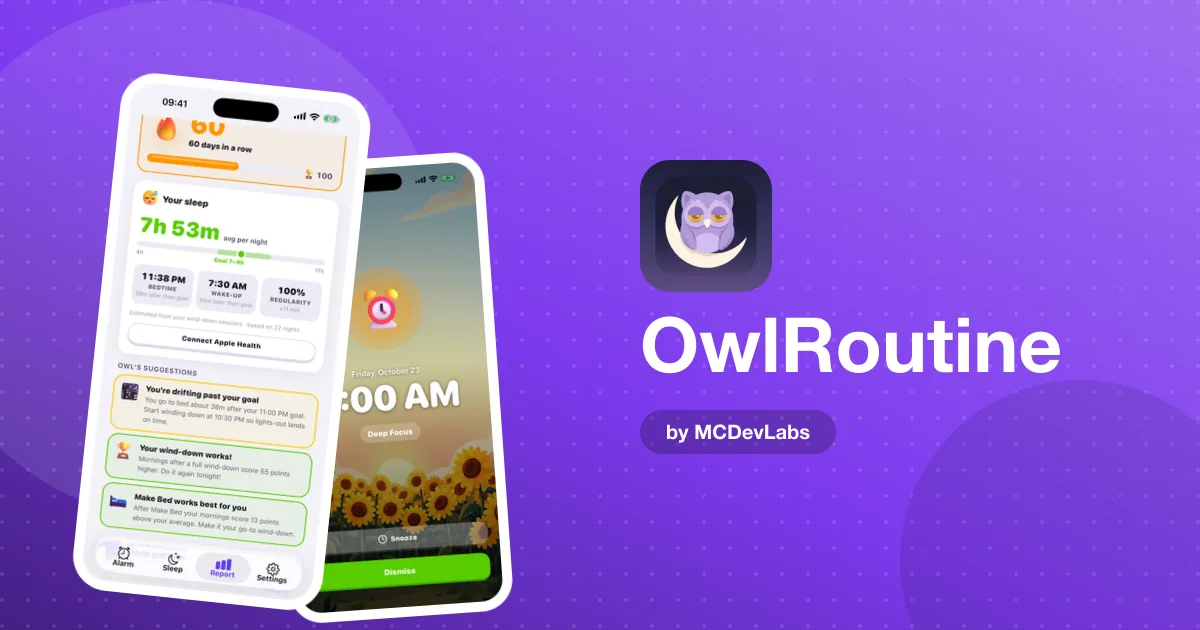
On Pro, the Report tab shows how your mornings are really going: average sleep, bedtime and wake-up time, regularity, a seven-night chart of bedtime to wake-up against your goals, and wake-up stats like on-time wake-ups and snooze rate. Each morning is marked clean, snoozed or struggled on a monthly heatmap.
For shift workers this is especially useful. If the first early shift after your days off keeps showing up as struggled, you know the fix is on your day off, not the alarm.
Rewards for showing up
Early shifts are tiring, and nobody thanks you for getting up at 4:30. On Pro, clean wake-ups and completed wind-downs earn coins you can spend in the rewards shop on themes and avatars, and badges mark your streaks. It's a small thing, but it makes a good week visible.
If you're not sure OwlRoutine is for you, our post on who OwlRoutine is for covers the sleepers it was designed around, and the bedtime routine guide goes deeper into the evening half.
Never miss an early start again
An early shift is hard enough without wondering whether you'll wake up for it. OwlRoutine gives you an alarm that won't take a sleepy tap for an answer and an evening routine that makes the early night happen. You can start free, with one mission alarm and the nightly checklist.
Download OwlRoutine on the App Store or Google Play, set your shift alarm tonight, and be the one who's already there when the doors open.
Frequently asked questions
- Is OwlRoutine good for early-shift workers?
- Yes. Its alarms make you complete a photo or math mission before they stop, so you can't switch them off half-asleep, and the nightly wind-down helps you get to bed early enough.
- Which mission should I use for a 4 or 5 a.m. alarm?
- The photo mission. You take a reference photo of a spot away from your bed, so in the morning you have to get up and walk there to turn the alarm off.
- Can I set different alarms for shift days and days off?
- The free plan includes one alarm, which you can set to repeat on your shift days. Pro gives you unlimited alarms, so you can add separate ones for days off or a changing rota.
- Should I sleep in on my days off?
- Try to keep your wake-up within one or two hours of your shift time. Big lie-ins shift your body clock later and make the next early start harder.
Have an app idea?
We turn ideas into production apps on the App Store, Google Play, and Telegram. Let's build yours together.
Start a Project