Bedtime Routine App for Adults — How OwlRoutine Runs Evenings
A bedtime routine app for adults. How OwlRoutine's nightly wind-down, bedtime checklist and guided session work, and how to build an evening you will keep.
Parents spend years building bedtime routines for their children: bath, book, lights down, the same order every night. Then they go to bed with a phone in their hand at 12:40 a.m. and wonder why mornings are hard.
Adults need a routine for the same reason children do. A predictable sequence tells your body and brain that the day is ending. The difference is that nobody runs it for you. That's the job the evening half of OwlRoutine was built to do.
This guide covers how the app's wind-down works, how to set up a routine you'll actually keep, and what to expect in the first few weeks.
Why adults skip bedtime routines
Most adults know what a good evening looks like. The problem is almost never knowledge. It's that the evening has no structure:
- No clear end to the day. Work, chores and screens blur into each other until you notice it's late.
- The phone is always there. It's the last thing you look at at night and the first thing in the morning. The product blog has a realistic look at what your phone before bed really does to your sleep, and it's more nuanced than "blue light bad".
- Routines feel like effort. A twelve-step evening ritual from a wellness influencer lasts about three nights.
A bedtime routine app has to solve those three problems, not add a fourth.
How OwlRoutine's wind-down works
The evening side of OwlRoutine has three parts.
1. Tonight's bedtime
The Sleep screen shows tonight's bedtime front and centre. It's a target, not a rule, but having one visible number changes behaviour. "Bed by 11:15" is a lot harder to ignore than a vague intention to get an early night.
2. The wind-down checklist
A short list of calming rituals. The defaults are simple on purpose: phone down, read, stretch, meditate. You can shape it into what works for you, whether that's journaling, a shower, laying out clothes for tomorrow or no screens after a certain time.
3. The guided session and timer
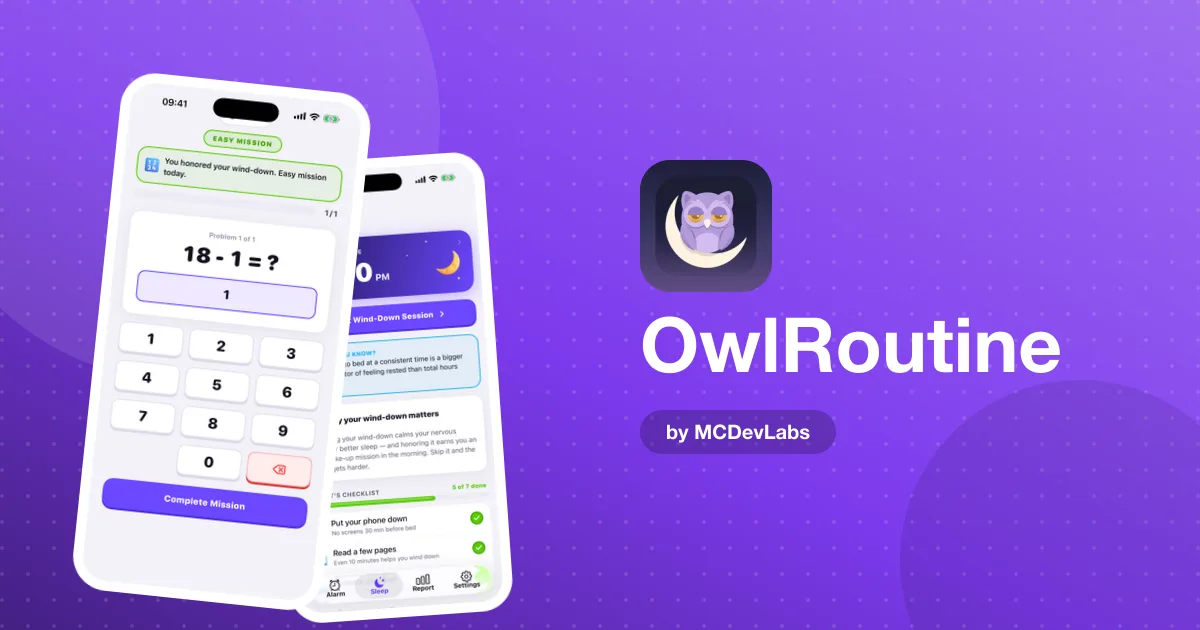
When it's time, you start a guided wind-down session that walks you through the checklist with a timer, including a phone-face-down timer. This is the part that turns a list into a routine. You're not deciding what to do next at 10:45 p.m.; the session is.
The free plan includes the nightly checklist. Guided wind-down sessions are part of Pro.
Building a routine you'll keep
Here's the approach we recommend for adults starting from zero.
| Week | Routine length | Checklist | Goal |
|---|---|---|---|
| 1 | 10 minutes | Phone face down, one calm activity | Start the wind-down 4 nights |
| 2 | 20 minutes | Add a stretch or a few minutes of quiet | Start it 5 nights |
| 3 | 30 minutes | Add reading or journaling | Most nights, same start time |
| 4+ | Whatever sticks | Drop anything you keep skipping | Keep the streak going |
Three rules make the difference:
- Start shorter than you think. A ten-minute routine you do beats a forty-minute one you skip.
- Anchor the start time. Start the wind-down at the same time each night, counting back from your bedtime.
- Drop what you skip. If "meditate" goes unticked four nights in a row, replace it with something you'll do.
If you want a fuller template once the basics are in place, the product blog's 30-minute wind-down routine is the one the app's default checklist is modelled on.
What to put on your checklist
The best checklist items share three qualities: they're quick, they're calming, and they don't involve a bright screen. A few that work well for adults:
- Put the phone face down, or in another room. The single highest-impact item for most people.
- Read a few pages of a paper book. Fiction tends to work better than anything work-related.
- Five minutes of stretching. Gentle, slow, nothing that gets your heart rate up.
- Write tomorrow's top three tasks. Getting them out of your head stops them circling at midnight.
- Prepare one thing for the morning. Clothes, a bag, the coffee filter. It makes the morning feel lighter.
- A few minutes of quiet breathing or meditation. Even two minutes counts.
Avoid items that are really chores in disguise. "Clean the kitchen" at 10:45 p.m. is not a wind-down step; it's a reason to skip the whole routine.
Pick three or four, not ten. The checklist should take one look to understand.
Connecting the evening to the morning
The reason OwlRoutine is a bedtime routine app and an alarm app at the same time is that the two are one problem. A good evening makes for an easier morning. A late, scrolly evening makes even the best alarm feel brutal.
In the morning, the alarm comes with a dismiss mission, either a math problem or a photo that has to match a reference picture of a spot away from your bed. Then the morning is scored and marked clean, snoozed or struggled on a monthly heatmap.
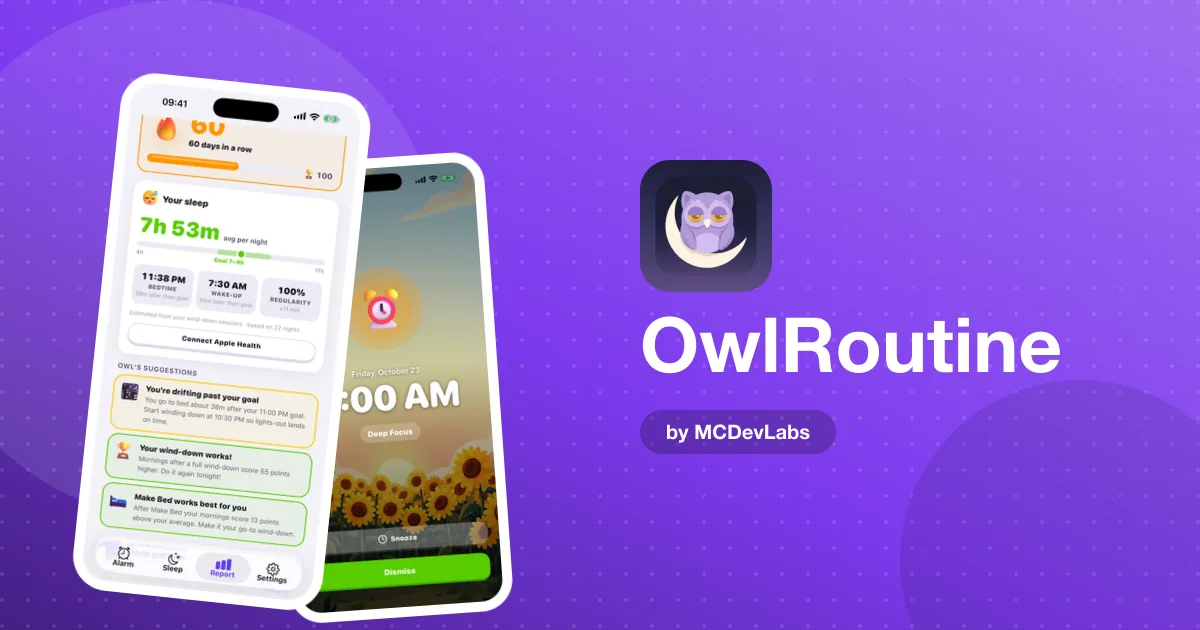
Over a few weeks, the heatmap tells you something no single night can: whether your evenings are actually changing your mornings. Many people find their struggled mornings line up neatly with the nights they skipped the wind-down.
What to expect in the first month
The first week usually feels awkward. You'll forget to start the wind-down on at least one night, and that's fine. By the second week, the start time begins to feel normal, and the phone-face-down step stops feeling like a sacrifice. Around the third and fourth weeks, most people notice the payoff in the morning rather than the evening: fewer snoozed alarms, fewer struggled squares on the heatmap, and a little less dread when the alarm rings.
Don't judge the routine on a single night. Judge it on the month.
When the routine isn't enough
Sometimes you do everything right and still wake up groggy. Timing can be the culprit. Being woken from deep sleep tends to feel worse than waking from lighter sleep, even after a full night. The product blog explains this in why you can wake up tired after eight hours, and the OwlRoutine site has a free sleep calculator that suggests bedtimes in whole 90-minute cycles.
If you regularly feel exhausted despite a good routine and enough hours, or you snore heavily or wake up gasping, talk to a doctor. A bedtime routine app is a habit tool, not a medical one.
Small rewards, real effect
Completing wind-downs earns coins in OwlRoutine, which you can spend in the shop on avatar faces, robots and themes. Streaks build up, and badges like Month Master mark a 30-day run. It sounds trivial for adults, but a visible streak is one of the more reliable reasons not to skip a habit on a night when you're tired and would rather scroll.
One screen, one list
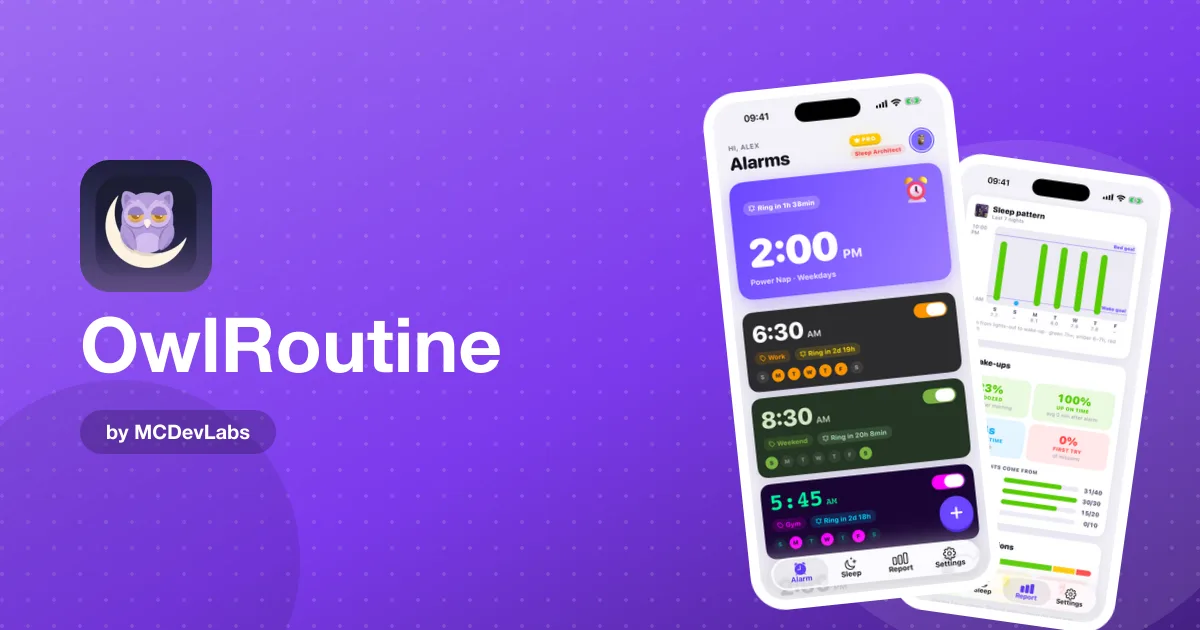
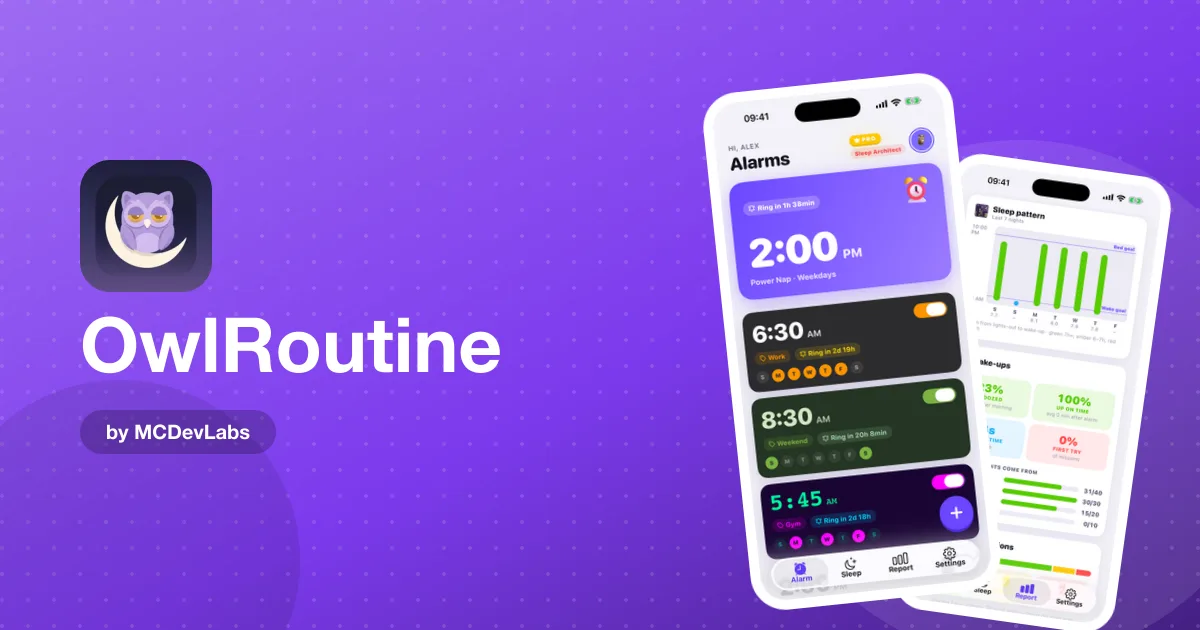
The evening side is meant to be as low-friction as the alarm side: one screen, one bedtime, one short list. You can see the screens in the OwlRoutine case study.
Start tonight
Set a bedtime 30 minutes earlier than your usual, pick two items for the checklist and run it four nights this week. OwlRoutine is free to start on the App Store and Google Play.
Frequently asked questions
- Do adults really need a bedtime routine?
- A predictable evening sequence signals that the day is ending, which can make it easier to wind down and fall asleep. Adults just have to run it themselves.
- How long should an adult bedtime routine be?
- Start with about 10 minutes and build towards 30. A short routine you do every night beats a long one you skip.
- What does the OwlRoutine wind-down include?
- Tonight's bedtime, a checklist of calming steps such as putting the phone down, reading, stretching and meditating, and in Pro a guided session with a timer.
- Is the bedtime checklist free?
- Yes. The nightly wind-down checklist is part of the free plan. Guided wind-down sessions are part of Pro.
Have an app idea?
We turn ideas into production apps on the App Store, Google Play, and Telegram. Let's build yours together.
Start a Project