Who OwlRoutine Is For — Five Sleepers the App Was Designed Around
Who OwlRoutine is for, and who it isn't. Five types of sleepers the alarm and wind-down app was designed around, with the setup that works best for each one.
OwlRoutine is designed around the people who struggle with mornings, and around why they struggle, because the reasons are different and the fixes are too.
This post describes the five types of sleepers we designed the app around, which features matter most to each, and the setup we'd recommend. It also says plainly who should skip it.
The quick map
| Sleeper type | Core problem | Most useful features |
|---|---|---|
| The reflex snoozer | Dismisses alarms without waking up | Photo mission, full-screen alarm |
| The night owl | Body clock runs late | Wind-down, bedtime, consistency stats |
| The weekend drifter | Weekday and weekend schedules don't match | Repeating alarms, heatmap |
| The scroller | Bedtime slips because of the phone | Wind-down checklist, phone-face-down timer |
| The streak chaser | Needs motivation to stick with habits | Coins, badges, streaks |
Most people are a mix of two or three. Start with the one that sounds most like you.
1. The reflex snoozer
You set an alarm, it rings, and somehow it's off and you're asleep again. You don't remember doing it. A louder alarm didn't help, and neither did five alarms ten minutes apart.
What's going on. Turning off an alarm is a single, automatic action your half-asleep brain can perform without ever waking up properly. The product blog walks through the common causes in why you sleep through your alarm.
How to set up OwlRoutine. Use the photo mission. Take your reference photo at a spot in another room, like the bathroom sink or the kettle. The alarm won't stop until you walk there and take a matching photo, which is enough movement and attention to break the reflex. Keep snooze available, but watch your heatmap for snoozed mornings.
2. The night owl
You're sharp at 11 p.m. and useless at 7 a.m. Your body clock runs late, and the world's schedule doesn't.
What's going on. Some people naturally prefer later sleep and wake times. You can't flip that overnight, but you can shift it gradually and make the most of the schedule you have. The product blog's guide for night owls covers what's realistic.
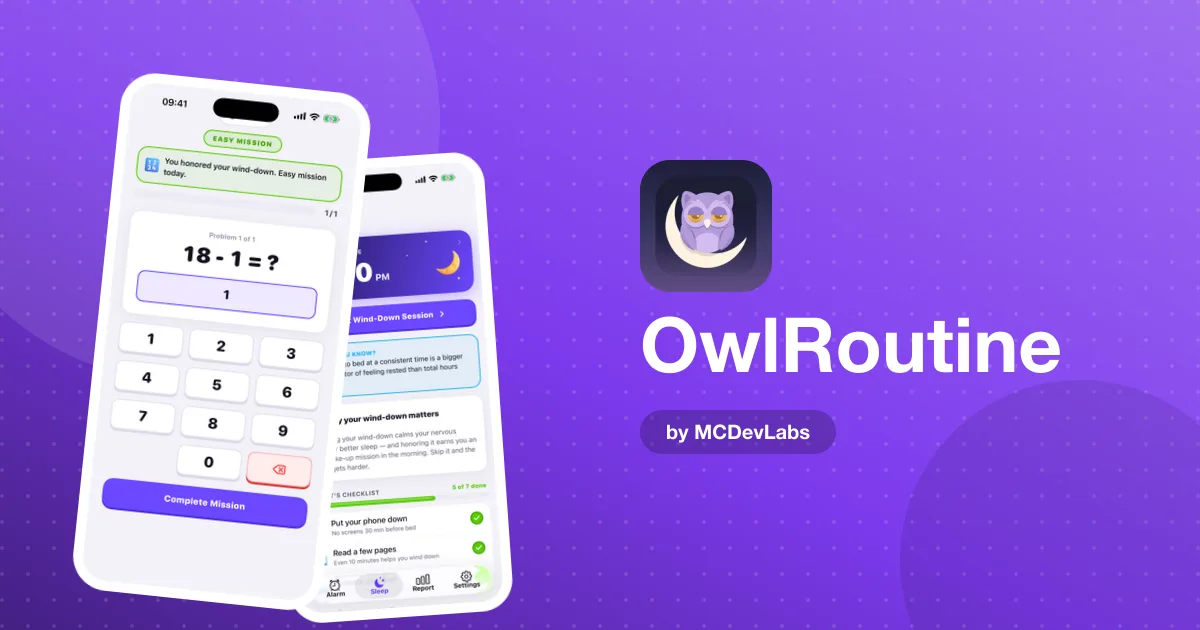
How to set up OwlRoutine. The evening half matters more for you than the alarm. Set a bedtime only slightly earlier than your natural one, and move it in small steps. Run the wind-down checklist every night. Then use a math mission for the morning, which forces your brain online without asking for too much at once. Watch the consistency rate in your report, which is the number that will improve first.
3. The weekend drifter
Weekdays are fine. Then Saturday you sleep until 11, Sunday until noon, and Monday is miserable.
What's going on. A big gap between weekday and weekend wake-ups is like a small dose of jet lag every week.
How to set up OwlRoutine. Set a weekday alarm and a separate weekend alarm no more than an hour or two later, both repeating on their own days. A second alarm needs Pro, since the free plan includes one; on the free plan, set a single alarm that repeats every day. The monthly heatmap will show you the pattern in black and white: struggled Mondays almost always trace back to the weekend.
4. The scroller
You're in bed by 11. You're asleep by 1. The two hours in between are a blur of short videos and group chats.
What's going on. It's not your alarm; it's your evening. The phone is the last thing you touch at night, and it's designed to keep you there.
How to set up OwlRoutine. Make the wind-down the main event. Set tonight's bedtime, build a checklist that starts with "phone face down", and use the phone-face-down timer in the guided session. Pick one analogue replacement, reading or stretching, so the phone isn't replaced with nothing. The free plan includes the checklist; guided sessions are part of Pro.
5. The streak chaser
You know what to do. You do it for a week, then life happens and the habit's gone.
What's going on. Motivation fades fast when progress is invisible.
How to set up OwlRoutine. Lean into the reward layer. Completing cycles and wind-downs earns coins to spend on avatar faces, robots and themes, and streaks unlock badges like Month Master for 30 days in a row. The heatmap and streak count make progress visible every morning, which is exactly what keeps this type going.
A sixth type, the shift worker
People who work rotating or night shifts don't fit neatly into any of the types above. Their "morning" might be at 3 p.m. on Tuesday and 6 a.m. on Friday. OwlRoutine can still help, because alarms repeat on chosen days and each alarm can carry its own label and mission. With Pro's unlimited alarms, set one alarm per shift pattern, label it clearly ("Night shift - leave by 21:15"), and use the wind-down after shifts to mark the switch from work to sleep, whatever the clock says.
The heatmap is less tidy for shift workers, but the consistency rate is still useful: it shows whether the wake-ups within each shift pattern are getting more regular.
Who OwlRoutine isn't for
We'd rather you skip the app than be disappointed by it.
- People who wake up fine with the Clock app. You don't need missions.
- People who want sleep-stage data from a wearable. OwlRoutine scores your mornings rather than measuring sleep stages.
- Anyone with ongoing exhaustion despite enough sleep. Persistent tiredness, loud snoring or waking up gasping are reasons to see a doctor, not to download an alarm app.
- People who want a huge menu of mission types. We chose two, math and photo proof, and made them reliable.
Mixing types
Most people recognise themselves in more than one description. A common combination is the scroller who is also a reflex snoozer: late nights on the phone lead to mornings where the alarm gets switched off on autopilot. In that case, fix the evening first and use the photo mission as a safety net. Another is the night owl who is also a weekend drifter. There, the weekend alarm does more for you than any single change on weekdays.
When in doubt, start with the evening. It's the half of the problem that most alarm apps ignore, and the half that makes the alarm easier to beat.
How it compares
If you're weighing OwlRoutine against other mission alarms, the product team has a side-by-side in OwlRoutine vs Alarmy vs Wayk. The short version: most mission alarms focus on the morning alone, while OwlRoutine pairs the alarm with a nightly wind-down, a sleep score and visible consistency.
The common thread
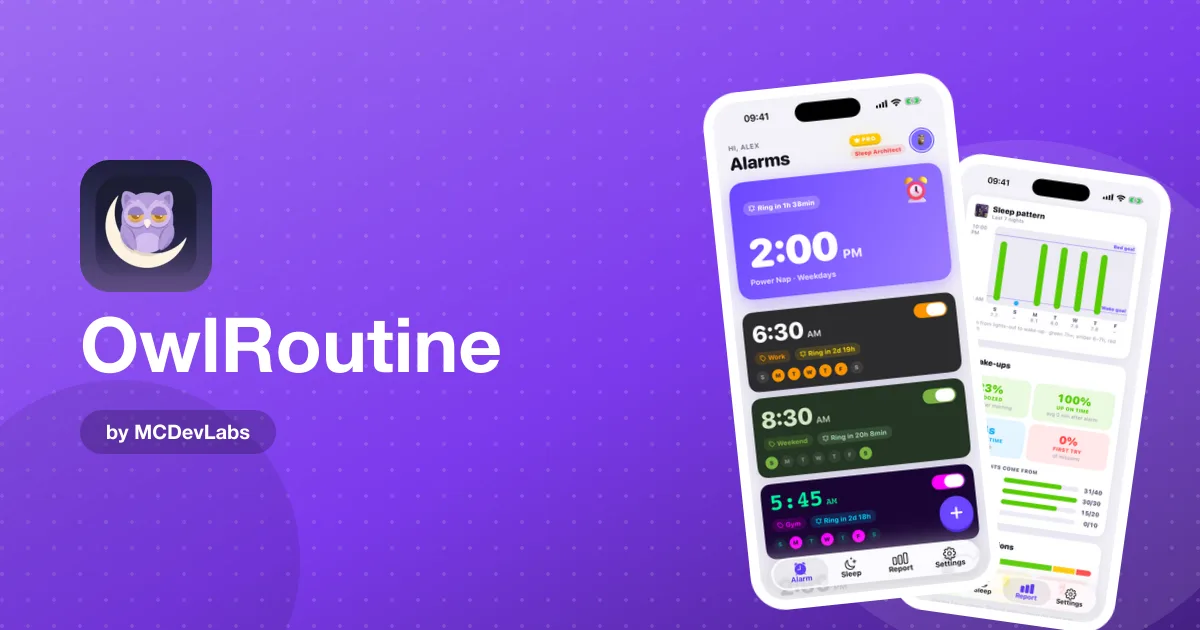
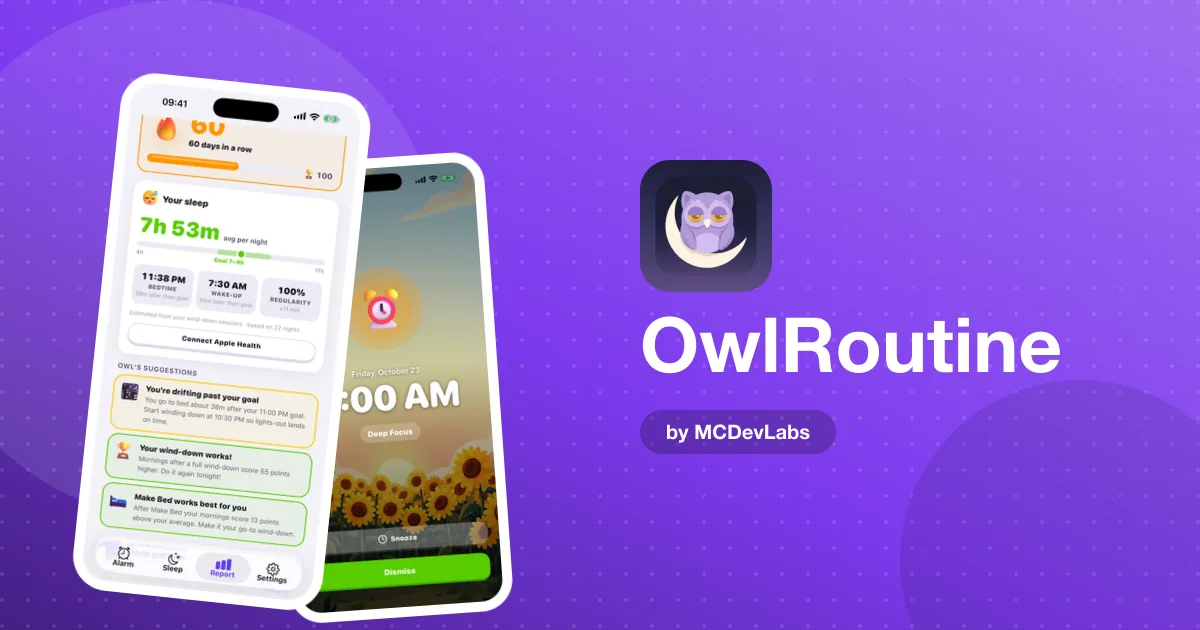
All five types share one thing: the morning problem starts earlier than the morning. That's the idea at the heart of the app, and the reason the evening and the alarm live in the same place. For the full feature walkthrough, read how OwlRoutine works. The screens are in the OwlRoutine case study.
Try the setup for your type
Pick the type that sounds most like you, use the setup above for two weeks, and check your heatmap. OwlRoutine is free to start on the App Store and Google Play.
Frequently asked questions
- Is OwlRoutine good for heavy sleepers?
- For people who switch alarms off without really waking up, the photo mission helps most, because it makes you walk to a spot in another room before the alarm stops.
- Can OwlRoutine help night owls?
- It can help you shift gradually. The nightly wind-down and a bedtime set slightly earlier than your natural one, moved in small steps, matter more than the alarm.
- Who should not use OwlRoutine?
- People who already wake up easily, people who want wearable sleep-stage data, and anyone with persistent exhaustion who should see a doctor first.
- Does OwlRoutine work for weekend schedules?
- Yes. With Pro you can set separate repeating alarms for weekdays and weekends (the free plan includes one alarm), and the heatmap shows whether weekend lie-ins are hurting your Mondays.
Have an app idea?
We turn ideas into production apps on the App Store, Google Play, and Telegram. Let's build yours together.
Start a Project