How OwlRoutine Works — From Bedtime Checklist to Morning Score
How OwlRoutine works, step by step. The evening wind-down, the alarm and dismiss mission, the morning score and the rewards loop, from the team who built it.
Most alarm apps have one moment that matters: the alarm going off. OwlRoutine has five, and they're designed to feed into each other. This post walks through the loop in order, from the evening before to the report you see after a few weeks, and explains why each step exists.
The loop at a glance
| Step | When | What you do | Why it exists |
|---|---|---|---|
| 1. Set an alarm | Once | Time, days, mission, label, sound | The alarm needs a mission attached from the start |
| 2. Wind down | Every evening | Bedtime plus checklist, guided session | Easier mornings start the night before |
| 3. Get up | Every morning | Complete the math or photo mission | Breaks the half-asleep snooze reflex |
| 4. Get scored | Every morning | Nothing, it's automatic | Makes your pattern visible |
| 5. Earn rewards | Ongoing | Spend coins, collect badges | Keeps the habit going past week one |
Step 1 — Set a smart alarm
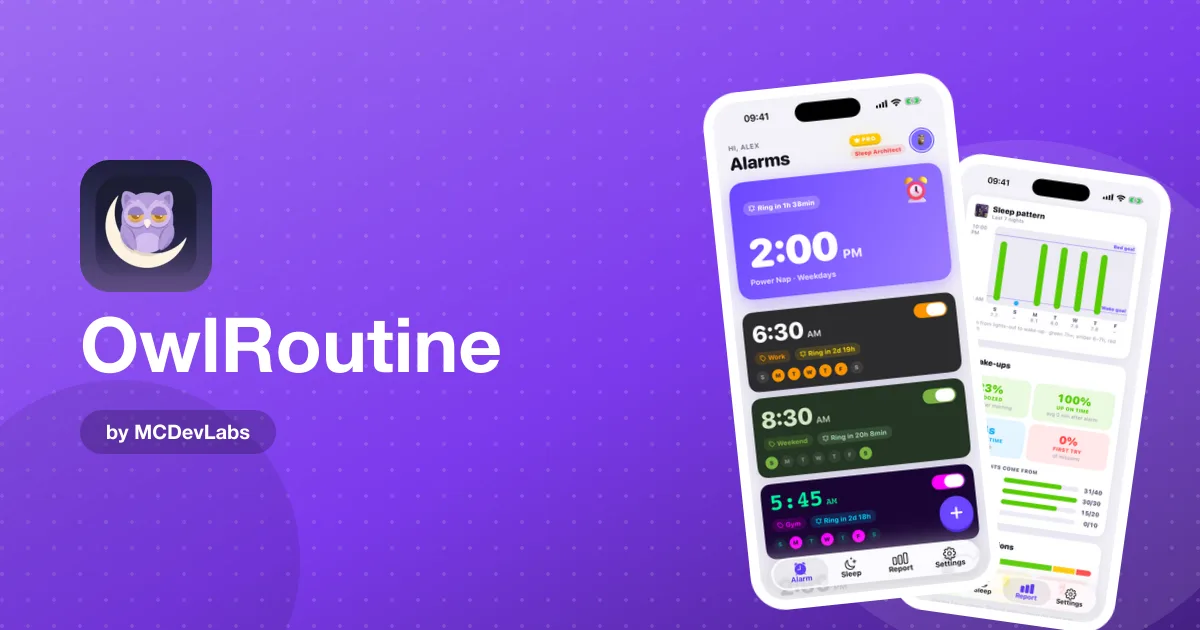
You pick a time, choose which days it repeats, and attach a dismiss mission: Photo or Math. You can add a label ("Gym", "Standup", "Flight") and choose an alarm sound you don't hate.
The label matters more than people think. When the full-screen alarm appears, the label is one of the two things you see, next to the time. "Gym" at 6:00 a.m. is a reason to get up. A bare time is just a noise.
If you pick the photo mission, the app asks you to take a reference photo now, while you're awake. Choose a place that's away from your bed: the bathroom sink, the kettle, the front door. That distance is the whole point.
Step 2 — Build your wind-down routine
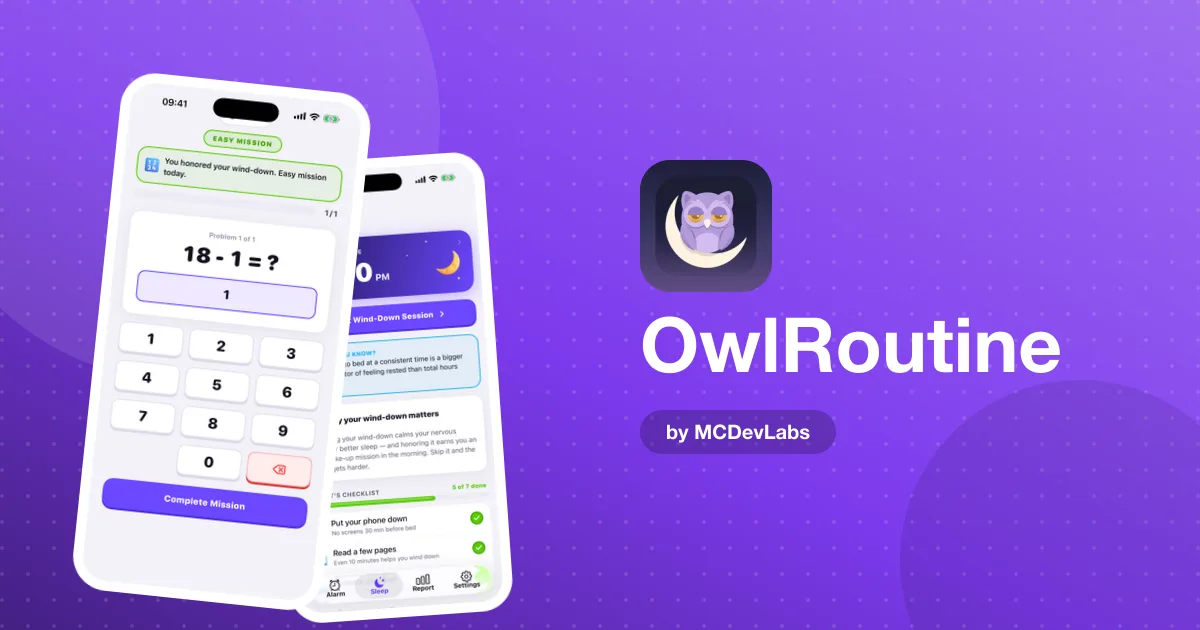
In the evening, the Sleep screen shows tonight's bedtime and your wind-down checklist. The default rituals are deliberately boring: put the phone face down, read, stretch, meditate. You can start a guided session that runs you through them with a timer.
We put this step in the app because a mission alarm on its own treats the symptom. If you went to bed at 1:30 a.m., no math problem will make 6:30 a.m. pleasant. The product blog has a full breakdown of a 30-minute wind-down routine that the checklist is modelled on.
Bedtime is also where sleep timing comes in. If you know roughly when you need to be up, it helps to count back in whole cycles rather than picking a random time. The product team's explainer on how sleep cycles shape the way you wake up covers the reasoning, and the OwlRoutine site has a free sleep calculator for the arithmetic.
Step 3 — Actually get up
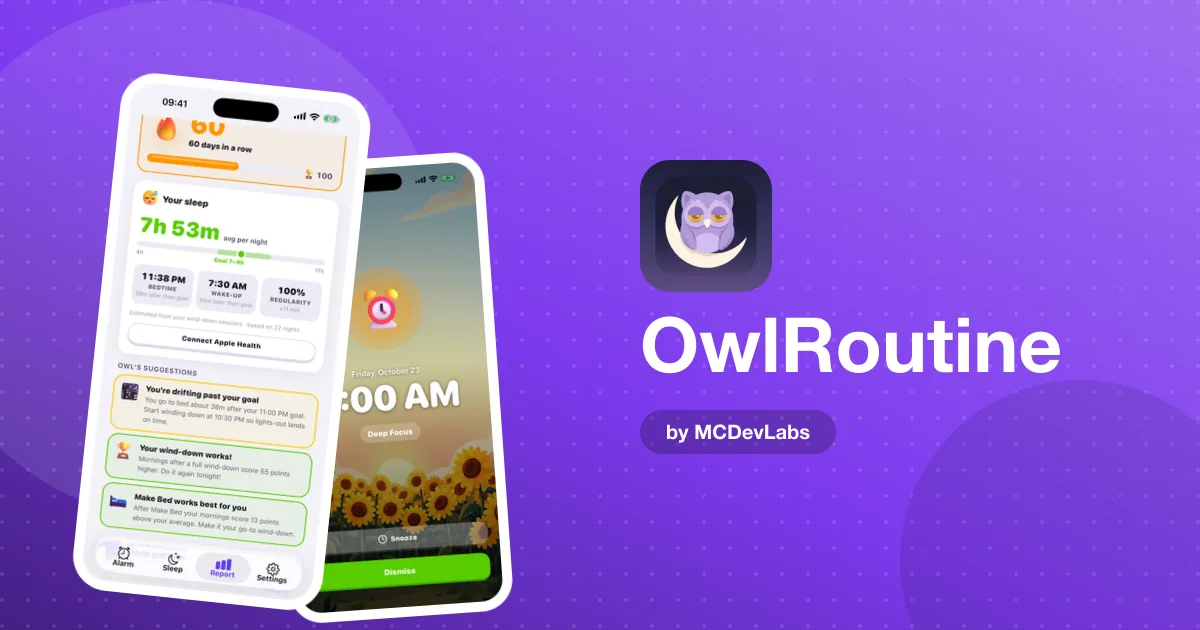
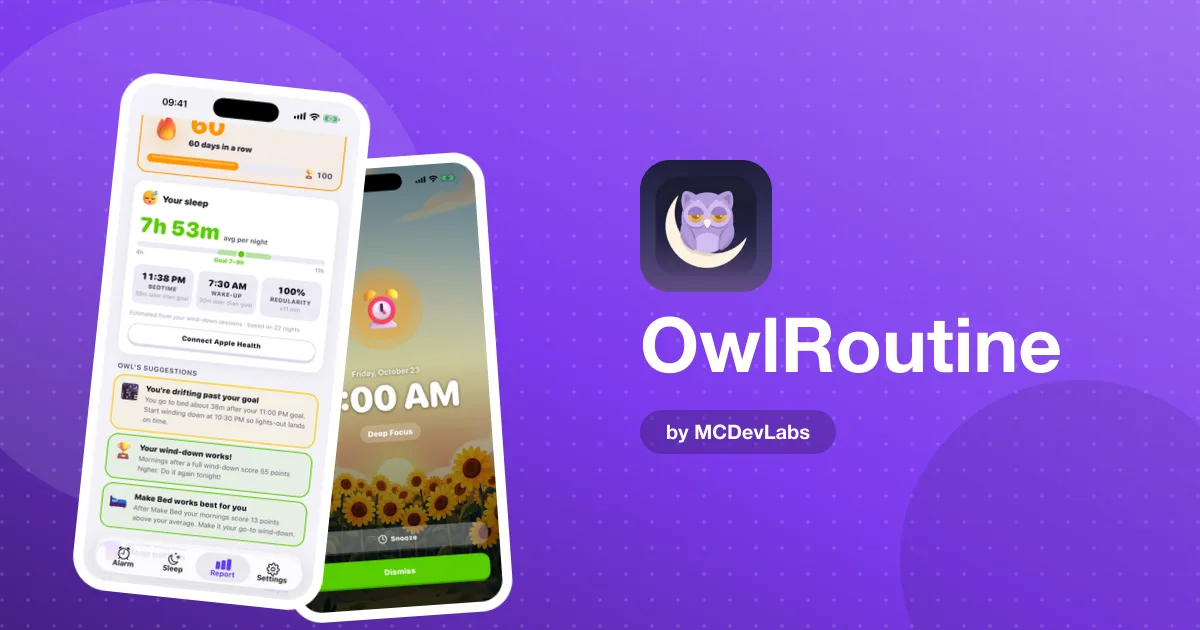
When the alarm rings, OwlRoutine shows a full-screen wake-up view with the time, the label and two large buttons, Snooze and Dismiss. Dismiss doesn't end the alarm on its own. It sends you into your mission.
- Math mission. Solve a problem. It takes enough focus that your brain has to come online.
- Photo mission. Walk to your chosen spot and take a photo that matches your reference picture. The photo doesn't have to be perfect: small changes in angle and lighting are fine, but a photo of your pillow won't pass.
Snooze is still there. We didn't remove it, because sometimes you genuinely need ten more minutes. But snoozing is recorded, and that brings us to step four.
Step 4 — Track your sleep
Every morning gets a sleep score, and each day lands on a monthly heatmap calendar marked clean, snoozed or struggled. The Report view adds your average score, best day, consistency rate and current streak.
The heatmap is the most useful screen in the app. It turns "I've been bad at mornings lately" into "I snoozed every Monday this month", which is something you can actually fix. A pattern like that usually points back to the weekend, not the alarm.
Step 5 — Earn rewards
Completing cycles and wind-downs earns coins. You spend them in a shop on avatar faces, robots and themes, and you collect badges as streaks grow. Month Master, for example, is the badge for a 30-day streak.
Gamification can feel childish if it's overdone, so the rewards are kept light: coins are a small acknowledgement that you showed up, not the reason you show up. In practice, a visible streak is a surprisingly strong reason not to snooze on day 19.
Free vs Pro, without the sales pitch
The free plan covers one alarm, photo and math missions and the nightly checklist. Pro unlocks unlimited alarms, the full Report tab and analytics, guided wind-down sessions, custom alarm-screen backgrounds, all themes and avatars, and the coins and rewards shop. Monthly and annual plans have a 3-day free trial, and there's a one-time lifetime option.
A day in the loop
Here's how the steps play out across a single day for a typical user with a 7:00 a.m. alarm on workdays.
At around 10:30 p.m., the Sleep screen shows tonight's bedtime. You start the wind-down, put the phone face down, read for a while and stretch. At 7:00 a.m., the full-screen alarm appears with the label you chose. You tap Dismiss and the photo mission opens, so you walk to the kitchen and photograph the kettle. The match passes, the alarm stops, and the morning is scored. A few coins land in your balance.
A week later, you open the Report and see five clean mornings and one snoozed Saturday. That's the loop in miniature: the evening sets up the morning, and the report shows you whether it worked.
Putting it together
The loop is simple on purpose. Set the alarm once. Wind down in the evening. Complete a mission in the morning. Glance at the heatmap now and then. Collect a badge when you earn it. None of the steps is clever on its own. The value is that they're connected, so a good evening makes a clean morning more likely, and a clean morning shows up somewhere you can see it. The OwlRoutine case study shows every screen in the loop.
If you'd like to try the loop yourself, OwlRoutine is free to start on the App Store and Google Play.
Frequently asked questions
- What dismiss missions does OwlRoutine have?
- Two. A math mission, where you solve a problem, and a photo mission, where you take a picture that matches a reference photo of a spot you chose away from your bed.
- Can I still snooze in OwlRoutine?
- Yes. Snooze is available on the full-screen alarm, but snoozed mornings are recorded and show up on your heatmap calendar.
- What does the wind-down routine include?
- Tonight's bedtime plus a checklist of calming steps such as putting the phone down, reading, stretching and meditating. Pro adds a guided wind-down session with a timer.
- What is the heatmap in OwlRoutine?
- A monthly calendar that marks each morning as clean, snoozed or struggled, alongside your average score, best day, consistency rate and streak.
Have an app idea?
We turn ideas into production apps on the App Store, Google Play, and Telegram. Let's build yours together.
Start a Project