ArmProgress Features — A Tour of the Armwrestling Training App
A tour of every major ArmProgress feature — hold timer, muscle heatmap, training programs, analytics, ranks and badges — and the reason each one exists.
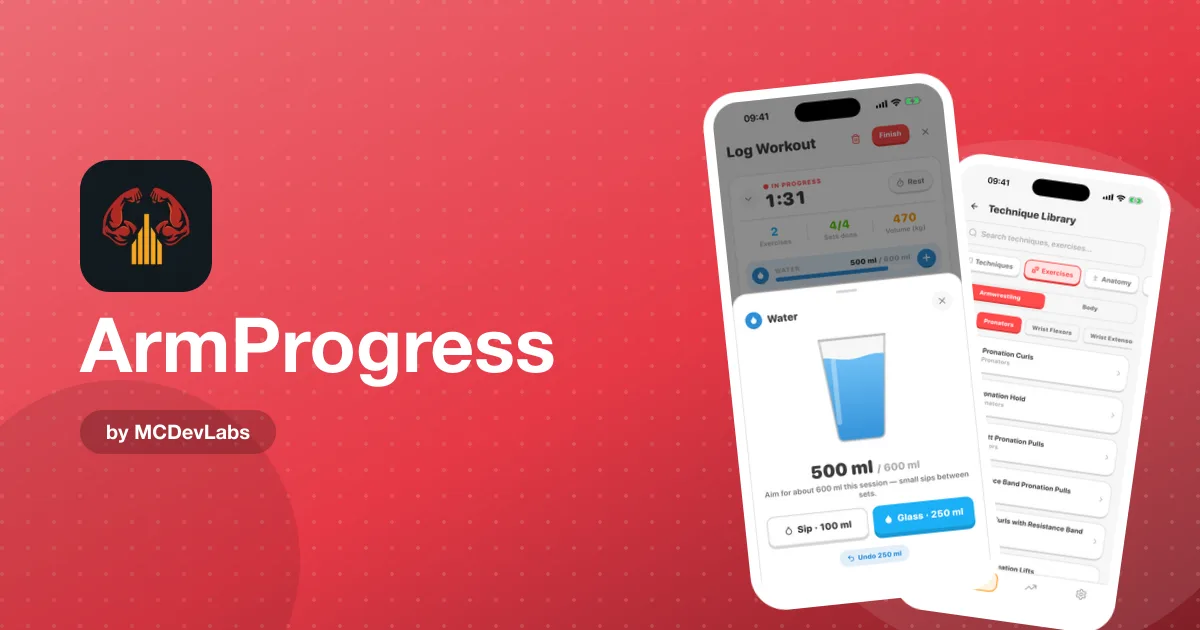
Every feature in ArmProgress answers one question: what do you do differently because this exists? The result is a focused set of tools for one sport.
Here's the tour, roughly in the order you'll meet each screen.
1. Home dashboard
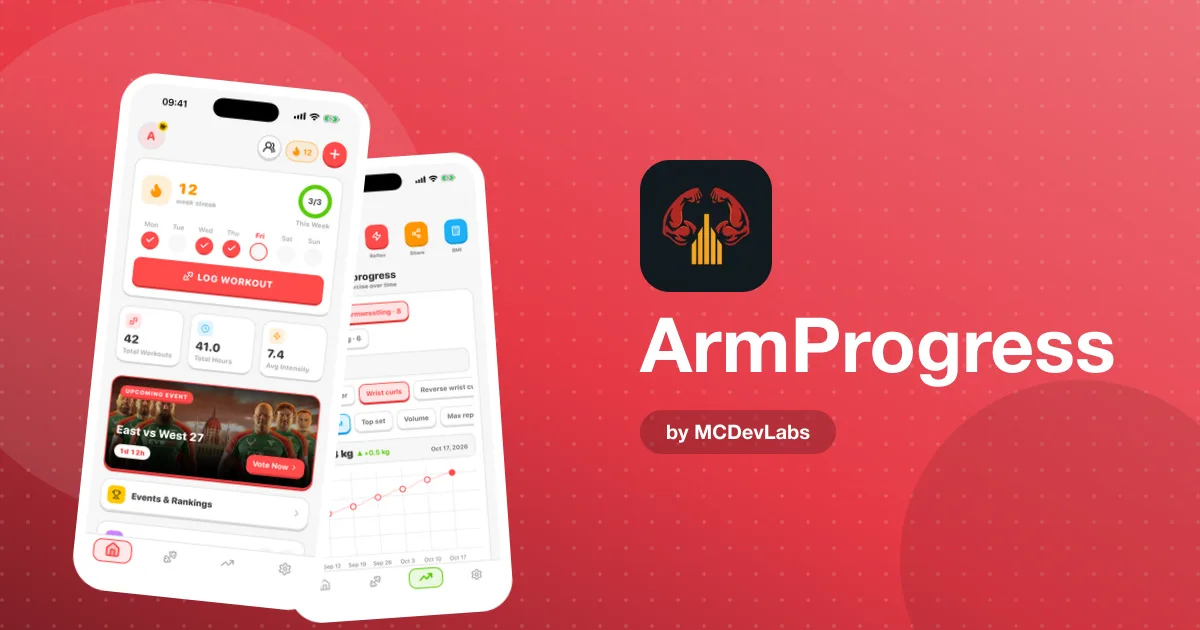
What it does: One-tap entry into logging workouts, matches, goals and technique study, plus your active training cycle, upcoming events and rankings.
Why it exists: The dashboard has to earn the open. On training days it's the fastest route to the log. On rest days, events and rankings give armwrestling fans a reason to check in, which keeps the habit going.
2. Progress analytics
What it does: Tracks training frequency, duration and intensity over ranges from daily to 12 months. Shows the latest value, average and change, and filters by left or right arm.
Why it exists: Because "I think I'm getting stronger" isn't data. The arm filter is the important bit. In a sport where one arm is almost always ahead, a combined number flatters you.
3. Muscles trained heatmap
What it does: A body map with front, back and pie views, across a week, month or year. Tap a muscle to see the exercises that trained it.
Why it exists: Armwrestling strength is a chain — fingers, wrist, forearm, elbow flexors, back, shoulder. Most plateaus come from one under-trained link. The heatmap makes the gap visible without you having to audit your log by hand. If you're unsure which links matter most, our product team's guide to grip and forearm strength for armwrestling covers the exercises that build them.
4. Exercise library
What it does: A library of armwrestling exercises — the movements pullers actually train, rather than a generic gym catalogue.
Why it exists: Logging speed. If you have to scroll past 50 bench press variations to find a riser movement, you'll stop logging.
5. Training calendar
What it does: Shows what you trained on each day.
Why it exists: Consistency is easier to keep when you can see the gaps. A calendar is also where you notice you've trained the same arm, the same way, four sessions running.
6. Pre-built training programs
What it does: Periodised cycles including Competition Prep, Off-Season, Strength Block and Technique Phase, each with its length, days per week and difficulty level.
Why it exists: Most self-coached armwrestlers either train the same thing forever or change everything every week. Programs give structure without requiring you to be a coach. Technique-focused blocks pair well with understanding the three key armwrestling movements — toproll, hook and press — since that's what the block is ultimately training.
7. Live workout log
What it does: The set-by-set log during a session — exercise, arm, weight, reps or hold time.
Why it exists: It's the core of the whole app. Every other feature reads from what you enter here, so this is the screen where speed and clarity matter most.
8. Reaction training
What it does: A dedicated reaction training mode inside the app.
Why it exists: Starts matter at the table. Reaction work is something pullers train, and it deserved its own place rather than being shoehorned into a set-and-rep log.
9. Time-hold timer
What it does: Switch any exercise from sets and reps to a time hold, run the built-in timer, then save the result or enter it manually.
Why it exists: Isometric work is central to armwrestling, and most gym apps simply don't model it. A hold is a duration, not a rep count, and treating it as one makes your progress chart meaningless.
10. Ranks, achievements and badges
What it does: A rank ladder from rookie through Competitor, Warrior and beyond, plus 20 achievement badges for milestones.
Why it exists: Strength progress is slow and lumpy. Badges and ranks give you something to work toward on the weeks when the chart barely moves.
Features at a glance
| Feature | Best for | Data it uses |
|---|---|---|
| Home dashboard | Quick logging, following the sport | Your active cycle, events, rankings |
| Progress analytics | Checking whether you're improving | Every logged set, by arm |
| Muscle heatmap | Finding weak links | Exercises mapped to muscles |
| Training programs | Structured blocks | Program length, days per week, difficulty |
| Hold timer | Isometric and static work | Hold durations |
| Ranks and badges | Motivation over months | Milestones and consistency |
Beyond the training screens
A few things sit around the core features rather than in a single screen:
- Tracking beyond the gym. Sleep, nutrition, matches and injuries can all be logged, because recovery decides whether training turns into strength.
- AI-powered insights. Intelligent reports summarise your logged data so you can get the picture without reading every chart.
- Social features. The app includes social networking, so training doesn't have to happen in isolation.
- East vs West coverage. For fans of the sport's biggest supermatch series, the app carries match cards, rankings and a prediction game.
- Works without signal. All of the above works without a connection and syncs both ways when you're back online.
Which features to start with
Ten screens is a lot to take in on day one, and you don't need all of them at once. Here's the order we'd suggest:
- Week one — the log and the hold timer. Get into the habit of logging every session with the arm that did the work.
- Weeks two to four — the calendar. Use it to check that you're training consistently and to spot missed days.
- After a month — analytics and the heatmap. By now there's enough data for the trends to mean something, and the heatmap starts to show real gaps.
- When you want structure — programs. Pick a cycle that fits your schedule and difficulty level.
- Whenever you like — ranks, badges and events. These run in the background and reward you for the habit you've already built.
This order mirrors how the features depend on each other. Analytics and the heatmap read from the log, programs are most useful once you know your baseline, and the rewards only make sense once there's progress to reward.
How the features fit together
It's worth seeing the tour as one system rather than ten separate tools. The log is the input. The calendar, analytics and heatmap are three different views of the same data — when, how much and where. Programs shape what goes into the log next. Ranks and badges reward the consistency that keeps the whole thing running. If you removed the log, every other feature would go blank; if you removed any one of the views, the others would still work. That's why the log is built to be so quick.
What ArmProgress isn't
A feature tour should be clear about the limits too. ArmProgress isn't a cardio tracker, a diet planner or a social network first. It stays focused on the log-and-review loop that makes it useful for armwrestling.
The story behind these screens is in the ArmProgress case study. The fastest way to judge them, though, is to use them: ArmProgress is free on Google Play and the App Store.
Frequently asked questions
- What is the time-hold timer in ArmProgress?
- It lets you switch any exercise from sets and reps to a timed hold, run a built-in timer for isometric work, and save the hold or enter it manually.
- What does the muscle heatmap show?
- A visual body map of the muscles you have trained, with front, back and pie views across a week, month or year, plus a breakdown of the exercises behind each muscle.
- Which training programs are included?
- Periodised cycles such as Competition Prep, Off-Season, Strength Block and Technique Phase, each listing its length, days per week and difficulty.
- How many achievement badges are there?
- There are 20 achievement badges, alongside a rank ladder that runs from rookie through Competitor, Warrior and beyond.
Have an app idea?
We turn ideas into production apps on the App Store, Google Play, and Telegram. Let's build yours together.
Start a Project