GymMonster App Review — An Honest Look From the Team Behind It
A GymMonster app review from the studio that built it - what the gym tracker does well, where it is deliberately simple, and who should use it.
Reviewing your own product is an odd exercise. You know every shortcut you took, every feature you cut, and every bug report that kept you up at night. That is also why we think a maker's review can be more useful than a listicle: we can tell you where GymMonster is strong, where it is intentionally thin, and who we'd steer elsewhere.
GymMonster is a gym workout tracker that runs two ways — as a Telegram Mini App with nothing to install, and as a native app for iOS and Android. We built both. This review covers what you actually get when you open it on the gym floor.
The short verdict
GymMonster is a fast set logger with just enough analytics and social pull to keep you coming back. It is not a coaching platform, a nutrition tracker, or a program generator. If you want to write down what you lifted in a few taps and see whether you're getting stronger, it's built for you. If you want an app to design periodized blocks for you, it isn't.
| Area | Our rating | Why |
|---|---|---|
| Logging speed | Strong | Set-by-set log, tick-off sets, warm-ups and drop sets built in |
| Exercise library | Strong | Searchable by muscle group or equipment, a demo video for every exercise |
| Analytics | Good | Workouts, hours, intensity, weekly frequency, PR charts, muscle heatmap |
| Social | Good | Friends feed, emoji reactions, copy a routine, leaderboard |
| Programming / coaching | Minimal by design | Pre-built routines, but no auto-generated programs |
| Nutrition | Not included | Out of scope — we kept it a training log |
What GymMonster does well
Logging a set takes seconds
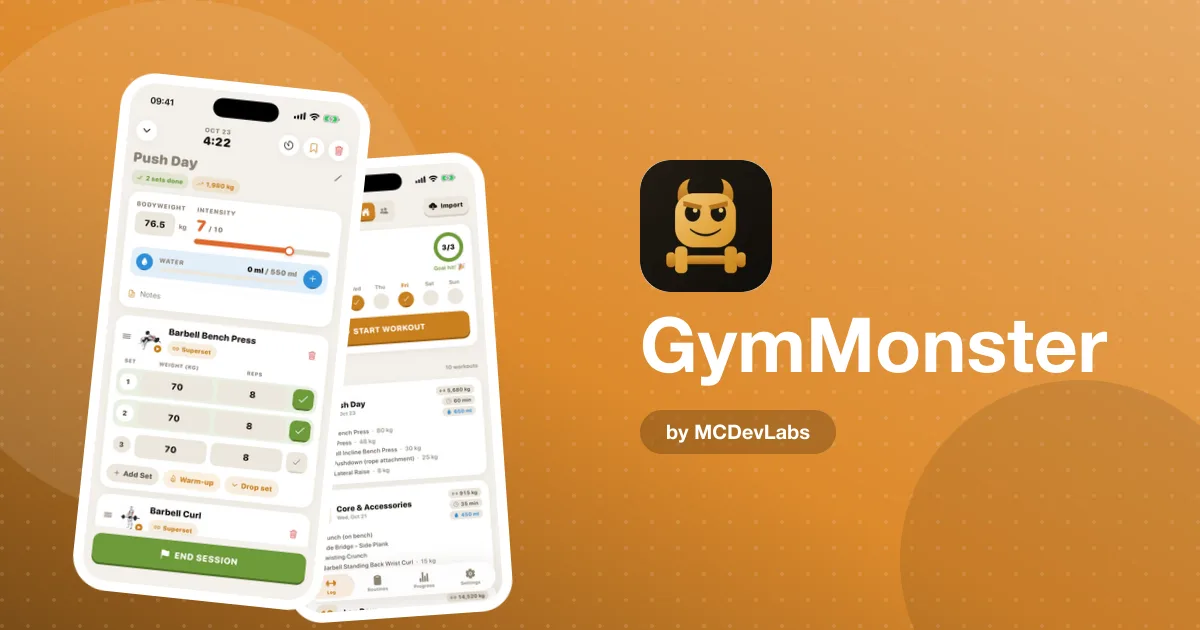
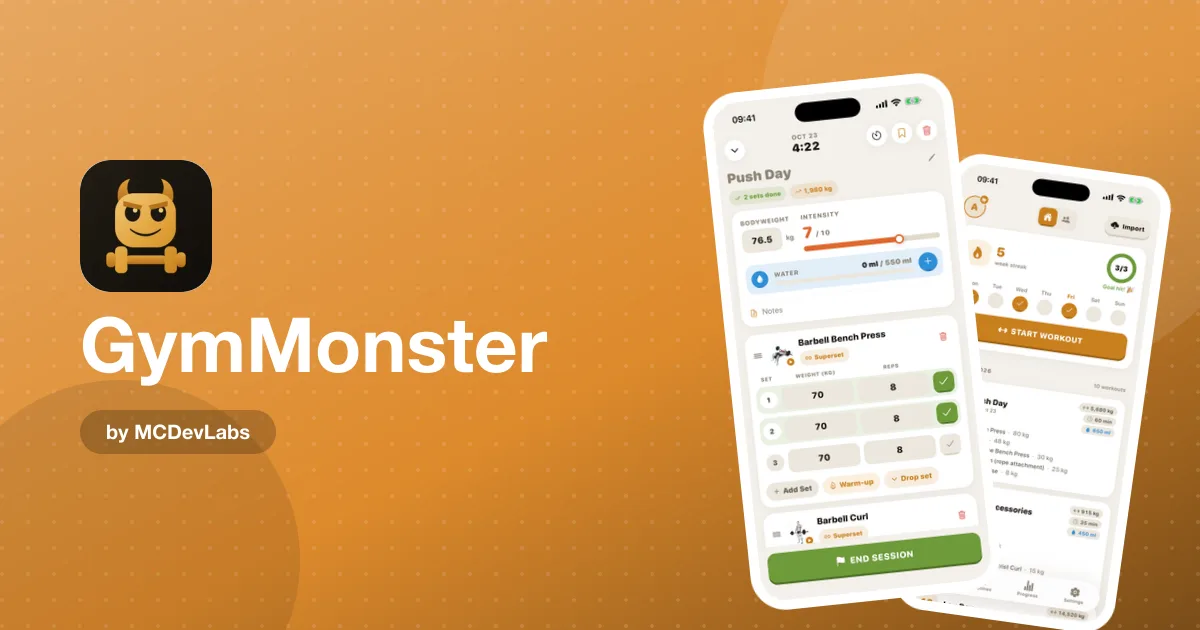
The whole product was designed around one moment: you've just racked the bar, your hands are chalky, and you want to record the set before your rest timer runs out. In GymMonster you enter weight and reps in a couple of taps and tick the set off. Warm-up sets, drop sets and supersets are part of the log, not a settings toggle buried three screens deep.
We treated this screen as the product. Most people judge a tracker in their first few sessions, and those sessions are almost entirely this screen, so it got the most design attention.
Your week is on the home screen
Open the app and you see your day streak, this week's check-ins, and your recent workouts with their volume and duration. One tap starts the next session. There is no dashboard to configure — we picked the layout for you, because the things that matter on day one are the same for almost everyone.
Every exercise has a video
The exercise library covers hundreds of movements. You can search by name or filter by muscle group and equipment, and every exercise comes with a short demo video and form tips. For beginners this matters more than any chart: it's the difference between "I'll try the cable row" and "I don't know what that is, so I'll skip it."
Progress you can actually see
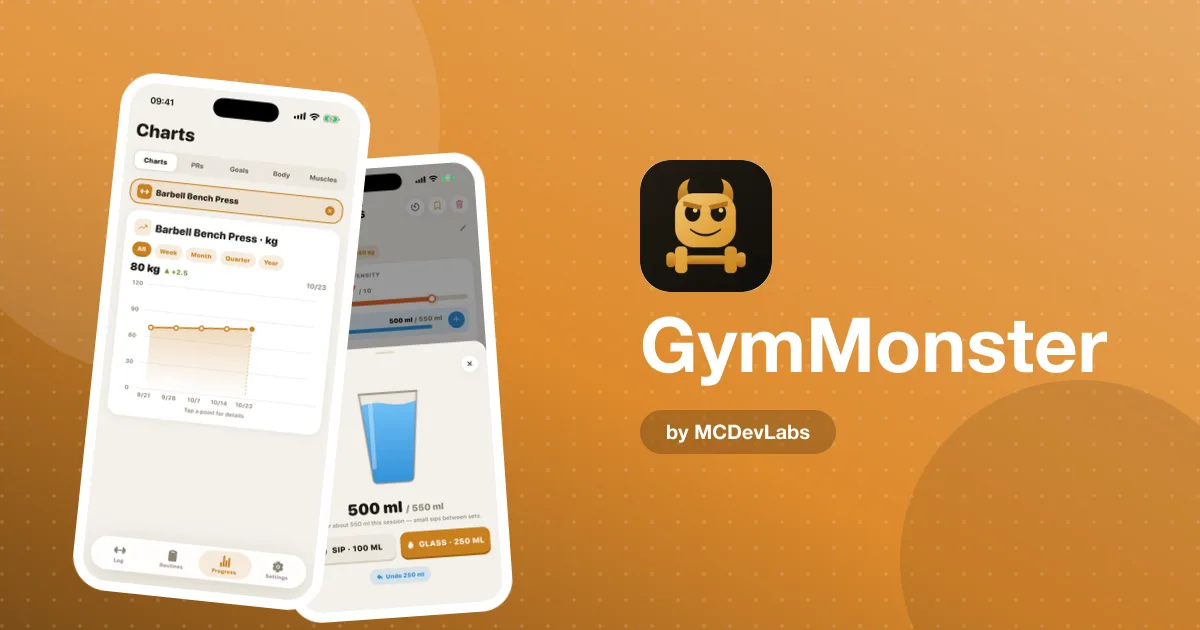
Personal records are plotted over time, so you can watch your max climb. The analytics view shows workouts, hours and average intensity, with weekly frequency charts filtered by exercise and time range. And the muscle heatmap lights up a front-and-back body map based on the sets you logged, which is the fastest way we know to catch an all-chest-no-legs month.
Friends make you show up
The social feed shows your friends' workouts. You can react with emojis, copy a routine you like, and compete on a leaderboard. In our experience, this is the feature that brings people back on a Thursday when they'd rather skip. Strength badges add a small dose of fun — hit a lifting milestone and you unlock one, like "Whale" for 50,000 kg lifted.
Where it's deliberately simple
No auto-generated programs
GymMonster ships pre-built routines — Push, Pull, Legs, Upper, Full Body, plus supersets and drop sets — and you can build your own. What it won't do is generate a 12-week periodized plan from a questionnaire. We think most lifters are better served by a well-known template followed consistently than by a black-box generator, and the product blog covers those templates in depth.
No nutrition tracking
We get asked about calories and macros a lot. We said no on purpose: a food log is a completely different daily habit with a different interaction model. Bolting it on would have made the logging screen slower and the app heavier. If you need both, pair GymMonster with a dedicated food tracker.
A focused free plan
GymMonster is free to start, with core logging included. Premium unlocks unlimited workout history, full charts and analytics, Excel export and import, shareable progress cards, and no ads. On the Telegram version you can pay with Telegram Stars; in the mobile app you pay through the store, with monthly, yearly and lifetime options. We'd rather have a small, honest paywall than an ad-stuffed free tier.
Telegram or the mobile app?
Both versions track the same workouts with the same core features. The Mini App wins on zero install and works anywhere Telegram runs, including desktop. The native app wins on home-screen access and native gestures. The product team wrote a full guide to the new iOS and Android app if you're deciding.
Who we'd recommend it to
| You are… | Is GymMonster a fit? |
|---|---|
| A beginner who wants to stop logging on paper | Yes — the library videos and pre-built routines help most here |
| An intermediate lifter tracking progressive overload | Yes — PR charts and per-exercise history are the core |
| Someone training with a group of friends | Yes — the feed and leaderboard are made for this |
| A coach managing many clients | No — there's no coach dashboard |
| Someone who wants diet and training in one app | No — pair it with a food tracker |
If you're comparing it against the bigger names, the product site keeps an up-to-date roundup of the best gym apps in 2026, and a guide to apps built for hypertrophy training if muscle growth is your main goal.
The bottom line
GymMonster does one job — logging gym workouts fast — and wraps it with enough progress tracking and social motivation to make the habit stick. It's not trying to be everything. If that sounds like what you need, get it on the App Store or Google Play, or open the Mini App from the GymMonster homepage.
For screenshots of every screen, see the GymMonster case study.
Frequently asked questions
- Is GymMonster free?
- Yes, GymMonster is free to start with core workout logging. Premium unlocks unlimited history, full analytics, Excel export and import, shareable progress cards and no ads.
- Does GymMonster track nutrition?
- No. GymMonster is a training log only. We kept nutrition out on purpose so the logging screen stays fast and simple.
- Is GymMonster available on iPhone and Android?
- Yes. There is a native app on the App Store and Google Play, and a Telegram Mini App that runs anywhere Telegram does with nothing to install.
- Who is GymMonster best for?
- Beginners and intermediate lifters who want fast set-by-set logging, PR tracking and a bit of friendly competition. It is not designed for coaches managing many clients.
Have an app idea?
We turn ideas into production apps on the App Store, Google Play, and Telegram. Let's build yours together.
Start a Project