Home Gym Workout Tracker — How to Track Training With Limited Kit
How to track home gym workouts with limited equipment - logging dumbbells, bands, kettlebells and bodyweight work, and setting up GymMonster for a home setup.
Training at home removes the commute, the queue for the squat rack and the membership fee. It also removes a lot of the structure a commercial gym gives you without you noticing: plate increments in small steps, a full rack of dumbbells, machines that make progression obvious. At home, progress is harder to see — which makes tracking matter more, not less.
We build GymMonster, and a home setup with limited kit is one of the cases we designed its equipment filters for. This guide covers how to track home workouts well with any tool, and how to set up GymMonster for a home setup.
Why home training is harder to track
The problem is jumps. In a commercial gym you can go from a 20 kg dumbbell to a 22.5 kg one. At home you might own a 16 kg kettlebell and a 24 kg one, with nothing in between. You can't just add a little weight every week, so if you only track weight, your log goes flat for months and looks like you've stopped progressing.
The fix is to track all the ways you can progress, not just load.
| Progression lever | Example | What to log |
|---|---|---|
| Weight | 16 kg to 20 kg kettlebell | Weight per set |
| Reps | 3 × 8 to 3 × 12 at the same weight | Reps per set |
| Sets | 3 sets to 4 sets | Number of sets |
| Time under load | 30 s to 45 s plank | Duration |
| Harder variation | Push-up to deficit push-up | A different exercise |
| Less rest | 2 min to 90 s between sets | Rest time |
With limited kit, reps and sets do most of the work. Your log should make that progress visible.
Setting up GymMonster for a home gym
1. Filter the library by your equipment
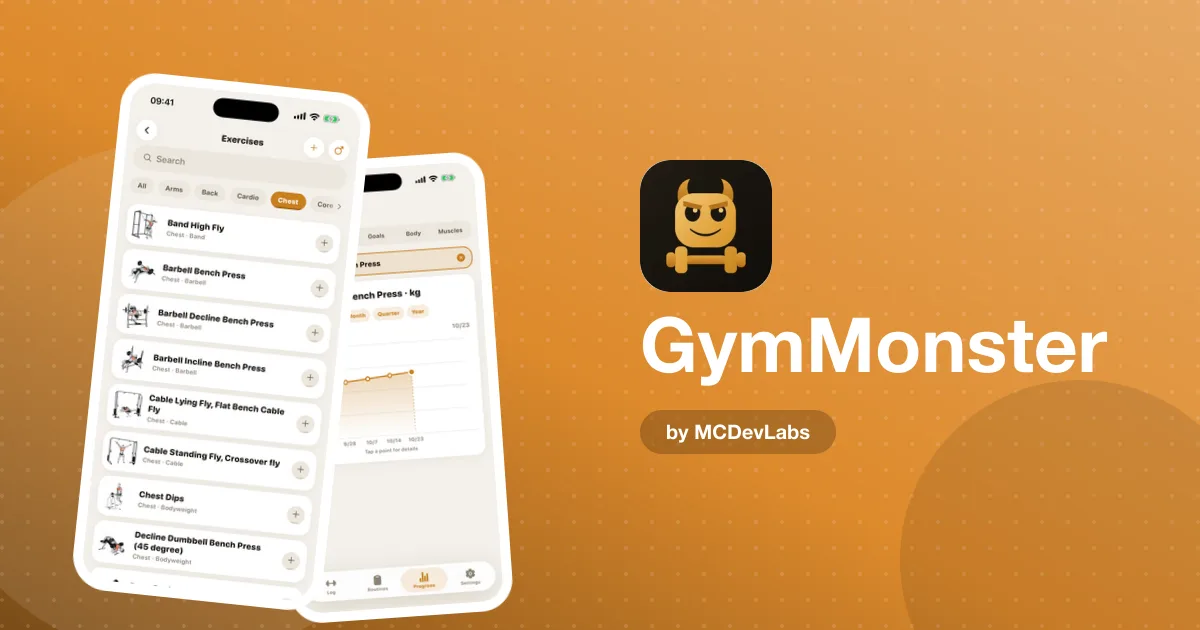
GymMonster's exercise library can be filtered by equipment as well as muscle group, covering bodyweight, dumbbells, kettlebells, bands, barbells, cables and machines. If you only own dumbbells and a band, filter to those and build your routine from what's left. Every exercise has a short demo video and form tips, which matters at home where there's nobody to ask.
2. Build one or two routines around what you own
The pre-built routines assume a commercial gym, so treat them as templates. Copy the structure — Push, Pull, Legs, Upper, Full Body — and swap in exercises you can do with your kit. Save the result as your own routine so starting a session is one tap.
3. Log bodyweight work honestly
Push-ups, pull-ups, dips and lunges are the backbone of many home programs. Log them with their reps every time. Bodyweight sets don't add to GymMonster's volume total, which is weight × reps on loaded sets, but they still show up in your workout history and count towards your sessions, streaks and the muscle heatmap.
4. Use the stopwatch for timed work
Planks, holds, carries and conditioning circuits are often timed rather than counted. GymMonster's built-in stopwatch times them inside the session, or you can type the time in.
5. Watch the heatmap more closely than you would in a gym
Home setups drift towards whatever is easiest with your kit. Dumbbells make it easy to train chest, shoulders and arms; training your back and legs hard takes more creativity. The muscle heatmap shows which groups you've actually trained over the week, month or year, so you can catch that drift early.
A sample home week and how to log it
Here's an example for someone with adjustable dumbbells, a kettlebell, a band and a pull-up bar, training three times a week.
| Day | Session | Logging notes |
|---|---|---|
| Monday | Upper: dumbbell press, rows, pull-ups, overhead press, band face pulls | Log pull-up reps; add reps before moving up in weight |
| Wednesday | Lower: goblet squats, kettlebell swings, split squats, Romanian deadlifts | Time the swings in sets if you do them for time |
| Friday | Full body: kettlebell circuit plus push-ups and planks | Log each round's reps; time the planks |
The product site has a full set of kettlebell workouts for a home gym, and if you own a bench, its list of weight bench exercises opens up a lot more pressing and rowing options.
Progressing when the weights don't go up
When you hit the top of your rep range with your heaviest weight, you have options before buying more equipment:
- Add a set. Three sets of 12 becomes four sets of 12.
- Slow the tempo. A three-second lowering phase makes a light weight much harder.
- Pause at the hardest point. A one-second pause at the bottom of a squat or press.
- Switch to one side. Single-leg and single-arm variations roughly double the load on each limb.
- Shorten rest. Less rest between sets makes the same work harder.
Whatever you change, log it. If you switch to a harder variation, log it as a new exercise rather than a note, so its history and PR chart start fresh and your progress is easy to read.
When to buy more equipment
Your log is the best guide to spending money. If you've been at the top of your rep range on an exercise for several weeks and the variations above have stopped working, that's the signal for heavier kit. If your log shows you've barely used a piece of equipment you already own, that's a signal too. Before buying, the product team's guide to home gym equipment at every budget is a good reality check.
Mixed setups — home and gym
Many people train at home on weekdays and in a gym at weekends, or switch when travelling. A tracker handles this well as long as you keep exercise names consistent. Pick exercises from the library rather than typing your own names, and your dumbbell press at home and your dumbbell press at the gym share one history.
If your home dumbbells are in pounds and your gym uses kilograms, log each in its own unit. GymMonster stores every set in the unit it was logged in and converts for display, so mixing units doesn't corrupt your numbers.
The habit that matters most
At home, the biggest risk isn't a bad program. It's skipping sessions because there's no trip to the gym to commit you. A weekly training commitment in the mobile app, a streak on the home screen and a friend or two in the social feed do a lot of the work a gym membership used to do. For the logging routine we'd recommend in any setting, see how to log workouts at the gym — it applies just as well in a garage.
Get set up
GymMonster is free to start. Get it on the App Store or Google Play, or open it in Telegram from the GymMonster homepage — handy if your home gym is in the garage and your phone is already full. For screenshots of the library and logging screens, see the GymMonster case study.
Frequently asked questions
- Can I use GymMonster for home workouts?
- Yes. You can filter the exercise library by equipment such as bodyweight, dumbbells, kettlebells and bands, build your own routines, and log weight, reps and timed sets.
- How do I track progress with limited equipment?
- Track every progression lever, not just weight: reps, sets, timed holds, harder variations and shorter rest. With limited kit, reps and sets do most of the work.
- Do bodyweight exercises count in GymMonster?
- Yes. Bodyweight sets are logged with their reps and count towards your workout history, streaks and muscle heatmap, though they do not add to weight-based volume totals.
- What if my home weights are in pounds and my gym uses kilograms?
- Log each set in its own unit. GymMonster stores every set in the unit you logged it in and converts for display.
Have an app idea?
We turn ideas into production apps on the App Store, Google Play, and Telegram. Let's build yours together.
Start a Project