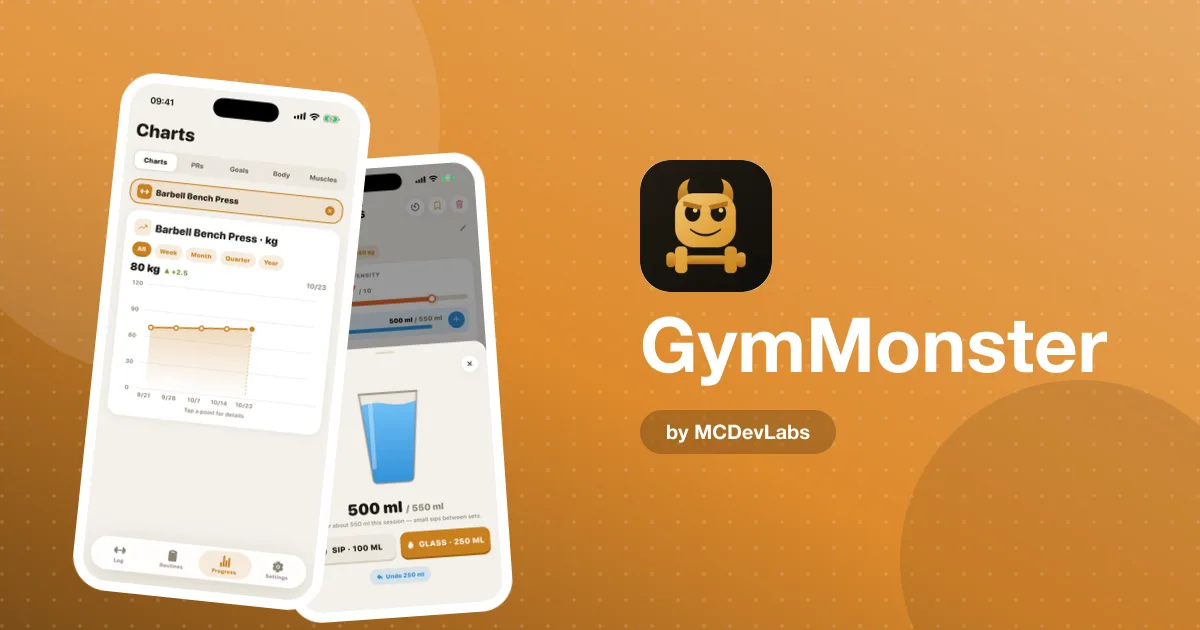
How to Log Workouts at the Gym — A Fast Logging System That Lasts
How to log workouts at the gym without slowing your session - what to record, when to record it, and the logging habits we designed GymMonster around.
Everyone agrees you should track your workouts. Far fewer people agree on how. Some write essays in a notes app. Others log nothing for a month and then try to reconstruct it from memory. Most land somewhere in between and give up when it starts to feel like admin.
We spent a lot of time on this exact problem while building GymMonster, whose whole design starts from one idea: logging a set should take seconds. This guide is the system we'd recommend to anyone — whichever app or notebook you use — with notes on how GymMonster handles each step.
The goal of a training log
A log has one job: tell you what to do next time. If you squatted 80 kg for 3 sets of 8 last week, this week you try 82.5 kg, or 80 kg for 9. That's the entire point. A log that's too detailed to keep up with is worse than a simple one you actually use.
So the test for every field you record is: will this change what I do next session? If not, skip it.
What to record — the minimum useful log
| Field | Why it matters | Record it? |
|---|---|---|
| Exercise | You can't compare sessions without it | Always |
| Weight | The main lever of progressive overload | Always |
| Reps per set | The other main lever | Always |
| Warm-up vs working set | Keeps your volume numbers honest | Always |
| Set type (drop set, superset) | Changes how you read the numbers | When it applies |
| Duration | For timed exercises and cardio | When it applies |
| Notes | Pain, equipment changes, a cue that worked | Only when useful |
| Mood, sleep, RPE on every set | Interesting, rarely changes the next session | Optional |
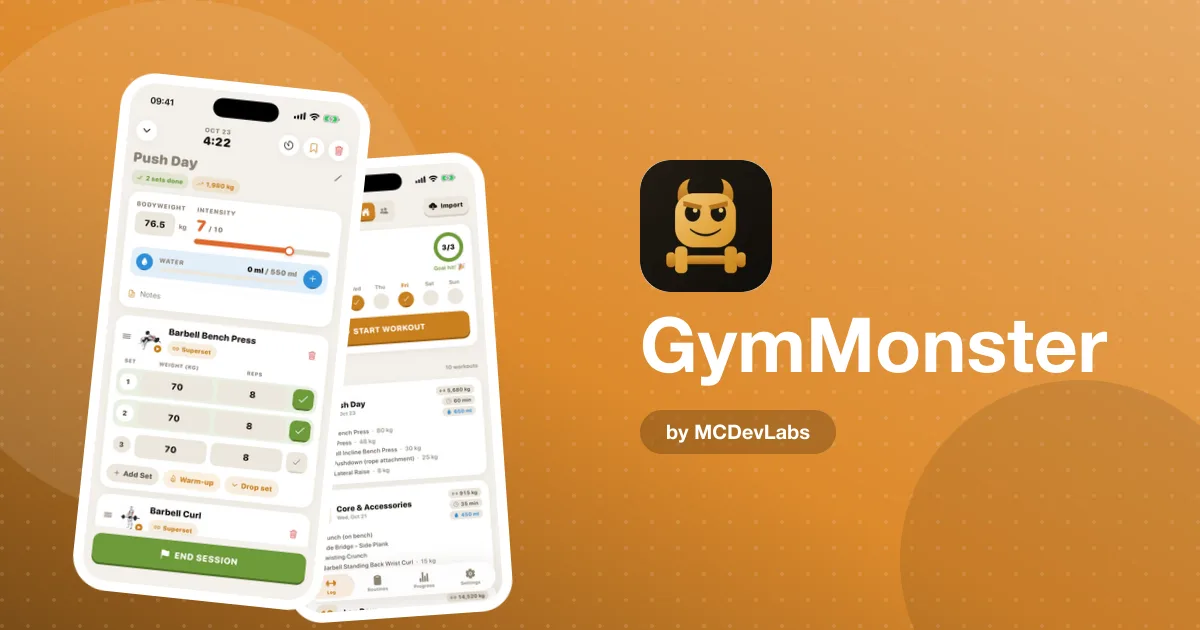
In GymMonster the first five are built into the set row: weight, reps, a tick, and set types for warm-ups, drop sets and supersets. Timed work uses a stopwatch inside the session, or you can type the time in.
When to record — right after each set
The single biggest habit change is logging each set immediately, not at the end of the session. Three reasons:
- Accuracy. By the end of a workout you've forgotten whether set three was 8 reps or 7.
- It uses dead time. You're resting anyway. Logging takes a few seconds of a rest period that usually lasts minutes.
- It keeps the target in front of you. Your previous sessions are one scroll away in your history, so a quick look before each exercise tells you what to beat.
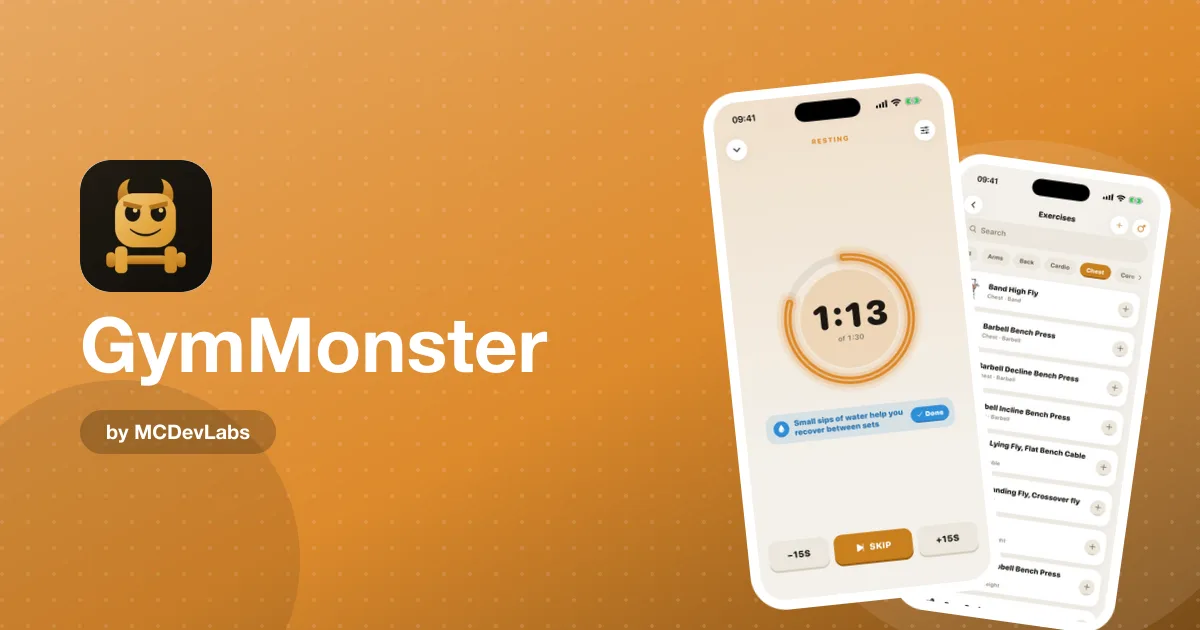
That's why GymMonster's mobile app starts a rest timer automatically after you tick off a set. You log, the timer starts, and you're not juggling apps between sets.
A five-step logging routine
Here's the full routine we'd recommend for every session.
1. Start the session before your first warm-up
Open your routine or start an empty workout before you touch a weight. Session duration gets tracked from the start, and you're not tempted to "log it later".
2. Log warm-ups as warm-ups
Warm-up sets matter for your joints, but they shouldn't count towards your training volume. GymMonster marks them separately: they stay in the log but don't inflate your totals.
3. Log working sets the moment you rack the weight
Weight, reps, tick. If you missed a rep target, log what actually happened. An honest log beats a flattering one, because it tells you when to hold the weight rather than add more.
4. Write a note only when something changes
A new grip, a different machine, a twinge in your shoulder. These notes save you from misreading your numbers later. Everything else can go unsaid.
5. Finish the workout properly
Ending the session saves it with its total volume and duration, updates your PRs, and feeds your weekly check-ins. An unfinished session is the most common source of messy history in any tracker.
Reading your log without overthinking it
Logging is half the system. The other half is a quick review — weekly, not daily.
| Check | How often | What you're looking for |
|---|---|---|
| Last session's numbers | Every session | The target to beat today |
| Weekly check-ins | Weekly | Did you train as often as you planned? |
| PR charts on main lifts | Every 2–4 weeks | Is the trend going up? |
| Muscle heatmap | Monthly | Is any muscle group being neglected? |
| Body measurements | Every 2–4 weeks | Changes the scale doesn't show |
If your key lifts have been flat for several weeks, that's useful information, not failure. It might mean you need a lighter week — the product site has a good guide on when you need a deload week and how to do it. Or it might mean your rep targets need adjusting; see its explainer on hypertrophy rep ranges.
Common logging mistakes
- Logging the plan instead of the session. If the plan said 3 × 10 and you did 10, 9, 7, log 10, 9, 7.
- Mixing units. If your gym has kg plates and lbs dumbbells, log each in its own unit. GymMonster stores every set in the unit you logged it in and converts for display, so this doesn't corrupt your history.
- Renaming exercises. "Bench", "Bench press" and "Flat BB bench" become three separate histories in most trackers. Pick from the exercise library rather than typing free text.
- Logging in batches. Batch logging is where accuracy dies. Log set by set.
- Over-tracking. If logging feels like a chore, you're recording too much. Cut back to the minimum table above.
Paper, spreadsheet or app?
All three work if you use them consistently. The trade-offs:
| Method | Strengths | Weaknesses |
|---|---|---|
| Paper notebook | Fast, no battery, no distractions | No charts, easy to lose, hard to search |
| Spreadsheet | Fully flexible, great for analysis | Slow to fill in on a phone mid-set |
| Tracker app | Fast entry, charts and PRs built in | Depends on the app staying simple |
We built GymMonster to keep the speed of paper while adding the things paper can't do: PR charts, weekly frequency, the muscle heatmap and history you can search. And if you love spreadsheets, Premium includes an Excel export of your full history. If you're comparing trackers, the product site has a side-by-side workout tracker app comparison.
Why we care about this so much
As a studio, we see the same pattern in every product we build: the core action has to be effortless, or nothing built on top of it matters. In a gym tracker, the core action is logging a set. Charts, badges and leaderboards are only as good as the data people actually enter. For a step-by-step look at a full GymMonster session, read how GymMonster works, and for our honest verdict on the app as a whole, the GymMonster review.
Put the system to work
Pick one routine, log every set right after you finish it, and review once a week. If you want a tracker built around that habit, get GymMonster on the App Store or Google Play, or open it in Telegram from the homepage. The GymMonster case study shows the logging screen in detail.
Frequently asked questions
- What should I record when logging a workout?
- At minimum the exercise, weight, reps for each set, and whether a set was a warm-up. Add set types, duration and notes only when they change what you will do next session.
- Should I log sets during or after my workout?
- During. Logging each set right after you finish it is more accurate and uses rest time you would spend waiting anyway.
- Should warm-up sets count in my training volume?
- No. Keep them in your log, but exclude them from volume so your numbers reflect your working sets. GymMonster does this automatically for sets marked as warm-ups.
- How often should I review my training log?
- Look at last session's numbers every workout, your weekly check-ins once a week, and PR charts every two to four weeks.
Have an app idea?
We turn ideas into production apps on the App Store, Google Play, and Telegram. Let's build yours together.
Start a Project