Powerlifting Workout Tracker — Log Squat, Bench and Deadlift
Use GymMonster as a powerlifting workout tracker - log heavy squat, bench and deadlift sets, keep warm-ups separate, chart your PRs and run your program.
Powerlifting is simple on paper: get stronger at three lifts. In practice, it's a numbers game. What did you squat for a triple two weeks ago? Was that bench single a PR, or did you hit it last block too? How many warm-up sets did you take before your top deadlift? If those answers live in a crumpled notebook, a chalky phone note and your memory, you're guessing on the days that matter most.
We made GymMonster so you can log heavy training fast, between sets, with chalk on your hands, and then actually see whether your big three are moving. This guide shows how to set it up as a powerlifting workout tracker. If you haven't seen the app yet, the GymMonster homepage shows every screen.
What a powerlifter actually needs from a tracker
Bodybuilding apps tend to obsess over muscle groups and pump. Powerlifting training needs something more boring and more important:
- Fast entry of weight and reps on every set, including heavy singles, doubles and triples.
- Warm-ups kept separate from working sets, because you take a lot of them and they shouldn't inflate your volume.
- A clear history of each lift, so you know exactly what to put on the bar next week.
- PRs you can see over time, not just a single "best" number.
- A rest timer you can stretch, because three to five minutes between heavy sets is normal.
GymMonster does all five, without asking you to fill in a questionnaire first.
Logging the big three in GymMonster
Heavy sets, entered in a couple of taps
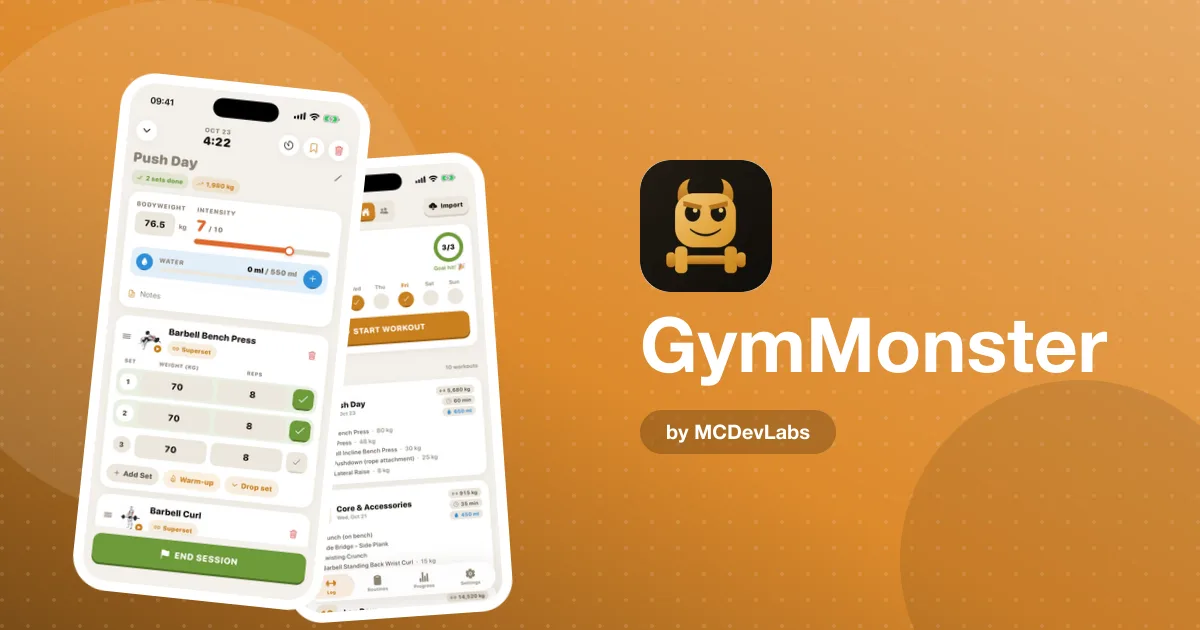
For each set, you enter the weight and reps and tick it off. Singles at 90%, triples at 80%, back-off sets for five: each one is just a line in your log. Log in kg or lbs, whichever your gym's plates use.
Warm-ups that don't mess up your numbers
A typical squat day might be bar, 60, 100, 140, 170, then your working sets. Mark the ramp-up sets as warm-ups and they stay in your log, so you can see how you got there, but they're kept out of your working volume. Your totals reflect the work that counts. If you want a structured way to ramp, the product blog has a full powerlifting warm-up routine.
Back-off and drop sets
Many programs add lighter back-off work after a top set. Drop sets are built into the log, so a top single followed by two back-off sets of three reads exactly the way you trained it.
A rest timer that respects heavy work
After a heavy set, a big countdown ring takes over. Tap +15s as many times as you need when a top set wrecked you, or Skip when you're ready early. You stay on your workout screen the whole time, so you don't lose your place.
Seeing whether you're getting stronger
Logging is half the job. The other half is looking back.
- Personal record charts. Every PR is plotted over time, so you can watch your squat, bench and deadlift maxes climb from block to block.
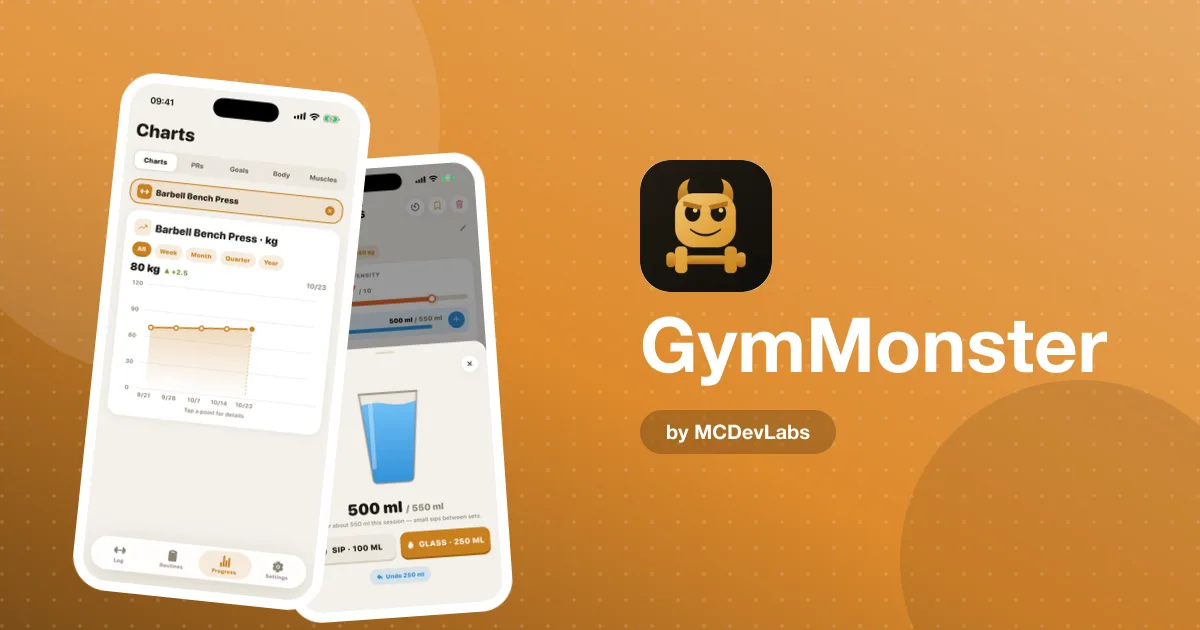
- Exercise progress charts. Pick a lift and switch between week, month, quarter or year. Tap any point to see the exact weight and the change from before.
- Goals. Set a target for a lift, like a 100 kg bench or a 200 kg deadlift, and check it off when you hit it.
- Bodyweight and intensity. Log your bodyweight, which matters if you compete in a weight class, and rate every workout's intensity from 1 to 10 so heavy weeks and deload weeks are easy to tell apart.
If you don't want to test a true max every few weeks, the product team wrote a guide on how to calculate your one-rep max without maxing out. Log a heavy triple, estimate from there, and save real max attempts for test days.
A sample powerlifting week, logged
Here's how a simple three-day strength week looks inside the app. Use your own program; this is just to show the shape.
| Day | Main lift | Logged as | Accessories |
|---|---|---|---|
| Monday | Squat | Warm-ups, 1 top triple, 3 back-off sets of 5 | Romanian deadlift, plank (timed) |
| Wednesday | Bench press | Warm-ups, 5 sets of 3 | Rows, overhead press |
| Friday | Deadlift | Warm-ups, 1 top single, 2 back-off sets of 3 | Close-grip bench, pull-ups |
Save it as a custom routine, and starting each session is one tap from your home screen. Planks and carries use the built-in timer for timed sets. If you're new to the sport and want a full plan to load in, start with the product blog's 12-week powerlifting program for beginners.
How to get started in 3 steps
- Download GymMonster on iOS or Android, or open it inside Telegram. It's free to start, with no credit card.
- Build your powerlifting routine. Add squat, bench press and deadlift from the exercise library, plus your accessories, and save it as a routine. Each exercise has a short demo video and form tips if you want a quick technique check.
- Log every set, warm-ups included. Mark warm-ups as warm-ups, enter your working sets, and let the rest timer run. After a few weeks, open your PR charts and see the trend.
Free or Premium for powerlifters?
The free plan covers core logging, warm-up and drop sets, the rest timer and the library, with your last 7 days of history, 1 routine cycle and 1 active goal. That's enough to run a program week to week.
Most lifters running blocks will want Premium, though: unlimited history and full charts let you compare this block's top sets with the last one, which is where powerlifting progress actually shows. Premium also adds Excel export, handy if your coach likes spreadsheets. We broke down the details in GymMonster Free vs Premium.
Habits that make the log useful
- Log right after the set, not at the end of the session. Heavy days blur together. The habits in how to log workouts at the gym apply double here.
- Keep exercise names consistent. Competition squat and high-bar squat should be separate exercises if you train both, so their charts stay clean.
- Review once a week. Check your top sets, not every number. If a lift has stalled for three weeks, that's your signal to adjust.
- Log deloads too. A lighter week with a low intensity rating is part of the plan, and seeing it in your history keeps you honest.
Start tracking your total
Your squat, bench and deadlift deserve better than a notes app. GymMonster gives you a fast log for heavy days and the charts to prove you're getting stronger.
Download it on the App Store or Google Play, or open the Telegram version from the GymMonster homepage. Log your next squat session and start building the history your next PR will come from.
Frequently asked questions
- Can I use GymMonster as a powerlifting tracker?
- Yes. You can log heavy singles, doubles and triples for squat, bench press and deadlift, mark warm-up sets separately, add back-off sets, and follow each lift on PR and progress charts.
- Does GymMonster count warm-up sets in my volume?
- No. Warm-up sets you mark as warm-ups stay in your log but are kept out of your working volume, so your totals reflect your real work.
- Can I log in kilograms or pounds?
- Yes. You can log your lifts in kg or lbs, whichever matches the plates at your gym.
- Can I track my bodyweight for a weight class?
- Yes. GymMonster lets you record your bodyweight, so you can keep an eye on it alongside your lifts if you compete in a weight class.
Have an app idea?
We turn ideas into production apps on the App Store, Google Play, and Telegram. Let's build yours together.
Start a Project