GymMonster Features — A Complete Tour of the Gym Tracker
A tour of every GymMonster feature, from set logging and the exercise library to PR charts, the muscle heatmap, badges, friends and Excel export.
Feature lists on app store pages tend to blur together: "track workouts", "see progress", "stay motivated". This tour is different. We built GymMonster, so for each feature we'll show what it does and explain why it exists — what problem it solves on the gym floor, and what we deliberately left out.
GymMonster runs as a Telegram Mini App and as a native app for iOS and Android. Unless noted, everything below is available on both.
1. The workout log
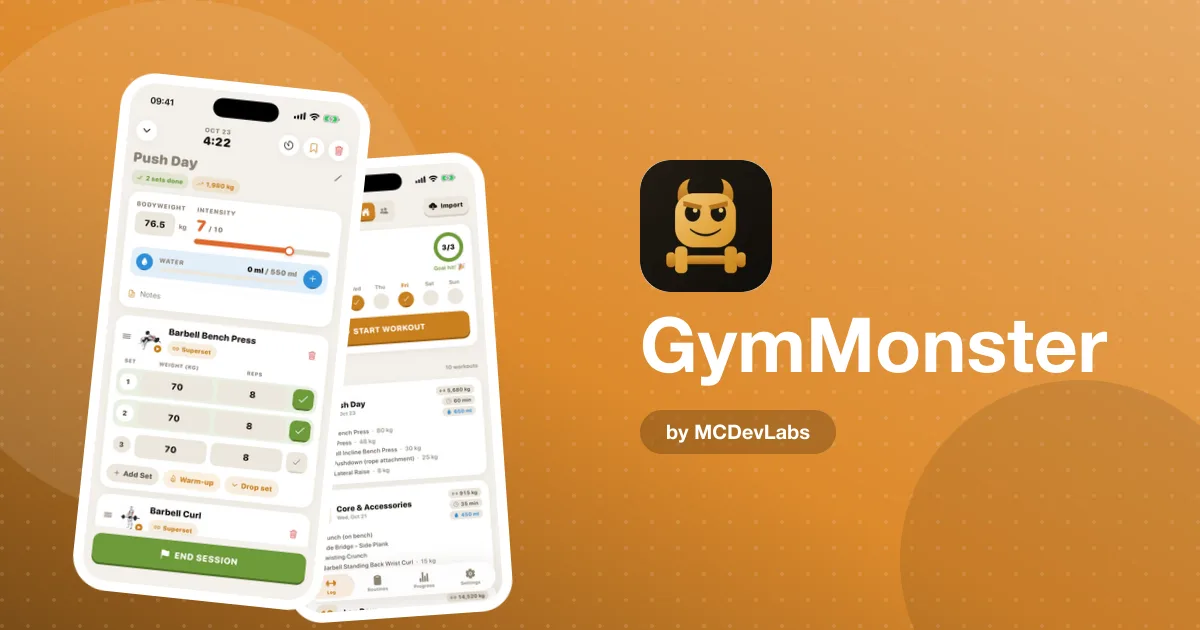
The log is the heart of the app. You record weight and reps for each set and tick it off as you go. Warm-up sets, drop sets and supersets are first-class, and each set is saved in the unit you logged it in — kg or lbs — so your history stays correct even if you switch units later.
Why it's built this way: most lifters abandon trackers because logging is slower than writing on paper. We kept the set row as small as we could make it: a weight, a number of reps, a tick.
2. Timers
There are two kinds. A stopwatch handles timed exercises and cardio — start, pause, save, or enter the time manually. In the mobile app, a rest timer starts automatically after each set, so you don't have to remember to start one.
Why: switching to your phone's clock app between sets is exactly how people lose their place in a workout.
3. Routines
Pre-built routines cover the most common training structures — Push, Pull, Legs, Upper, Full Body — with supersets and drop sets included. You can also build and save your own, reorder exercises, and copy a routine from a friend's workout in the feed.
Why: a beginner shouldn't have to design a program before their first session. A template followed consistently beats a perfect plan you never start.
4. The exercise library
Hundreds of exercises, searchable by name and filterable by muscle group or equipment. Every exercise comes with a short demo video, a description and form tips. Exercise names are localized, so the library reads naturally in each of the app's languages.
Why: if someone doesn't know what an exercise looks like, they skip it. A video right next to the "add" button removes that friction.
5. Home screen and streaks
The home screen shows your day streak, this week's check-ins, and recent workouts with their volume and duration. In the mobile app you can also set a weekly training commitment that drives a weekly streak — useful if you train three times a week rather than every day.
Why: a daily streak punishes rest days, which are part of training. A weekly target rewards the right behaviour.
6. Personal records and goals
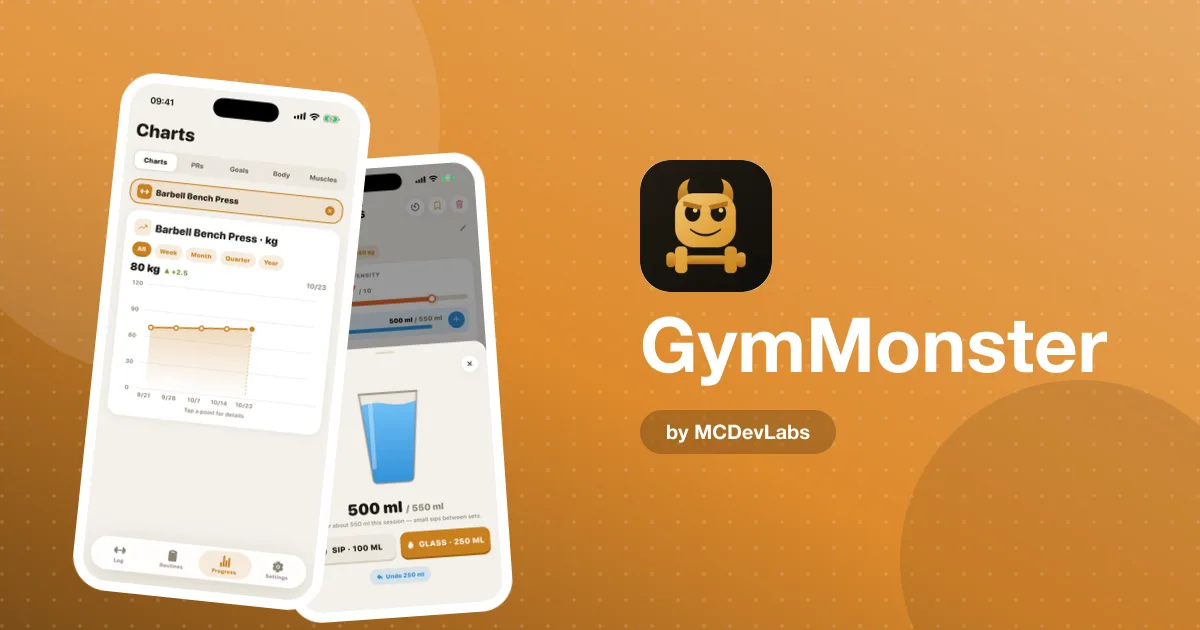
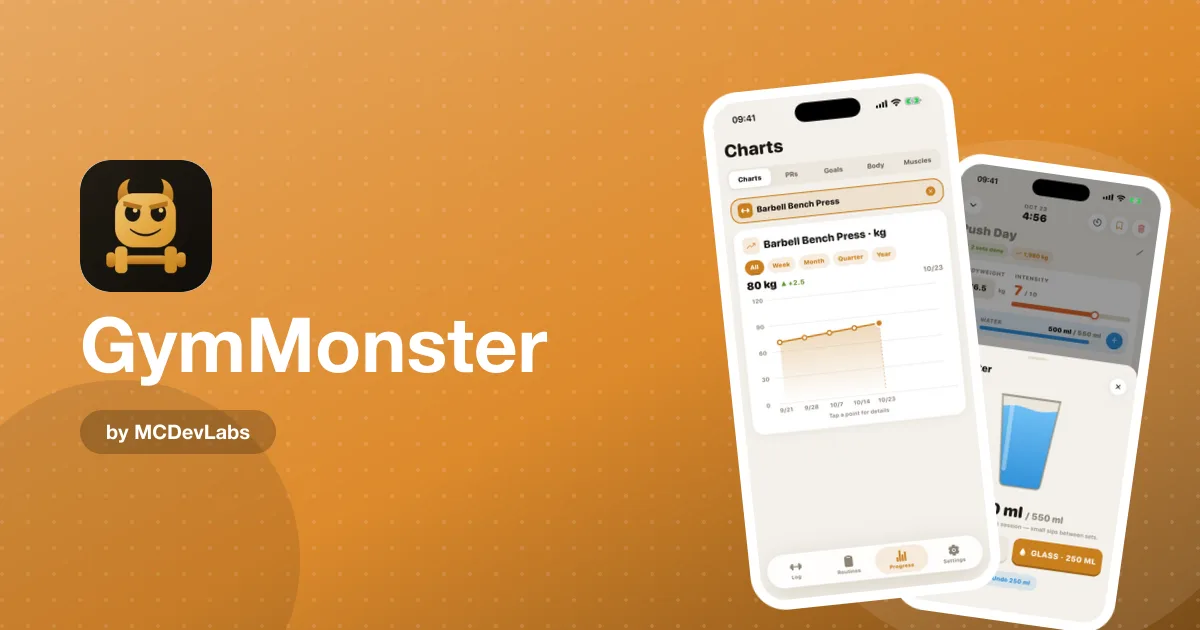
Every PR is plotted on a chart over time, so you can watch your max climb. You can set goals for specific exercises and check them off when you reach them. If you don't want to test a true max, the product site has a guide to estimating your one-rep max without maxing out.
7. Analytics
The analytics view shows total workouts, hours and average intensity at a glance, with weekly frequency charts you can filter by exercise and time range — from the last month to all time.
Why: most people don't need twenty charts. They need to know whether they trained as often as they meant to, and whether their key lifts are moving.
8. Body measurements and the muscle heatmap
You can log bodyweight plus nine circumferences — neck, shoulders, chest, waist, hips, biceps, forearms, thighs and calves — each charted over time. The muscle heatmap turns your logged sets into a front-and-back body map for the week, month or year, so neglected muscle groups stand out.
The product team wrote a practical guide on tracking body measurements and muscle balance.
9. Badges
Badges unlock as you hit milestones across several categories: workouts logged, streaks, PRs, goals completed, hours trained, routines built, and total volume lifted. The volume badges compare your lifetime total with real objects — "Car Lifter" at 1,000 kg, "Elephant" at 5,000 kg, "Whale" at 50,000 kg — and badges come in bronze, silver, gold and platinum tiers.
Why: big numbers are abstract. "You've lifted a whale" is something people screenshot and send to friends.
10. Friends, feed and leaderboard
Add friends with a short code, follow their workouts in a social feed, react with emojis, and copy any session you like. The leaderboard ranks friends on streaks, workouts, hours and level.
Why: accountability is the most reliable motivation we know of, and the feed costs nothing extra — it's built from workouts you were logging anyway.
11. Share cards and Excel export
Premium users can create shareable progress cards and export their full training history to Excel — workouts, sets, PRs, measurements, goals, routines and achievements. Excel files can also be imported, which is how you can move data between the Telegram and mobile versions.
12. Languages and units
GymMonster's mobile app ships in eight languages — English, Russian, German, French, Spanish, Portuguese, Japanese and Korean — with localized exercise names, muscle groups and equipment labels. Weights can be shown in kilograms or pounds, and body measurements in centimetres or inches.
Why: translating the interface is only half the job. If the exercise library stays in English, the app still feels foreign, so the catalog was localized too.
13. Two ways to run it
Everything above is available in two forms: the Telegram Mini App, which opens instantly inside Telegram with nothing to install and works on desktop too, and the native iOS and Android app. They share the same features, with a different experience — native gestures and a home-screen icon on one side, zero install and Telegram Stars payments on the other.
Why: some people won't install another app, and some people won't use anything that isn't one. Rather than pick a side, we built both. The product team compares the two in detail on the GymMonster site.
Free vs Premium at a glance
| Feature | Free | Premium |
|---|---|---|
| Set-by-set logging, timers, exercise library | Yes | Yes |
| Pre-built and custom routines | Yes | Yes |
| Friends, feed and leaderboard | Yes | Yes |
| Full workout history | Limited | Unlimited |
| Charts and progress analytics | Limited | Full |
| Excel export and import | — | Yes |
| Shareable progress cards | — | Yes |
| Ad-free | — | Yes |
Premium is available monthly or yearly, with a lifetime option in the mobile app; on Telegram you can pay with Telegram Stars.
What's not in the tour
There's no nutrition tracking, no AI coach, and no auto-generated programs. Those are reasonable features for other apps; they just aren't this one. If you're shopping around for a strength tracker in general, the product blog has a guide to what to look for in a resistance training app. For our own verdict, read the GymMonster app review.
Try it
GymMonster is free to start. Get it on the App Store or Google Play, or open the Mini App from the homepage. Screenshots of every screen are in the GymMonster case study.
Frequently asked questions
- What features does GymMonster have?
- Set-by-set logging, rest and cardio timers, pre-built and custom routines, an exercise library with demo videos, PR charts, goals, analytics, body measurements, a muscle heatmap, badges, a friends feed and leaderboard, share cards and Excel export.
- Can I move my data between the Telegram and mobile versions?
- Yes. Premium users can export their history to Excel from one version and import it into the other.
- Does GymMonster have exercise videos?
- Yes. Every exercise in the library comes with a short demo video, a description and form tips.
- What do the GymMonster badges reward?
- Milestones in workouts logged, streaks, PRs, goals, hours trained, routines built and total volume lifted, in bronze, silver, gold and platinum tiers.
Have an app idea?
We turn ideas into production apps on the App Store, Google Play, and Telegram. Let's build yours together.
Start a Project