OwlRoutine App Review — An Honest Look From the Team Who Built It
An OwlRoutine app review from the studio that built it. What the alarm, wind-down and sleep report do well, where the limits are, and who should install it.
Reviewing your own app is a strange exercise. We know every screen, every strength and every limit. That's also why we're in a good position to tell you what OwlRoutine actually does, what it doesn't, and whether it's worth a place on your home screen.
This is not a list of five stars. It's the review we would want to read before installing an alarm app.
What OwlRoutine is, in one paragraph
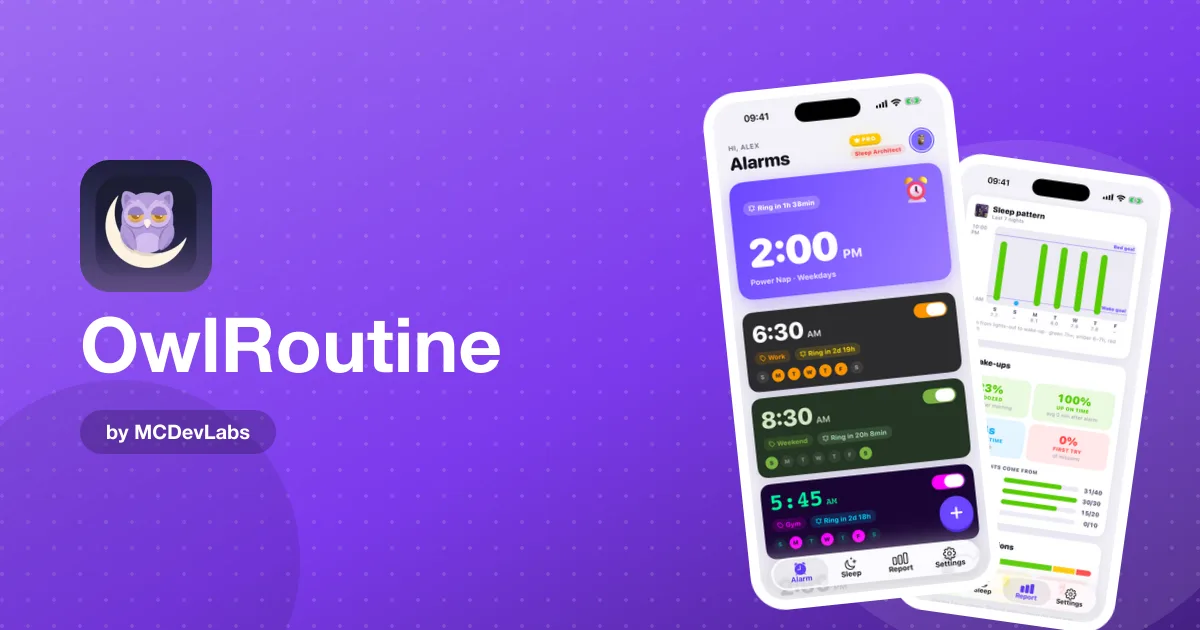
OwlRoutine is an alarm app for iPhone and Android that treats the morning and the night before as one problem. In the morning, you can't just swipe the alarm off: you complete a dismiss mission first, either a math problem or a photo that has to match a reference picture you took earlier. In the evening, a nightly wind-down routine gives you a bedtime and a short checklist of calming steps. Every morning then gets a score, and those scores add up to a monthly heatmap of clean, snoozed and struggled mornings. Coins, badges and themes sit on top to make the habit feel rewarding.
The core loop, tested the way users test it
We judge an alarm app by one question: does it get you out of bed on the mornings you would rather not? Here is how each part holds up.
The alarm itself
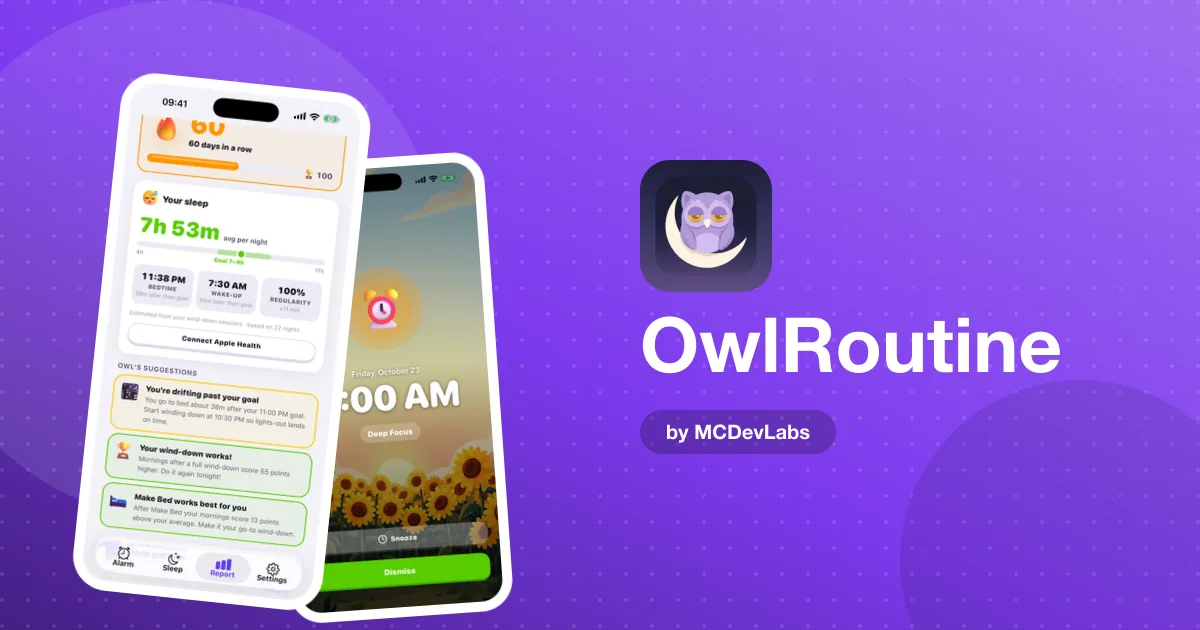
When the alarm fires, OwlRoutine takes over the screen with a calm, full-screen view: the time, the alarm label, and two big buttons for Snooze and Dismiss. We kept the controls large on purpose. Nobody has fine motor control at 6:30 a.m., and tiny buttons are how people accidentally turn alarms off.
OwlRoutine's alarms behave like real alarms rather than loud notifications you can swipe away, and they take over the screen when they ring. That reliability matters more than any feature on this list. An alarm that sometimes doesn't ring is worse than no alarm at all.
Dismiss missions
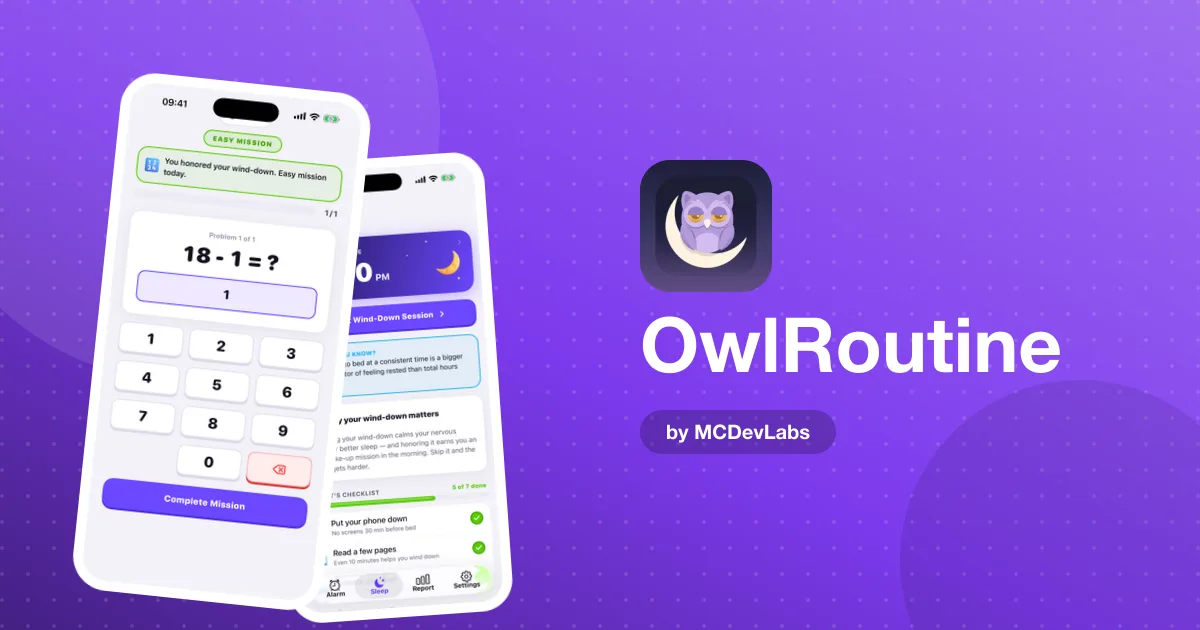
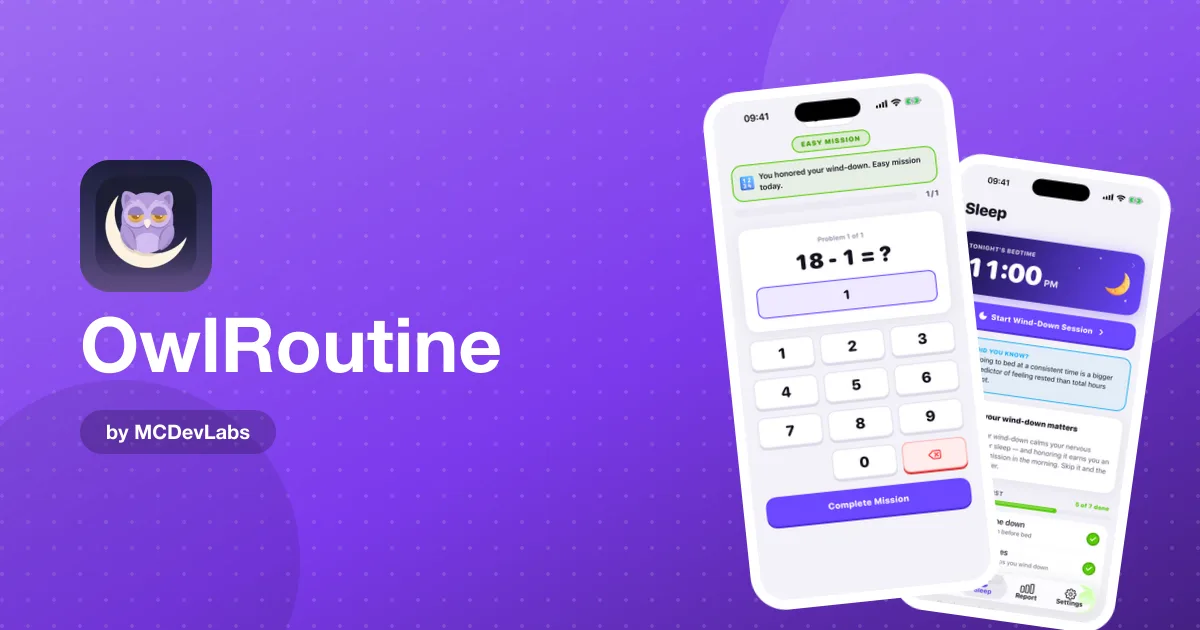
This is the feature most people install the app for. A math mission makes you solve a problem before the alarm stops. A photo mission makes you walk to a spot you chose in advance, say the bathroom sink or the kettle, and take a picture that matches your reference shot. The photo doesn't need to be perfect, but it does need to show the spot you chose.
Missions work because they break autopilot. By the time you've walked to the kitchen and framed a photo, your brain is awake enough to decide not to crawl back into bed. If you've ever wondered why snoozing makes mornings worse, this is the mechanism that stops it.
The wind-down routine
This is the part we're proudest of, and the part reviewers of mission alarms usually skip. You set tonight's bedtime and a checklist: phone down, read, stretch, meditate. A guided session with a timer walks you through it. It's simple, and that's the point. A wind-down routine that needs a manual is one nobody does.
The sleep report
Each morning gets a score, and the report shows your average score, best day, consistency rate and current streak, plus the heatmap calendar. The heatmap is the feature people end up checking most. A bad week is obvious at a glance instead of being a vague feeling. If you want to know how to read a number like this without obsessing over it, the product blog has a good piece on what a sleep score is and how much to trust it.
Scorecard
Here's how we would rate each area if we were reviewing someone else's app with the same standards.
| Area | What works | What to know |
|---|---|---|
| Alarm reliability | Behaves like a real alarm, full-screen wake-up view | Snooze is still there, but every snooze is recorded |
| Dismiss missions | Math and photo proof | Two mission types, not a huge menu |
| Wind-down | Bedtime, checklist, guided session with timer | Works only if you open it in the evening |
| Sleep report | Score, heatmap, streaks, consistency rate | Full Report tab is part of Pro |
| Motivation | Coins, shop, themes, badges like Month Master | Rewards are a nudge, not a cure |
| Platforms | iPhone and Android, localized into several languages | No wearable integration |
What we'd improve if we were reviewing a competitor
Being honest cuts both ways.
Two mission types. Math and photo cover most people, but some alarm apps offer many more mission styles. We chose depth over breadth: we'd rather have two missions that work every time than eight that half-work. If you want a large menu of mission variants, this isn't the app for you.
The free tier is deliberately simple. The free plan includes one alarm, photo and math missions and the nightly checklist. Unlimited alarms, the full Report tab, guided wind-down sessions, custom alarm backgrounds, themes and the rewards shop are part of Pro, with a 3-day free trial on the subscription plans and a one-time lifetime option. We think that's a fair split, but you should know it before you install.
It won't diagnose anything. OwlRoutine is a habit tool. If you sleep eight hours and still wake up exhausted every day, an alarm app is not the fix, and you should talk to a doctor.
How it compares, briefly
Most mission alarms stop at the morning. They are good at forcing you vertical and then they're done with you. OwlRoutine's bet is that the alarm is only half of the job, and that the evening routine and visible consistency are what make the next 30 mornings easier. The product team wrote a detailed, side-by-side breakdown in OwlRoutine vs Alarmy vs Wayk if you're choosing between them.
A typical first week
To make this concrete, here's what the first week usually looks like for a new user. Night one, you set a bedtime and tick through a short checklist. Morning one, the alarm rings, you stumble to the kettle and take a slightly crooked photo that still matches. By midweek, the heatmap has a few coloured squares and you can already see which morning went badly. By the weekend, you either have a small streak worth protecting or a clear signal that your evenings need work.
That is the honest pitch. The app doesn't change your sleep overnight. It gives you a structure and a mirror, and the mirror is what makes the structure stick.
Who should install it
- Chronic snoozers who have tried a louder alarm and found it didn't help.
- People who go to bed too late and want a nudge in the evening, not just a shove in the morning.
- Anyone who likes seeing progress. The heatmap and streaks turn a fuzzy goal into something you can track.
Who should skip it: people who wake up fine with the stock Clock app, and people who want detailed sleep-stage data from a wearable.
Want a closer look?
If you'd like to see each step of the app in order, from setting a bedtime to earning your morning score, read our walkthrough of how OwlRoutine works. The OwlRoutine case study shows the screens.
The verdict
OwlRoutine is a focused tool for one stubborn problem: mornings that fall apart because the night before did. The missions get you up, the wind-down gets you to bed, and the report shows you whether it's working. It won't replace a doctor or a sleep lab, and it doesn't try to.
If that sounds like your mornings, it's free to start. Get it on the App Store or Google Play and give it two weeks before you judge it.
Frequently asked questions
- Is OwlRoutine free?
- Yes, it is free to start. The free plan includes one alarm, photo and math missions and the nightly wind-down checklist. Pro adds unlimited alarms, the full Report tab, guided wind-down sessions, themes and the rewards shop.
- Does OwlRoutine work on iPhone and Android?
- Yes. It is available on the App Store and Google Play, and the app is localized into several languages.
- Where should I take the reference photo for the photo mission?
- Somewhere away from your bed that you pass in the morning anyway, such as the bathroom sink, the kettle or the front door. If you can take the photo without getting up, it is the wrong spot.
- Is OwlRoutine a sleep tracker?
- Not in the wearable sense. It scores your mornings and shows streaks, consistency and a clean, snoozed or struggled heatmap rather than measuring sleep stages.
Have an app idea?
We turn ideas into production apps on the App Store, Google Play, and Telegram. Let's build yours together.
Start a Project