Sleep Routine for Remote Workers — Structure When Nobody Checks
A sleep routine for remote workers with no commute to force structure. How to use OwlRoutine to anchor wake-ups, evenings and weekends at home.
Remote work quietly removed one of the strongest sleep tools most people had: the commute. When you had to be on a train at 7:40, your wake-up time was fixed whether you liked it or not. Now the only deadline is a 9:30 standup you can join from bed with the camera off.
That freedom is great until your sleep drifts. Bedtime slides to 1 a.m., wake-up slides to 9:20, and by Thursday you're tired at 3 p.m. for no obvious reason. This guide is about rebuilding structure without a commute, using OwlRoutine to do the parts that willpower alone usually doesn't.
What the commute was actually doing for you
The commute wasn't just travel time. It did three jobs:
| Job the commute did | What happens without it | How to replace it |
|---|---|---|
| Fixed your wake-up time | Wake-up drifts later each week | A repeating alarm with a mission |
| Got you outside in morning light | Your body clock runs later | A short walk before work |
| Separated work from home | Work bleeds into the evening | A wind-down that starts at a set time |
Each of these maps onto something you can build back deliberately.
Step 1 — Anchor your wake-up time
The single most useful sleep habit for remote workers is a consistent wake-up time, seven days a week, within an hour or so. Not a perfect eight hours, not a strict bedtime, just the same start to the day. The product blog makes the case in detail in why sleep consistency matters more than sleeping longer.
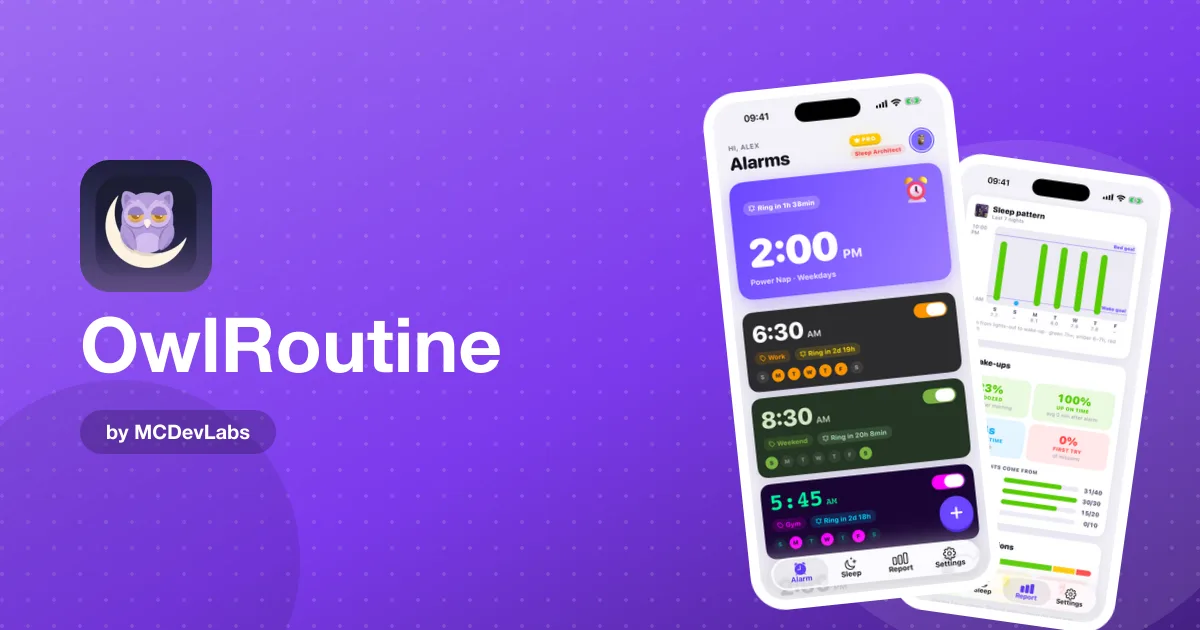
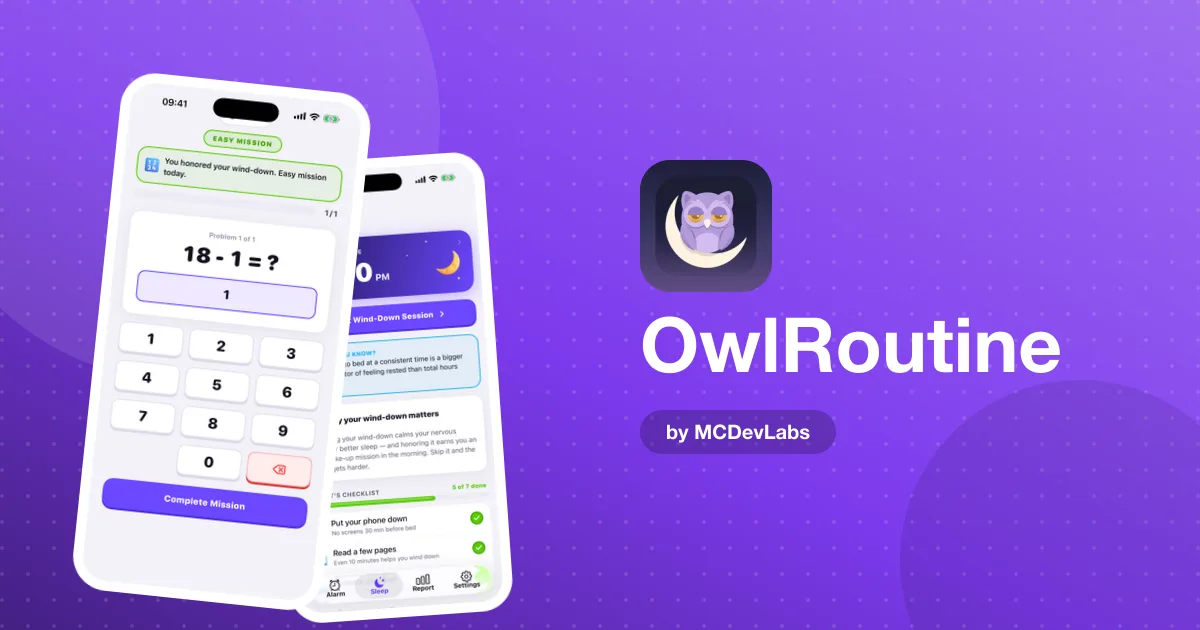
In OwlRoutine, set one repeating alarm for workdays and one for weekends, no more than an hour apart. The free plan includes one alarm and unlimited alarms are part of Pro, so on the free plan, set a single alarm that repeats every day at the same time. Attach a photo mission to the workday alarm. Choose a reference spot that's part of your morning anyway: the coffee machine, the kettle, the front door if you walk first thing.
Label it with something real. "Walk, then coffee" works better on the full-screen alarm than "Wake up".
Step 2 — Replace the commute with a morning walk
Without a commute, many remote workers don't see daylight until lunchtime. Morning light is one of the main signals your body clock uses to set itself, and missing it is one reason home-working schedules drift later.
A ten to twenty minute walk before you open your laptop does the job. It also gives the morning a shape. If you need a fuller template for the first hour of the day, the product blog has a guide to a productive morning routine for working from home.
Step 3 — Build an end to the workday
At home, the laptop is always within reach, and "one more email" at 10 p.m. keeps your brain in work mode right up to bed. OwlRoutine's nightly wind-down is designed for this.
Set tonight's bedtime, then a checklist you'll actually do. For remote workers, we suggest:
- Close the laptop and put it somewhere you can't see it. The checklist is the ritual that marks the end of work.
- Phone face down. The wind-down session includes a phone-face-down timer.
- Something analogue. A book, a stretch, a few minutes of quiet.
- Lights lower. Your home office is probably brighter than your evenings should be.
The guided wind-down session runs through your checklist with a timer, which helps on nights when your brain is still replaying the last meeting.
Step 4 — Watch the weekends
Remote workers are especially exposed to social jet lag: weekday wake-ups at 8, weekend wake-ups at 11, and a Monday that feels like you've flown across time zones. The product blog explains the effect in social jet lag and weekend lie-ins.
The heatmap in OwlRoutine makes this visible fast. Every morning is marked clean, snoozed or struggled. If your Mondays are consistently struggled, the problem is almost certainly Saturday and Sunday, not Monday.
A sample remote-work setup
| Time | What happens | OwlRoutine feature |
|---|---|---|
| 7:30 | Alarm, photo mission at the kettle | Mission alarm, label "Walk, then coffee" |
| 7:40 | 15-minute walk outside | None, just do it |
| 8:30 | Start work | |
| 18:00 | Close the laptop | |
| 22:30 | Wind-down starts | Bedtime plus checklist, guided session |
| 23:15 | Lights out | Phone-face-down timer |
| Sat, Sun 8:30 | Weekend alarm, math mission | Second repeating alarm (Pro) |
Adjust the times to your own schedule; keep the shape.
Common traps for home workers
A few patterns come up again and again for people who work from home:
- Meetings in bed. Joining the first call from under the duvet is efficient once and corrosive as a habit. It teaches your brain that the bed is part of the workday.
- Lunch as the first meal outside. If the first daylight you see is at 1 p.m., your body clock will keep drifting later.
- Evening catch-up sessions. An hour of email after dinner feels productive, then costs you an hour of sleep and a groggy morning.
- Flexible start times every day. "I'll start when I'm up" sounds freeing, but a different wake-up each day is exactly what makes you feel tired.
- Treating weekends as a reset. Sleeping in to "catch up" mostly just shifts your clock later before Monday.
None of these is a disaster on its own. Together, they explain most of the tiredness remote workers describe.
Using the report without obsessing over it
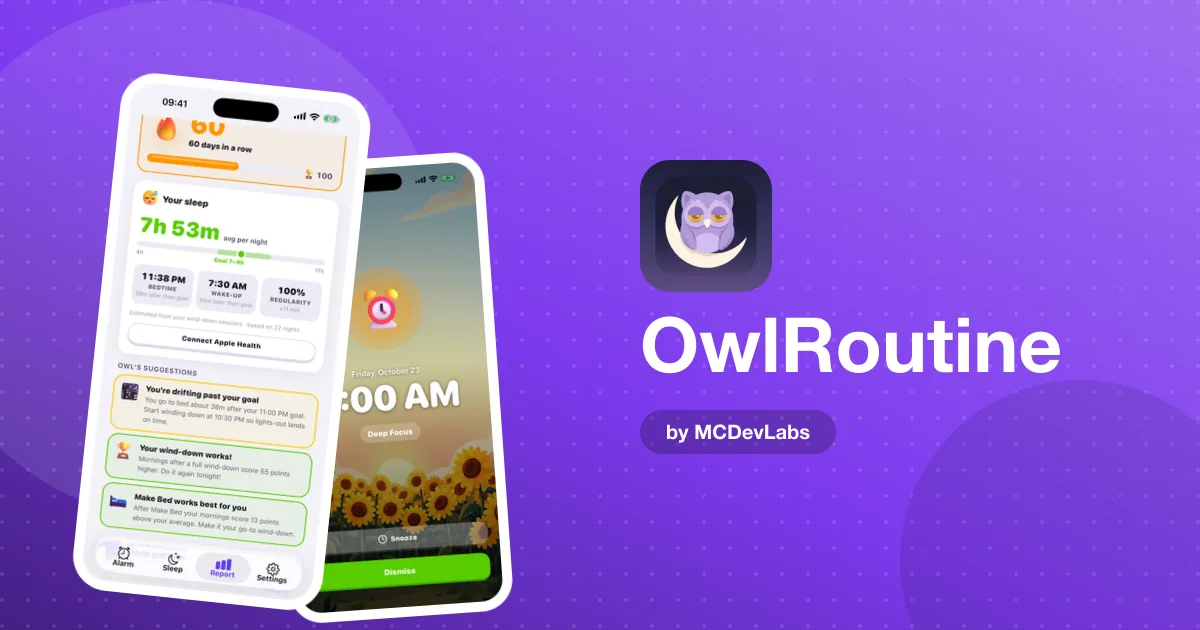
The sleep report shows your average score, best day, consistency rate and current streak, plus the monthly heatmap. Check it once a week, not every morning. Look for patterns: struggled days after late calls, snoozed mornings after evenings when you skipped the wind-down. Then change one thing.
The full Report tab and guided wind-down sessions are part of Pro. The free plan covers one alarm, photo and math missions and the nightly checklist, which is enough to rebuild your wake-up anchor.
If you work across time zones
Distributed teams often mean early calls one day and late calls the next. Resist rebuilding your whole schedule around the outlier meetings. Keep the wake-up anchor where it is, and treat an occasional late call as an exception, with a shorter wind-down afterwards rather than no wind-down at all.
Why rewards help when nobody's watching
In an office, the social structure did some of the motivating. At home, nobody notices whether you started at 8:30 or 9:25. OwlRoutine's coins, badges and streaks are a small substitute: earning coins for clean mornings and wind-downs, and badges like Month Master for a 30-day streak, gives you a reason to keep the streak going on days when nothing else does.
Made for days with no external start time
OwlRoutine is designed for exactly this case: a day where nothing outside you forces a start time. That's why the alarm, the wind-down and the report are connected rather than separate tools. You can see the screens in the OwlRoutine case study.
Get started
Set a repeating alarm with a photo mission, keep your weekend wake-ups within an hour of your workday ones, and start the wind-down three nights this week. OwlRoutine is free on the App Store and Google Play. To see how each part of the app fits together, read our OwlRoutine review.
Frequently asked questions
- Why is it harder to keep a sleep schedule when working from home?
- The commute used to fix your wake-up time and get you outside in morning light. Without it, wake-up times tend to drift later and work spills into the evening.
- What is the most important sleep habit for remote workers?
- A consistent wake-up time every day, including weekends, ideally within about an hour.
- How can OwlRoutine help separate work from evening?
- The nightly wind-down gives you a set bedtime and a checklist, such as closing the laptop and putting the phone face down, that marks the end of the workday.
- Should I check my sleep report every day?
- Weekly is better. Look for patterns on the heatmap, such as struggled Mondays or snoozed mornings after late calls, and change one thing at a time.
Have an app idea?
We turn ideas into production apps on the App Store, Google Play, and Telegram. Let's build yours together.
Start a Project