Stop Snoozing for Good With OwlRoutine — A Simple 7-Day Plan
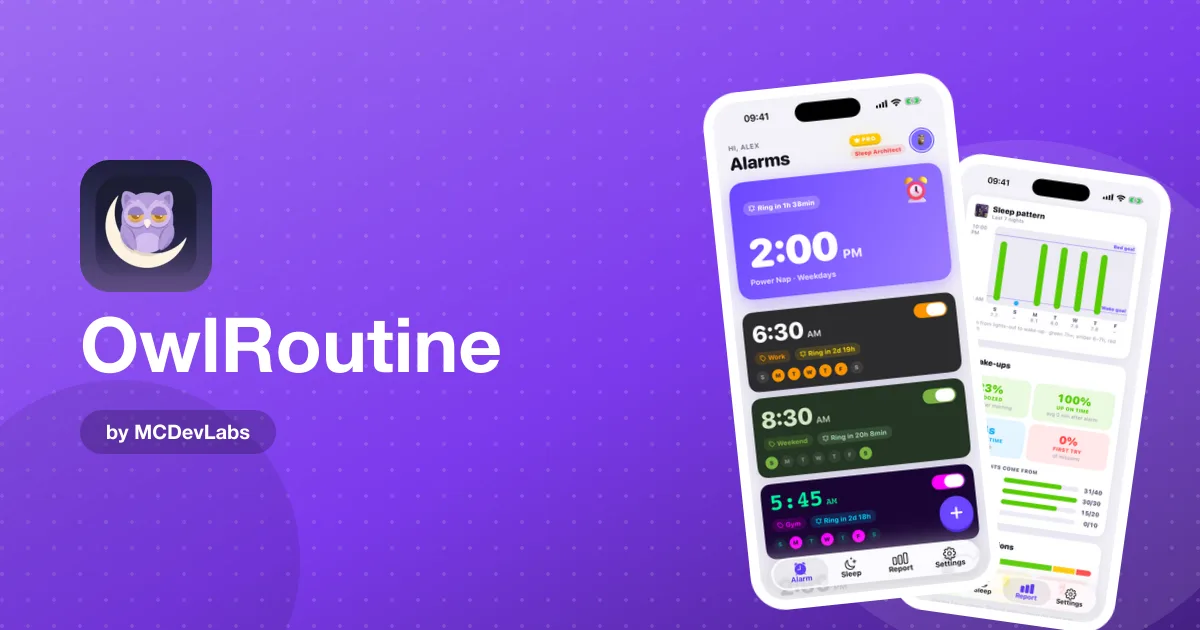
Stop snoozing for good with OwlRoutine. Mission alarms you can't swipe off, a wind-down that makes mornings easier, and a heatmap that shows your progress.
You set the alarm for 6:30 with the best intentions. At 6:30 you hit snooze. At 6:39 you hit it again. At 7:05 you're out of bed, late, foggy and annoyed with yourself, and tomorrow you'll do exactly the same thing.
If that's your morning, you're not lazy. Half-asleep you is making the decision, and half-asleep you will always pick the warm bed over a cold kitchen. The fix isn't more discipline at 6:30. It's an alarm that doesn't let half-asleep you decide. That's what we made OwlRoutine for, and this post shows you how to use it to stop snoozing for good.
Why one tap is the problem
Most alarms ask one thing of you: tap a button. You can do that without really waking up. That's the whole trap. Snooze is the easiest path, and every round of it pulls you back toward sleep you don't have time to finish, which is why you often feel worse after three snoozes than you would have after one clean wake-up. The product blog explains the science in how to stop hitting snooze and in its piece on why you wake up tired even after 8 hours.
So the goal is simple: make dismissing the alarm require you to be awake.
How OwlRoutine breaks the snooze habit
A mission stands between you and silence
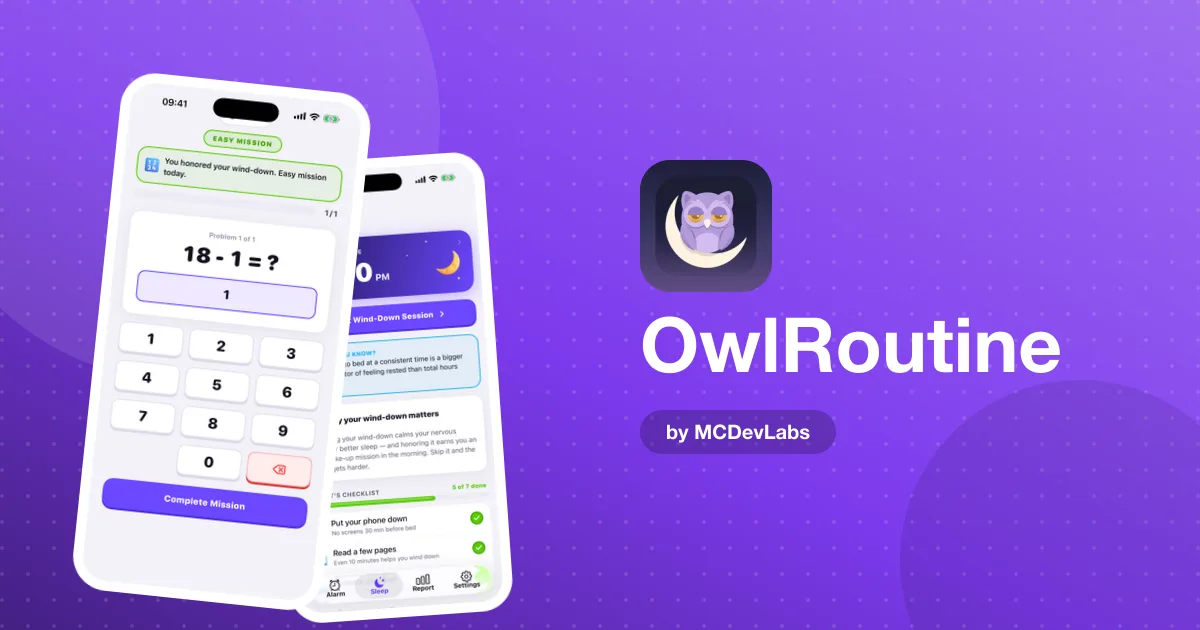
When an OwlRoutine alarm rings, you get a calm full-screen view with the time, your alarm label and two big buttons. Tap Dismiss and the alarm doesn't stop. Your mission opens instead.
| Mission | What you do | Best for |
|---|---|---|
| Math | Solve a quick problem on screen | Getting your brain online fast |
| Photo | Walk to a spot you chose and take a matching photo | Getting your body out of bed |
The photo mission is the strongest snooze-breaker. When you set the alarm, you take a reference photo of somewhere away from your bed: the bathroom sink, the kettle, the front door. In the morning, the only way to turn the alarm off is to go there and photograph it. Once you're standing in the kitchen, getting back into bed feels like more effort than just staying up.
A label that gives you a reason
Every alarm can have a label, and it shows up big on the wake-up screen. "Wake up" is a noise. "Run before work" or "Kids' lunches" is a reason. Use the label to tell tomorrow-morning you why it matters.
Snooze is still there, but it counts
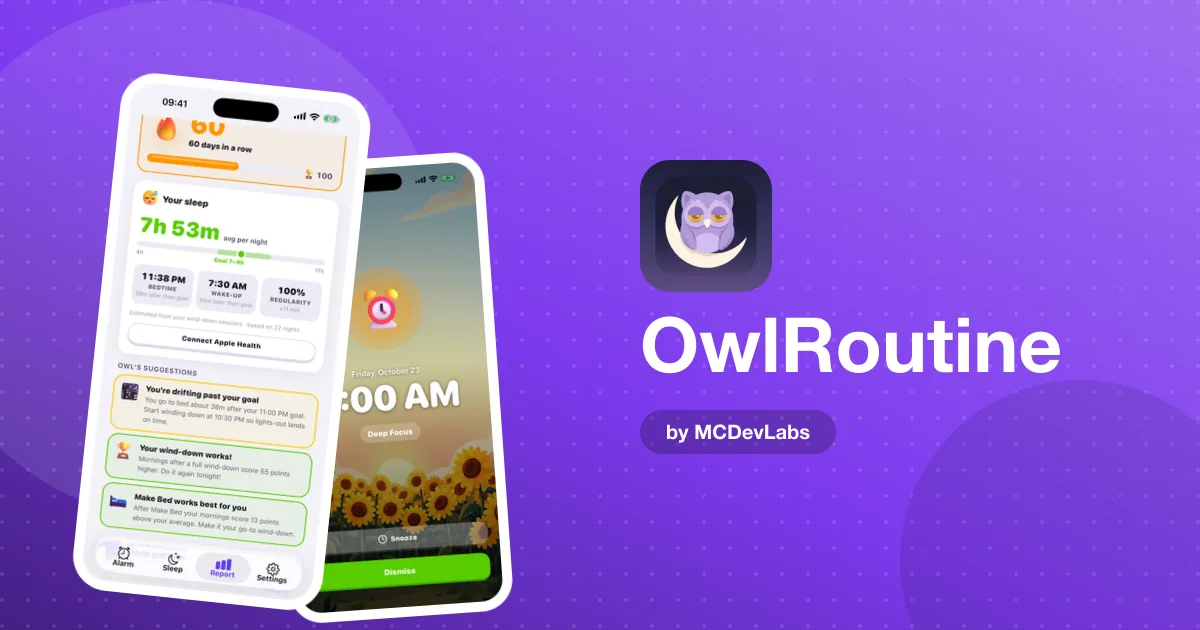
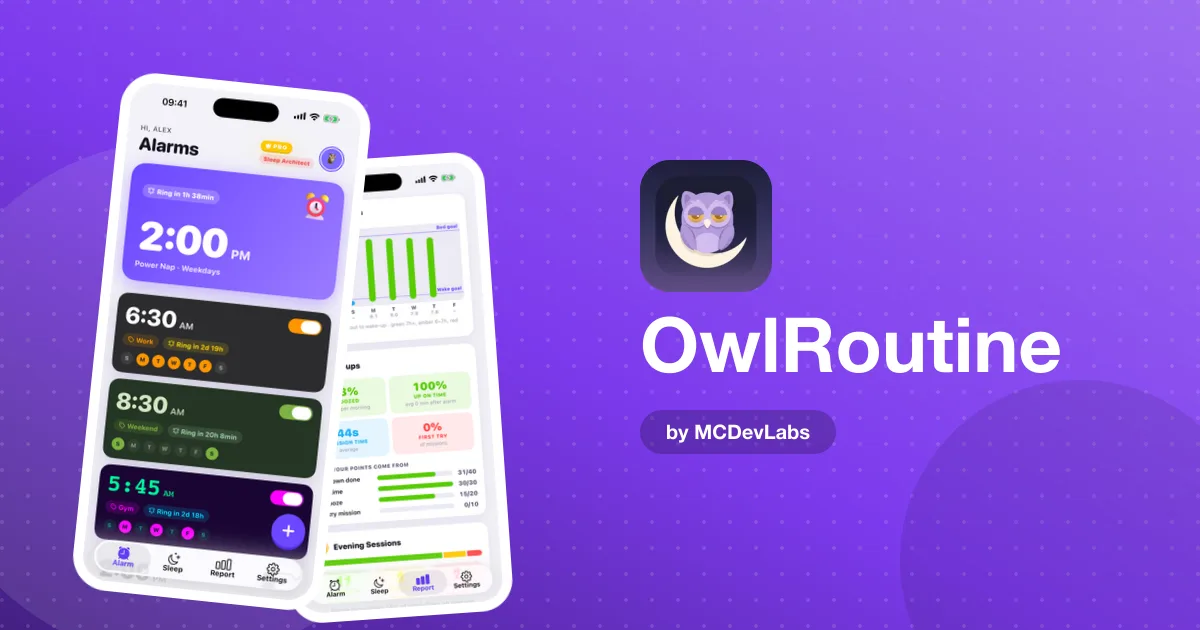
We didn't remove the snooze button. Some mornings you genuinely need ten more minutes. But every morning is marked as clean, snoozed or struggled, so snoozing stops being invisible. On Pro, the Report tab shows your snooze rate, on-time wake-ups and how quickly you finish your mission, plus a heatmap of the whole month.
The other half: the night before
You snooze hardest when you went to bed too late. A mission alarm will get you up at 6:30 after a 1 a.m. bedtime, but it won't make it feel good. That's why OwlRoutine pairs the alarm with a nightly wind-down.
Set tonight's bedtime and build a short checklist of calming steps, like putting your phone face down, reading a few pages, stretching or a few minutes of quiet. The checklist is included on the free plan. Pro adds a guided wind-down session that walks you through it with a timer, which helps on nights when you'd otherwise drift into another hour of scrolling.
If your alarm keeps catching you in the middle of deep sleep, it can also help to set bedtime in whole sleep cycles. The product blog's guide to sleep cycles explains how to count back from your wake-up time.
How to get started in 3 steps
- Download OwlRoutine and set one alarm. Pick your time, choose the days it repeats, and attach a photo mission. Take the reference photo somewhere at least a room away from your bed.
- Give it a label and a sound. Write the real reason you're getting up, and pick a sound you won't learn to sleep through.
- Set tonight's bedtime. Add three things to your wind-down checklist and start it 30 minutes before bed.
That's it. The free plan includes one alarm, both missions and the checklist, so you can do all of this without paying anything.
A 7-day plan to quit snoozing
Habits change faster with a plan. Here's a simple week:
| Day | Focus | What to do |
|---|---|---|
| 1 | Set up | One alarm, photo mission, real label |
| 2 | Distance | Move the reference spot further from bed if day 1 felt too easy |
| 3 | Evening | Start the wind-down checklist 30 minutes before bed |
| 4 | Light | Open the curtains or turn on a bright light as soon as the mission is done |
| 5 | Consistency | Same alarm time, even if you went to bed late |
| 6 | Weekend | Keep the wake-up within an hour of your weekday time |
| 7 | Review | Count your clean mornings and change one thing for next week |
Don't aim for seven perfect mornings. Aim for more clean mornings than last week. That's how the habit actually forms.
Tips that make the mission work better
- Choose a spot you'll need anyway. The kettle or the coffee machine works well, because once you're there, the next step of your morning is already in front of you.
- Keep the phone out of arm's reach. If you have to stand up to even see the alarm, you've already won half the battle.
- Don't fight the mission, finish it. It takes a short moment. Rushing it half-asleep usually takes longer.
- Make the reward visible. On Pro, clean wake-ups and wind-downs earn coins for the rewards shop, and streaks earn badges. A long streak is surprisingly hard to break.
Who this works for
OwlRoutine is a good fit if you:
- hit snooze more than once on most mornings
- sleep through regular alarms
- feel groggy and rushed even when you get "enough" sleep
- want mornings and evenings to feel like one routine, not two separate battles
If you're a student fighting 9 a.m. lectures, our guide on using OwlRoutine as a college alarm app has a setup for that. For the full picture of the app, see how OwlRoutine works.
Your last snooze can be tomorrow
You don't need to become a morning person overnight. You need an alarm that won't let you drift back to sleep and an evening that makes getting up a little easier. OwlRoutine gives you both, and you can start free.
Download OwlRoutine on the App Store or Google Play, set your first photo mission tonight, and make tomorrow a clean morning.
Frequently asked questions
- How does OwlRoutine stop me from snoozing?
- Dismissing an alarm opens a mission. You either solve a quick math problem or walk to a spot you chose and take a matching photo, so you have to be awake before the alarm stops.
- Can I still snooze in OwlRoutine?
- Yes, the snooze button is still there for mornings when you need it. Each morning is marked clean, snoozed or struggled, so you can see how often you use it.
- Which mission is better for heavy snoozers?
- The photo mission. Because your reference spot is away from your bed, you have to get up and walk there to turn the alarm off.
- Do I need Pro to stop snoozing?
- No. The free plan includes one alarm, photo and math missions, and the nightly wind-down checklist. Pro adds unlimited alarms, the full Report tab, guided wind-down sessions and rewards.
Have an app idea?
We turn ideas into production apps on the App Store, Google Play, and Telegram. Let's build yours together.
Start a Project