OwlRoutine Free vs Pro — What Each Plan Gets You, Side by Side
OwlRoutine Free vs Pro, side by side. What the free plan includes, what Pro unlocks, how the 3-day trial works, and which plan fits your mornings.
You've found an alarm app that promises to actually get you out of bed, and now there's a plan screen in front of you. Free, monthly, annual, lifetime. Do you need to pay to stop snoozing, or is the free version enough?
Short answer: for a lot of people, the free plan is enough to fix the morning. Pro is for people who want more than one alarm, want to see their patterns, or want the evening side of the routine guided for them. This post lays out exactly what's in each plan of OwlRoutine, so you can download it and pick the right one without guessing.
The two plans in one table
Everything below comes straight from the OwlRoutine pricing page.
| Feature | Free | Pro (monthly, annual or lifetime) |
|---|---|---|
| Alarms | 1 alarm | Unlimited alarms |
| Photo and math dismiss missions | Yes | Yes |
| Nightly wind-down checklist | Yes | Yes |
| Report tab and analytics | Locked | Full Report tab and analytics |
| Guided wind-down sessions | No | Yes |
| Custom alarm-screen backgrounds | No | Yes |
| Themes and avatars | No | All themes and avatars |
| Coins and rewards shop | No | Yes |
| Free trial | Free forever | 3-day free trial on monthly and annual |
Pro comes in three forms: monthly, annual and a one-time lifetime purchase. All three unlock the same features. The annual plan is marked as the most popular, and the lifetime option means you pay once and own it. You'll see current prices in the app before you commit to anything.
What the free plan already does well
The free plan isn't a demo. It includes the part of OwlRoutine that does the heavy lifting in the morning: the mission alarm.
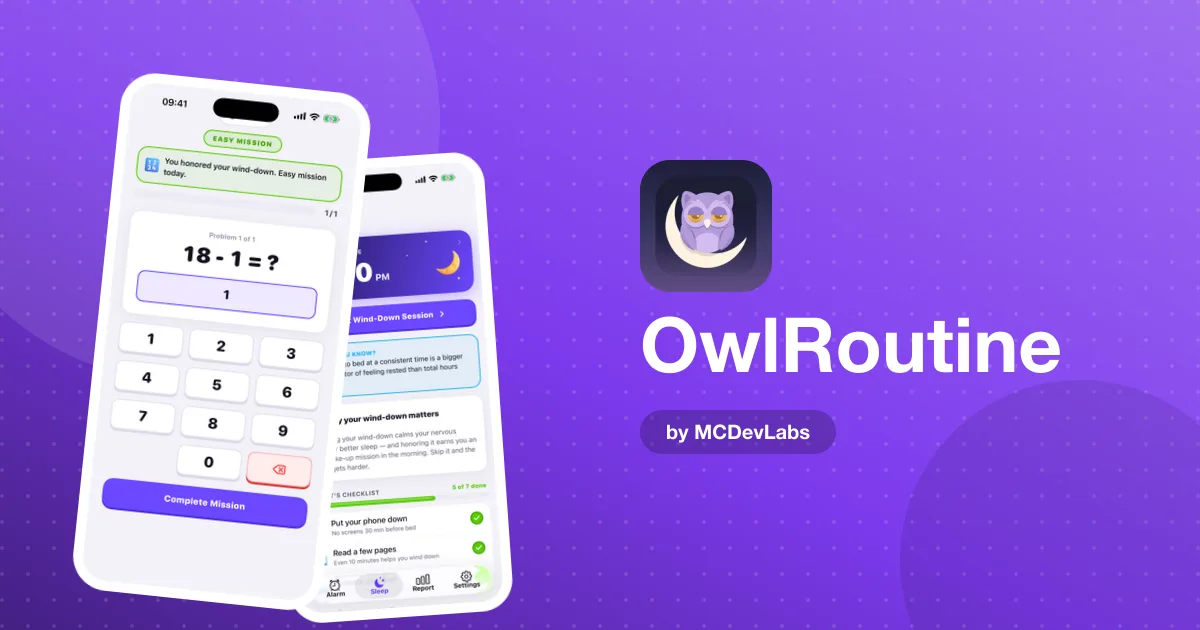
When your alarm rings, a full-screen wake-up view shows the time, your label and two big buttons. Tapping Dismiss doesn't just switch it off. It opens your mission:
- Math mission. Solve a quick problem. Your brain has to come online to do it, and that's usually enough to break the "five more minutes" reflex.
- Photo mission. Walk to a spot you chose while you were awake, like the kettle or the bathroom sink, and take a photo that matches your reference picture. By the time you're standing at the sink, you're up.
You also get the nightly wind-down checklist: set tonight's bedtime and tick off a few calming steps, like putting your phone face down, reading or stretching. That evening half matters more than people expect. The product blog explains why in its guide to the perfect wind-down routine.
If you wake up at the same time every day, one alarm covers you. Set it to repeat daily, attach a photo mission, give it a real label ("Coffee, then shower"), and you have the core of OwlRoutine for free.
What Pro adds, and when it matters
Unlimited alarms
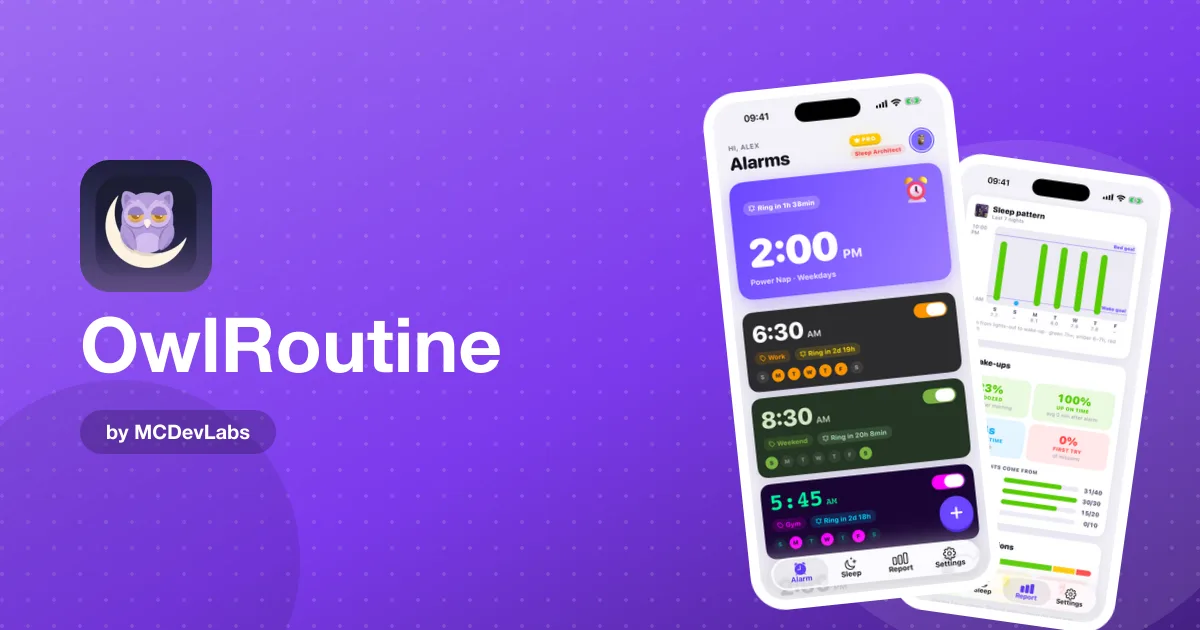
This is the most common reason to upgrade. One alarm is fine for a fixed schedule. It gets tight when your days aren't the same: an earlier alarm on gym days, a later one at weekends, a separate alarm for a flight or an early meeting. The product blog has a fair take on setting multiple alarms and when that backfires. The short version: several alarms stacked five minutes apart is a snooze habit in disguise, but a few well-labeled alarms for different days are genuinely useful.
The full Report tab
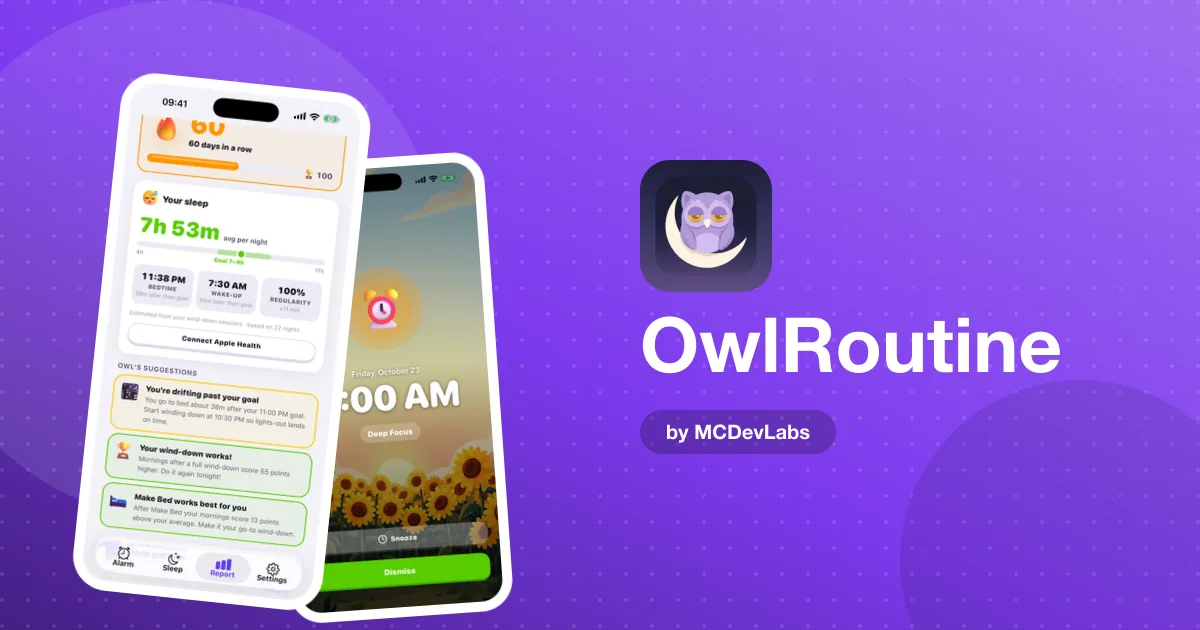
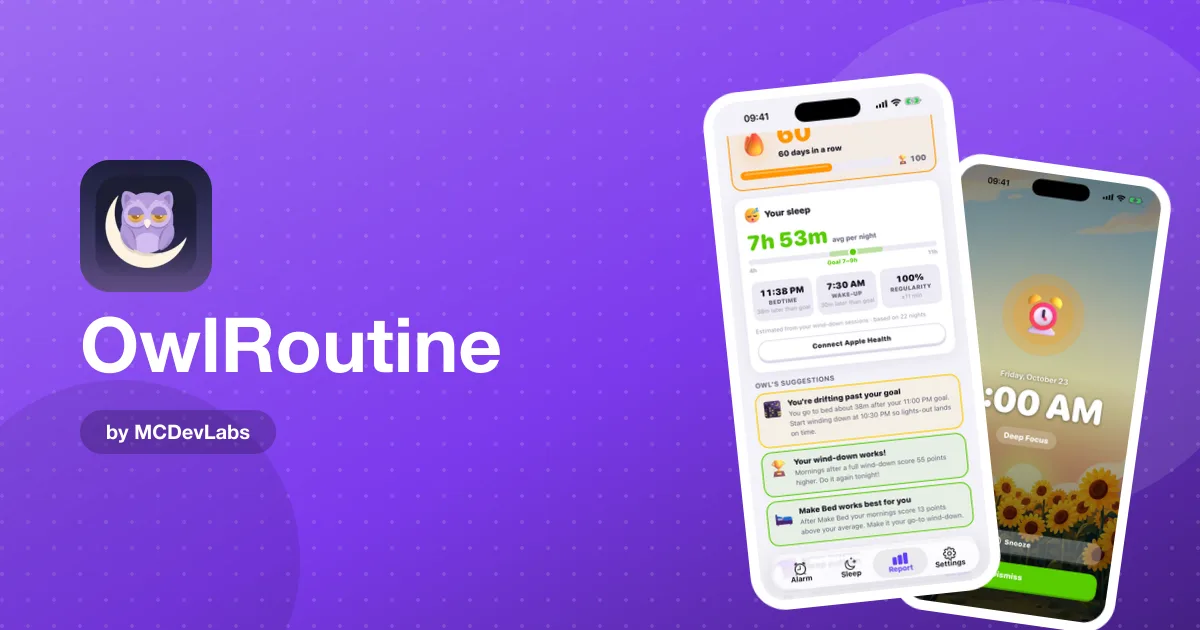
Pro unlocks the Report tab: average sleep, bedtime, wake-up time and regularity, a seven-night chart of bedtime to wake-up against your goals, and wake-up stats like snooze rate, on-time wake-ups, mission time and first-try success. Each morning lands on a heatmap marked clean, snoozed or struggled.
This is where vague tiredness becomes something you can fix. "I've been bad at mornings" turns into "I struggle every Monday", which usually points to the weekend. If you care about building a steady rhythm, the product blog's piece on why sleep consistency matters shows why that pattern is worth watching.
Guided wind-down sessions
The free checklist tells you what to do. A guided session walks you through it with a timer, step by step. If your evenings tend to dissolve into scrolling, the guidance is often what makes the checklist actually happen.
Rewards, themes and backgrounds
Pro also opens the coins and rewards shop. Clean wake-ups and completed wind-downs earn coins you can spend on avatar faces, robots and themes, and you collect badges as your streaks grow. You can also set a custom background for the alarm screen. None of this wakes you up on its own, but a streak you can see is a real reason not to snooze on day 19.
Which plan should you pick?
Here's a simple way to decide:
| If this sounds like you | Start with |
|---|---|
| Same wake-up time every day, just need to stop snoozing | Free |
| Different times on different days, or extra alarms for trips | Pro |
| You want to see why some mornings go badly | Pro |
| Your evenings are the real problem, not your mornings | Pro, for guided wind-downs |
| Streaks and rewards keep you motivated | Pro |
| Not sure yet | Free, then try the 3-day trial |
There's no harm in starting free. The mission alarm and the checklist are the parts that change your mornings first. If after a week you're wishing for a second alarm or curious about your heatmap, start the trial.
How to get started in 3 steps
- Download OwlRoutine and set one alarm. Pick your time and days, attach a photo or math mission, add a label and choose a sound you don't hate.
- Set tonight's bedtime and checklist. Keep it short: phone face down, something to read, lights lower.
- Run it for a week, then decide. If one alarm and the checklist are doing the job, stay free. If you want more alarms, the full report or guided sessions, start the 3-day free trial on a monthly or annual plan, or go lifetime.
For a fuller walkthrough of how the alarm, the wind-down and the report connect, read how OwlRoutine works, or our honest OwlRoutine review.
The bottom line
The free plan gets you up. Pro helps you understand your mornings and makes the evening routine easier to stick with. Both start with the same mission alarm, so the fastest way to know which you need is to try it tomorrow morning.
Download OwlRoutine free on the App Store or Google Play, set your first mission alarm tonight, and see how tomorrow goes.
Frequently asked questions
- Is OwlRoutine free?
- Yes. The free plan is free forever and includes 1 alarm, photo and math dismiss missions, and the nightly wind-down checklist.
- What does OwlRoutine Pro add?
- Unlimited alarms, the full Report tab and analytics, guided wind-down sessions, custom alarm-screen backgrounds, all themes and avatars, and the coins and rewards shop.
- Is there a free trial for OwlRoutine Pro?
- Yes. The monthly and annual plans both come with a 3-day free trial. There is also a one-time lifetime option.
- Can I use dismiss missions on the free plan?
- Yes. Photo and math missions are included in the free plan, so your one alarm can still make you prove you're awake before it stops.
- Do the monthly, annual and lifetime plans have different features?
- No. All three Pro options unlock the same features. They only differ in how you pay.
Have an app idea?
We turn ideas into production apps on the App Store, Google Play, and Telegram. Let's build yours together.
Start a Project